
Photta
Transform Your Product Photography with AI
Join thousands of brands creating professional product photos instantly. Start free, no credit card required.
Get Started Free
Marcus Bell
DTC & Shopify E-commerce Growth Strategist
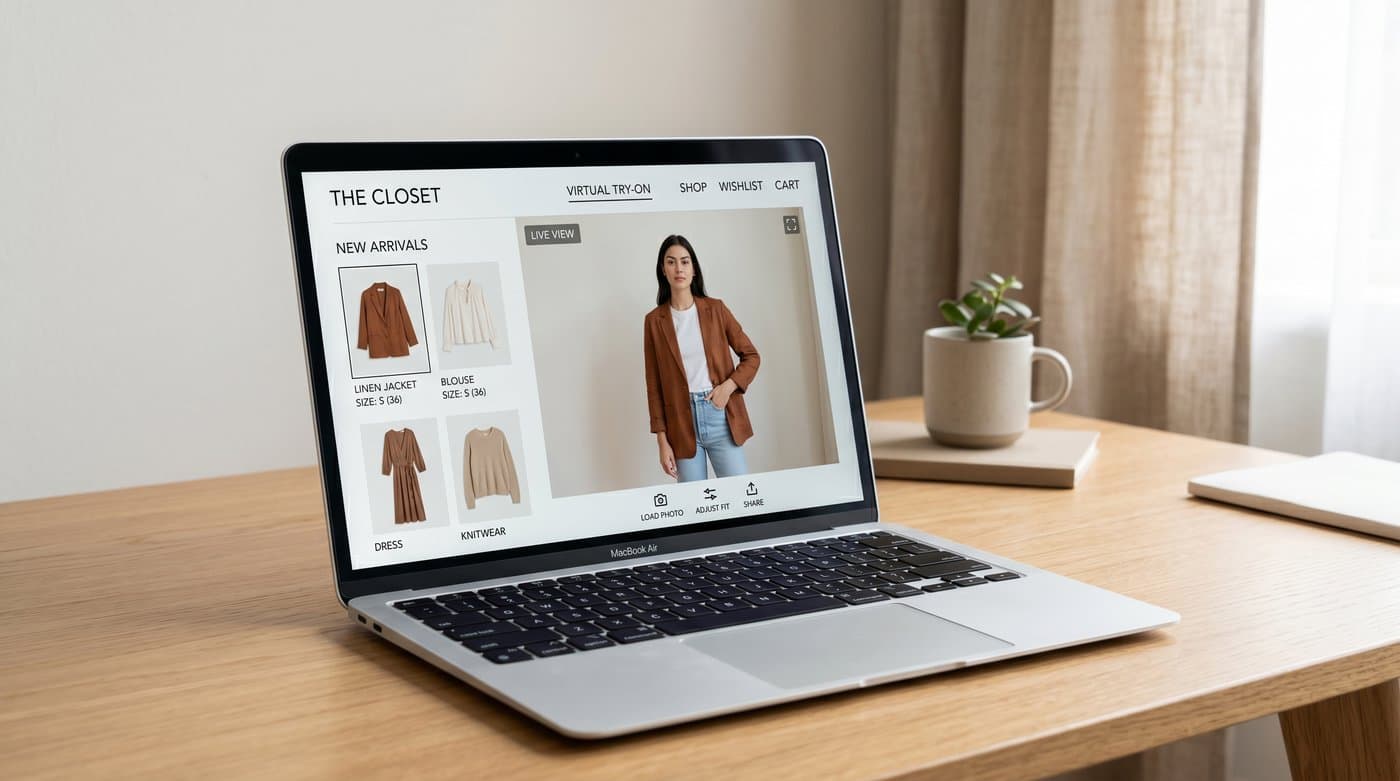
Adding virtual try-on to Shopify used to mean an app integration, a developer, and a budget. In 2026 it is a paste-and-go job. If you sell clothing or jewelry, you can give shoppers an on-body try-on, where they upload a photo and see your product on themselves, in the time it takes to edit your theme once. Here is exactly how, with no code.
The short version: you add a managed try-on widget as a single script tag in your Shopify theme. The widget hosts the whole experience, so there is nothing to build and nothing to maintain. Below is the step by step, plus how to make sure it actually converts.
What you are adding
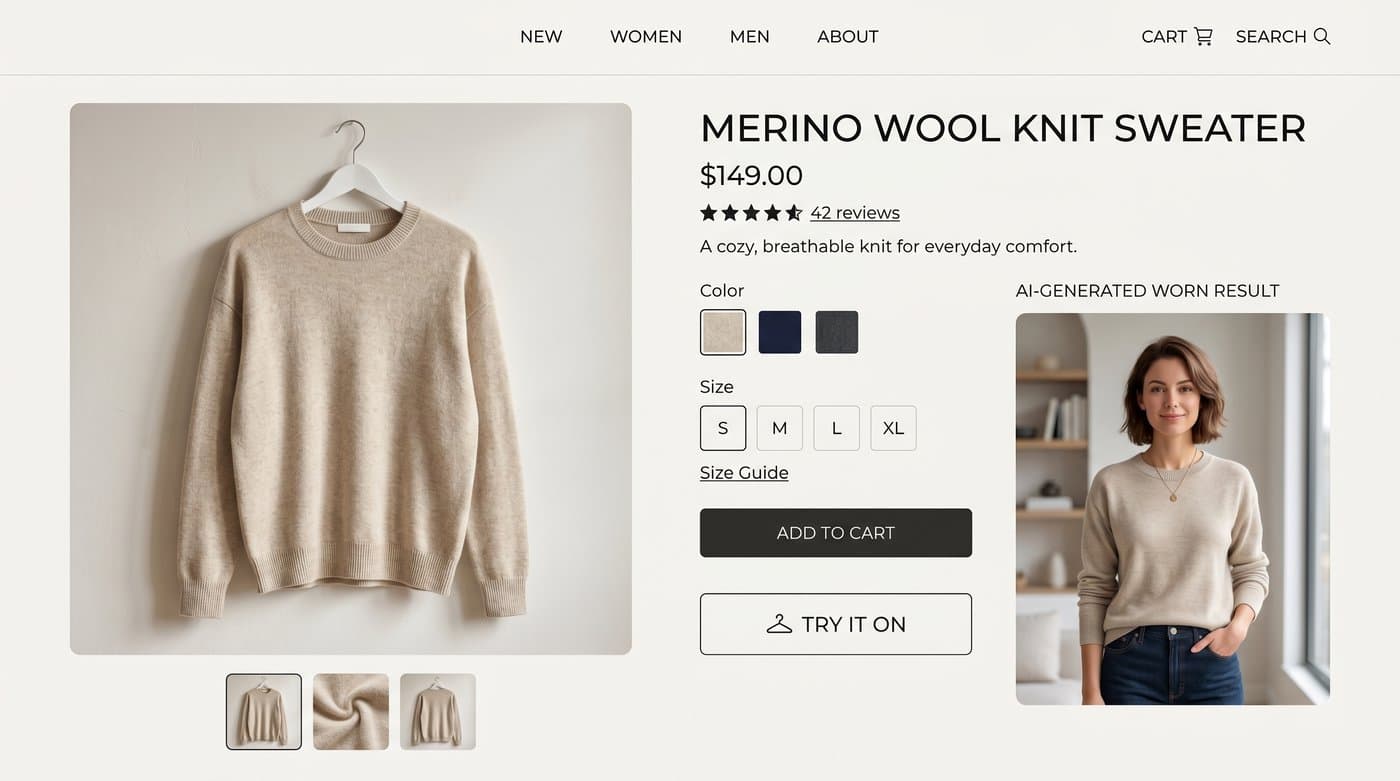
A try-on widget is hosted software that lives on your product page. The shopper taps "Try it on", uploads a photo, and AI returns an image of them wearing your item. For clothing this is AI-image try-on, which reads far better than a camera overlay because garments drape and move. The widget handles the upload screen, the result, mobile, languages, privacy, and bot protection. You handle pasting one line.
The no-code setup, step by step
Using Photta as the example, the whole thing is four steps:
- Sign up and start the free trial. Create an account at business.photta.app. The trial runs 14 days with 30 try-ons, no card needed.
- Create a key and pick your category. Choose apparel or jewelry, then add your Shopify domain (for example
your-store.myshopify.comand your custom domain) so the widget only runs on your site. - Paste the snippet into your theme. In Shopify admin, open Online Store, then Themes, then Edit code, and paste this into
theme.liquidbefore the closing body tag:
<script src="https://widget.photta.app/v1.js" data-key="pk_live_..."></script>
- Set the product image and brand color. Point the widget at your product image and match your brand. Save, and the Try It On experience is live.

No app store install, no Liquid templating gymnastics, no developer ticket. If you can edit your theme or paste into a custom HTML block, you can do this.
Make sure it actually converts
Installing it is the easy part. A few choices make it pay:
- Put the button where shoppers look. Shoppers explore the images before any text, 56 percent of them first, so place the try-on near the product gallery, not buried below the fold.
- Use it on your best sellers first. Start with the products that drive the most traffic and the most size-related returns.
- Keep the privacy line visible. Telling shoppers their photo is deleted after processing raises the share who actually try.
Why it is worth it
The payoff is well documented. Try-on users convert at about 2.3 times the rate of those who do not, and try-on reduces returns by 35 to 45 percent in apparel. For a Shopify store, that is more orders and fewer refunds from a single theme edit.

What it costs
After the free trial, paid plans start around $49 a month for 500 try-ons, scaling up as you grow. There is no per-app revenue share and no engineering bill, which is what makes the no-code route the obvious one for most Shopify stores.
FAQ
Sources
- Baymard Institute, product page UX research: baymard.com
- eMarketer, virtual try-on curbs returns and boosts conversions: emarketer.com
- Focal, virtual try-on in e-commerce research summary: getfocal.co
Tags
Photta
Ready to transform your product photography?
Try Photta free and see the difference AI can make for your e-commerce business. No credit card required.
Start Free Trial