
AI Fashion Model
Generator
Choose who wears it: a model from our catalogue, one you make with Model Maker, or a photo of your own adult model. Then upload the garment. The print and details come from your photo.
Choose body type, ethnicity, age, pose, and style. Our AI generates photorealistic fashion models tailored to your brand aesthetic and target audience.
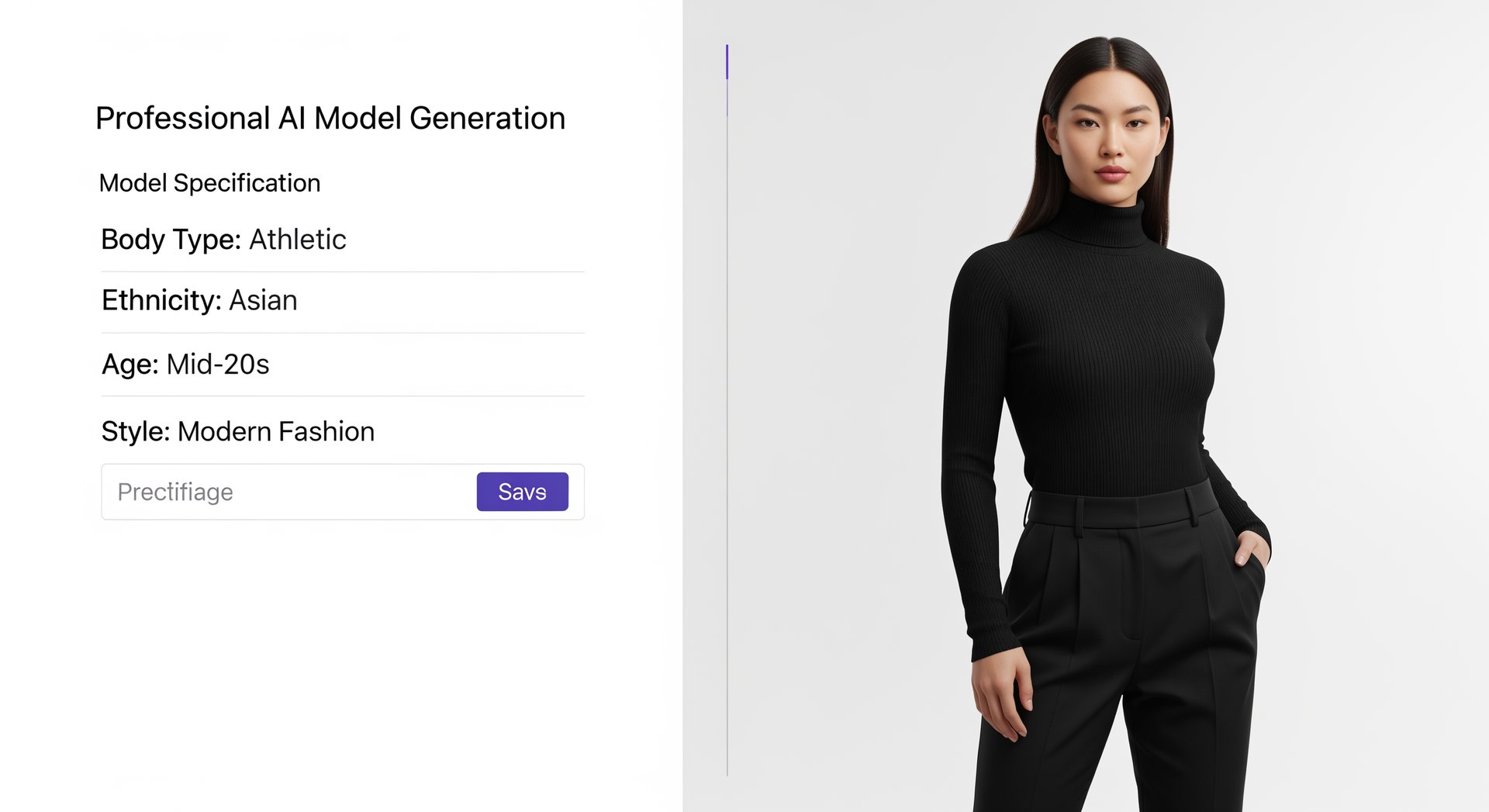
Choose body type, ethnicity, age, pose, and style. Our AI generates photorealistic fashion models tailored to your brand aesthetic and target audience.
Generate Your First Model
How to put your clothes on an AI model Generation Works

Choose who wears it
Pick a model from the catalogue by gender and look, make your own in Model Maker (age, ethnicity, skin tone, hair and glasses), or upload a photo of your own adult model.

Upload the garment
Choose top, bottom, a top and bottom set or a one-piece, and add a clear photo of the front. A flat lay, hanger or mannequin photo works. Add the back and a close detail if you have them.

Set the shot and generate
Pick a background colour or a scene, or describe one, add shoes or accessories if you like, and choose 2K or 4K. Each photo costs 5 credits at 2K or 6 at 4K, shown before you start.
The choices that decide how the model and the garment look.
What you control
Explore all virtual try-on tools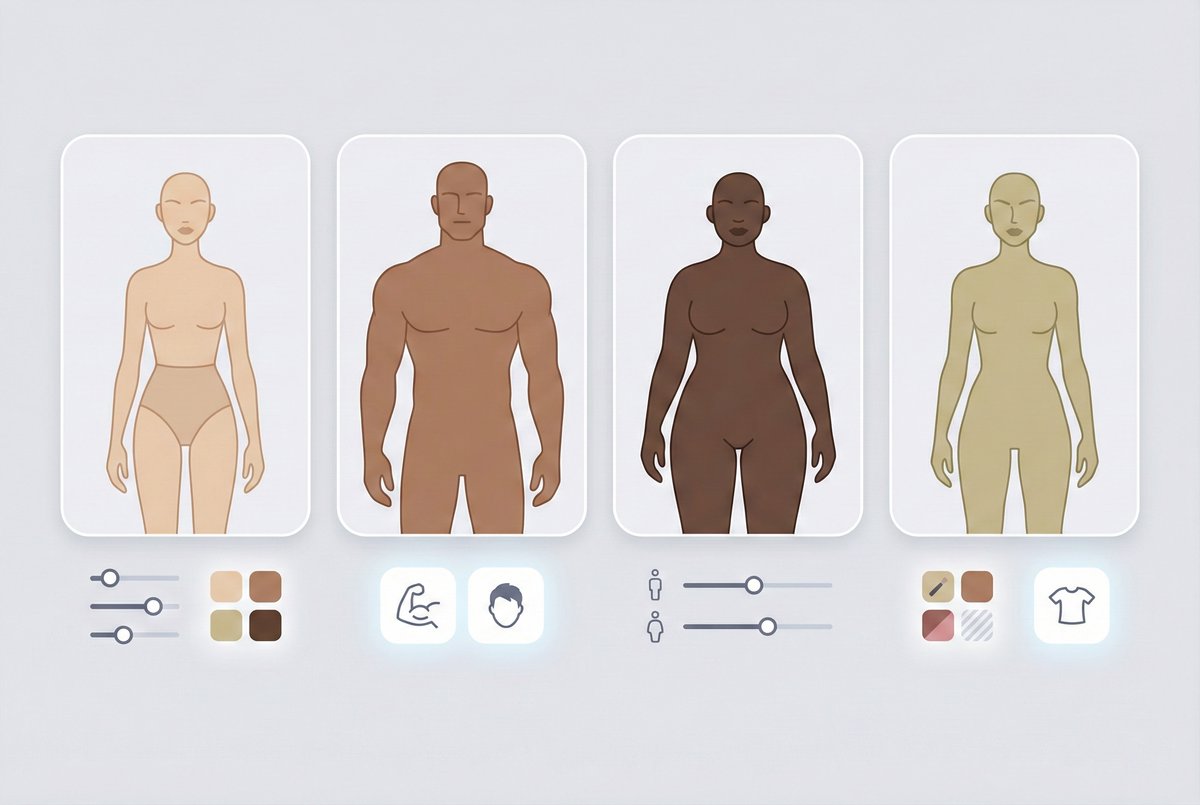
Your model, kept
Models you make or upload are saved under Mine and can wear every garment in your catalogue, so a collection keeps the same face.
Get Started FreeSeveral models at once
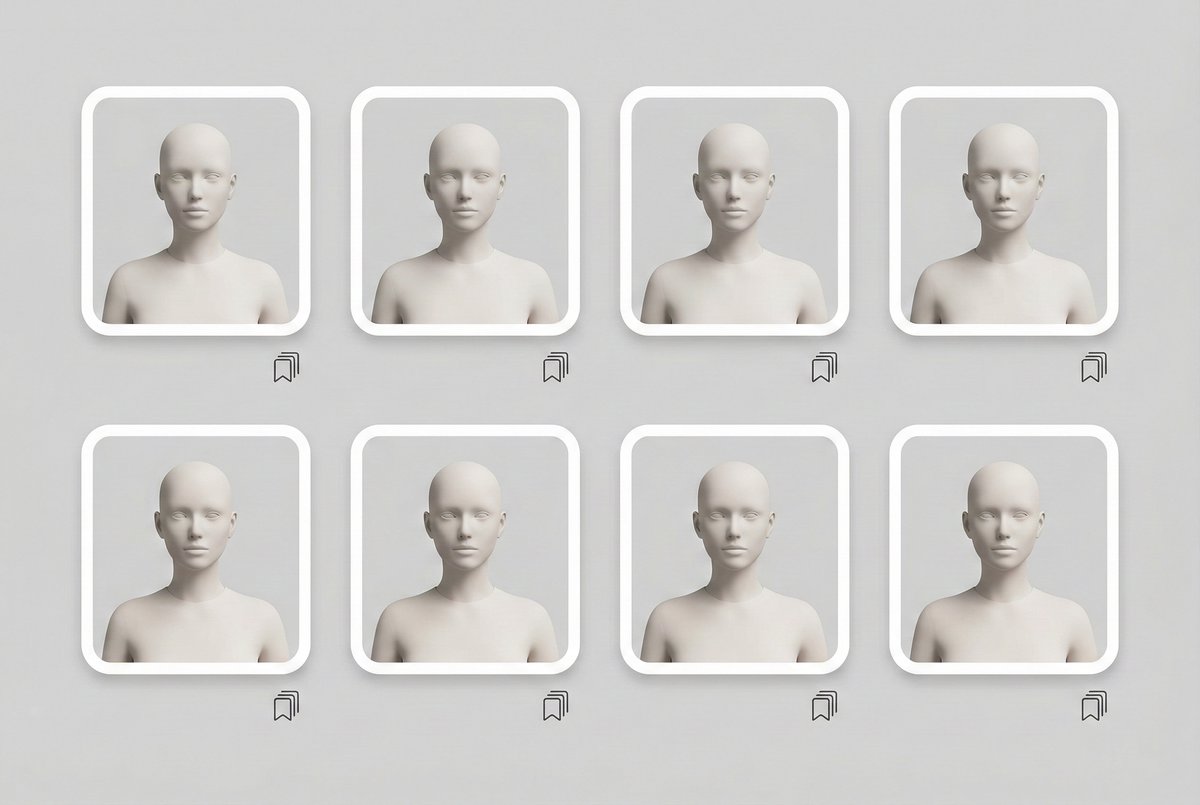
Choose more than one model and get one photo of each: up to 4 per run on Studio, 2 on Brand and 1 on Hobby and Seller.
Try It Now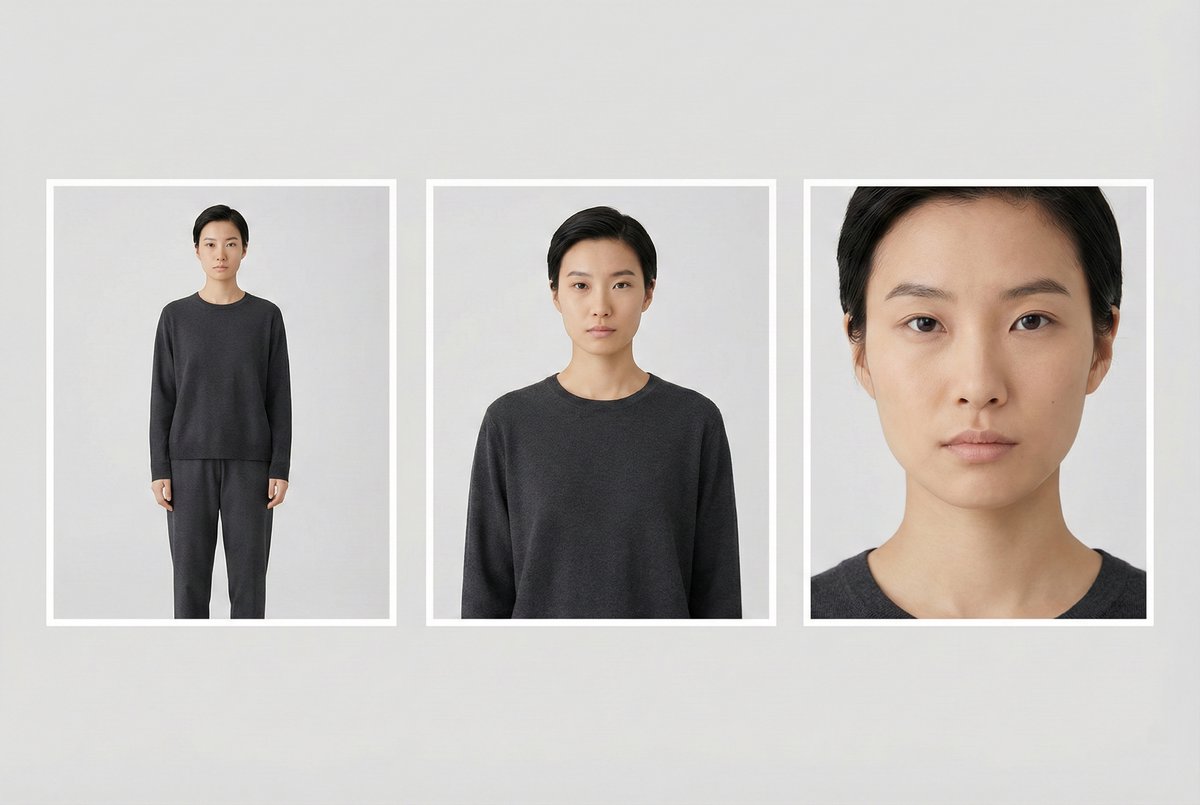
Fit, length and extras
Say how the garment fits and where it ends, and add shoes, a bag, a hat or glasses, up to three.
Explore FeaturesUse Cases
Who uses the AI fashion model generator Model Generator?
Clothing sellers who need model photos without a shoot.
Clothing stores
Every product page with the garment on a model, made from the product photos you already have.

New collections
Model photos for a new drop from flat lays or hanger shots, with the same models and background across the range.

Marketplace sellers
An on-model photo next to the white-background shot, with the same background colour across every listing.

Inclusive catalogues
The same garment on models of different looks: choose by gender and ethnicity, or make the models you need.

Wholesale teams
Send several garments at once, up to your plan's limit, and save the setup as a preset for the next season.

Developers
The same try-on is part of the Photta API, paid in the same credits as the app.
AI fashion model generator questions Generator FAQ
Common questions about AI-generated fashion models
Still have questions?
Contact SupportTry out related tools
Use Photta's wide range of powerful AI tools to generate, edit, and enhance your virtual try on clothes images and product photos.
AI Generation Tools
Virtual Try-On Solutions
Image Enhancement Tools
Background Editing Tools
Ready to Transform Your Fashion Business?
Join thousands of brands using Photta's AI tools