
💍
Independent jeweler on Wix
Solo jewelers and small studios on Wix use Photta to let online shoppers try rings and necklaces on their own photos — bridging the gap between in-store experience and online purchase confidence.
Photta is an AI virtual try-on widget that installs on any Wix jewelry store in under two minutes — no code required. Let shoppers see rings, necklaces, and earrings on themselves before buying, and watch conversion climb while returns fall.
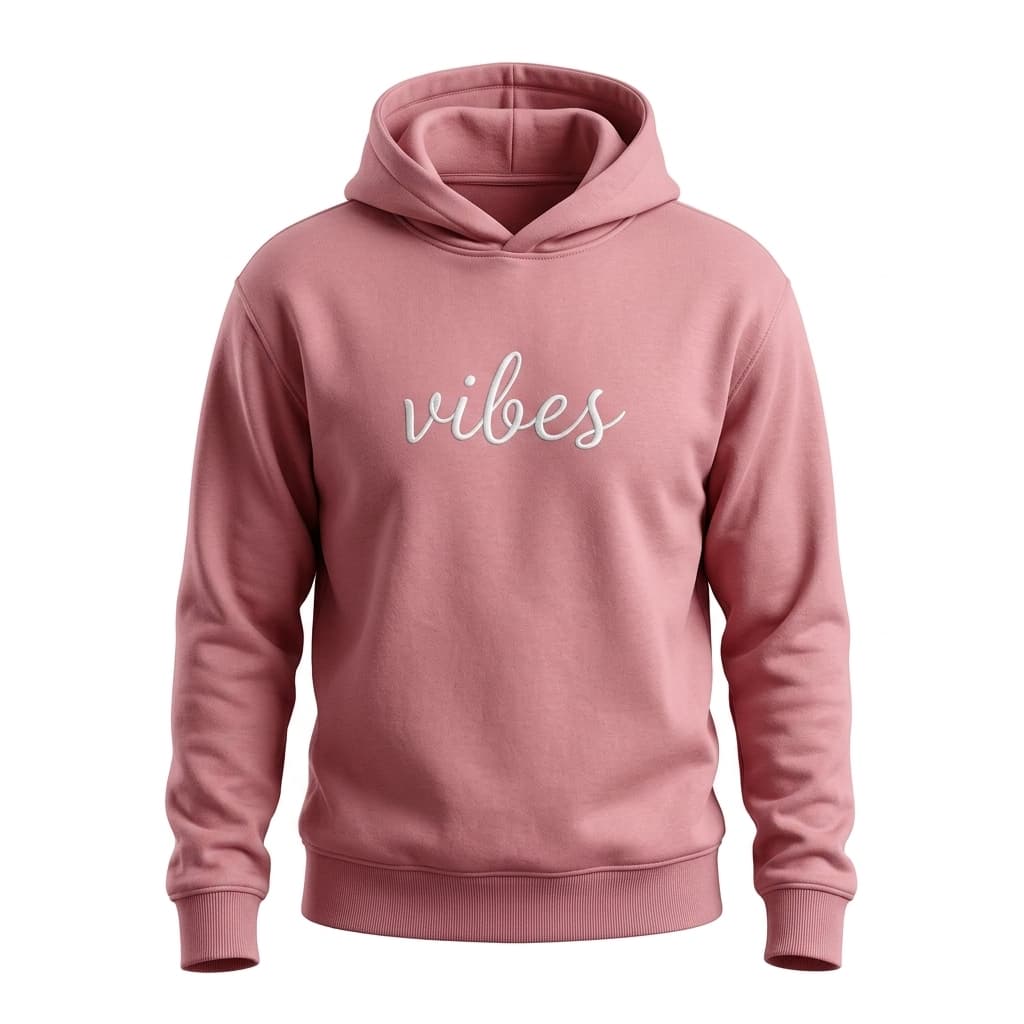
LUXE BASICS
$58
Jewelry is deeply personal — shoppers need to see how a ring looks on their finger or how a necklace sits on their neckline. Most Wix jewelry stores only offer static product photos, leaving potential buyers uncertain and likely to close the tab rather than risk a return.
Add the Photta script via the Wix Editor's Embed HTML element and publish. No Wix Velo, no developer, no app approval required. The jewelry try-on widget is live in under two minutes.
Photta reads your Wix Stores product variants — metal type, stone color, ring size — and locks the add-to-cart action to the exact option the shopper tried on, reducing wrong-variant returns.
A returned fine jewelry piece costs far more to process than a returned t-shirt. Photta cohort data shows jewelry return rates drop 20–25% when shoppers can visualize pieces on themselves before buying.
Jewelry gift purchases happen overwhelmingly on mobile. Photta's three-tap try-on flow — upload, preview, buy — is optimized for the Wix mobile experience and gift-purchase journeys.
Sign up at business.photta.app and copy your pk_live_… key from the Photta Business dashboard.
In the Wix Editor, click Add → Embed → Custom Code (or Embed HTML). Paste the Photta script and click Apply, then publish your store.
In the Photta dashboard, select which jewelry categories show the try-on button — rings, necklaces, earrings, or bracelets. Changes go live without republishing your Wix store.
In the Wix Editor: Add → Embed → Custom Code (or Embed HTML). Paste this snippet and replace pk_live_REPLACE_ME with your key from the Photta Business dashboard.
<script
  src="https://widget.photta.app/sdk.js"
  data-pk="pk_live_REPLACE_ME"
defer></script>Solo jewelers and small studios on Wix use Photta to let online shoppers try rings and necklaces on their own photos — bridging the gap between in-store experience and online purchase confidence.
Gift-focused jewelry stores on Wix add Photta so gift-givers can preview pieces on a photo of the recipient. Fewer size surprises at unwrapping means fewer post-gift returns.
Wix jewelry boutiques serving international customers benefit from Photta's 29-language auto-detection. Every shopper gets the try-on experience in their language, with no extra Wix multilingual setup.
Photta renders gold, silver, platinum, and rose-gold metals with accurate reflectivity. Gemstone facets and diamond brilliance display realistically on the shopper's uploaded photo.
The entire install is a copy-paste in the Wix Editor. No Wix Velo, no external developer, no app store waiting period — any store owner can activate try-on in minutes.
Try-on results surface a direct add-to-cart button tied to your Wix Stores variant — metal, stone, and size. Shoppers go from virtual try-on to checkout in one tap.
Shoppers select the exact ring size and metal type before previewing. The add-to-cart locks to that selection, cutting wrong-size and wrong-metal returns significantly.
Photta auto-detects the visitor's browser language and localizes all widget text. Ideal for Wix jewelry boutiques with an international customer base.
Per-product try-on counts, conversion rates, and ROI estimates in the Photta dashboard — fully separate from Wix Analytics so jewelry brands track try-on impact cleanly.
Three tiers from $49/mo, all with a 14-day free trial and no credit card required to start.
View plansTwo-minute no-code install, 14 days free, no credit card. Ship jewelry try-on to your Wix store before lunch.
Start free trial