
💎
WooCommerce fine jewelry brand
$500+ AOV fine jewelry stores on WooCommerce use Photta to remove purchase uncertainty. Shoppers verify the look of rings and necklaces on their own body before committing — returns drop sharply.
Photta is an AI virtual try-on widget for WooCommerce jewelry brands — rings render on the shopper's hand, necklaces on the neckline, earrings on the face. One shortcode, no plugin to install.
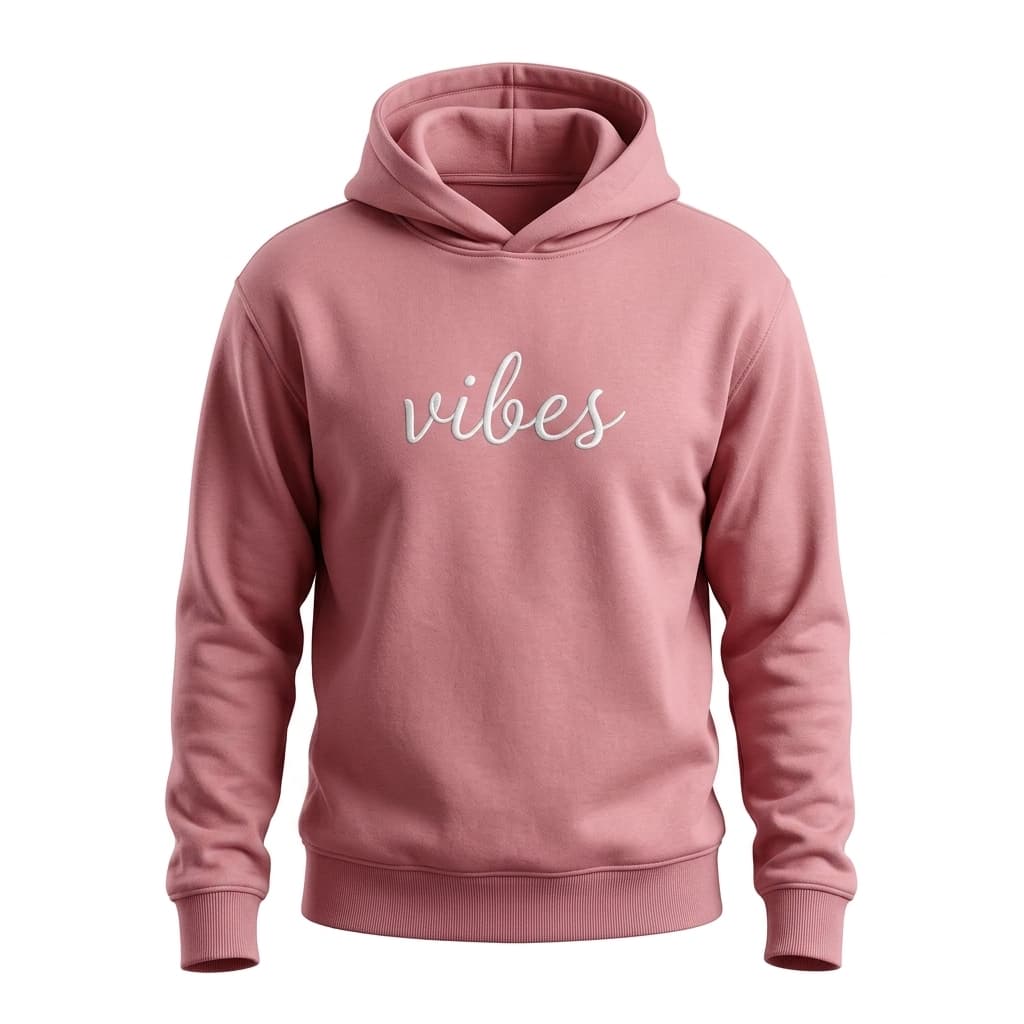
LUXE BASICS
$58
Jewelry returns are rarely about size — they're about whether the piece looks right on the shopper's actual hand or face. WooCommerce jewelry stores lose high-AOV orders to that doubt every day. A flat product photo cannot show how a ring sits on different hand shapes, or how a delicate necklace sits on a neckline. Photta solves that inside your existing WooCommerce product pages — no plugin required.
Photta installs as a shortcode you paste into any WooCommerce jewelry product page. No plugin upload, no approval queue, no compatibility risk when WordPress updates.
Photta lifts jewelry conversion 18–25% on fine pieces and 30%+ on statement jewelry by letting WooCommerce shoppers see the piece on their own hand or face before buying.
Fine jewelry return handling is expensive. Cutting return rates 20–25% on a $400 AOV WooCommerce store recovers significant margin every month.
Face and hand photos are sensitive. Photta deletes shopper photos within one hour and generated try-ons within 24 hours. GDPR compliant out of the box.
Sign up at business.photta.app and copy your pk_live_… key from the dashboard.
Edit the WooCommerce jewelry product page and paste [photta_widget pk="pk_live_…"]. Works in Gutenberg, Classic Editor, Elementor, and Divi.
Enable ring, necklace, and earring product types. Pick brand colors from the Photta dashboard. Changes are live instantly.
Paste this shortcode into any WooCommerce jewelry product page, post, or block. Replace pk_live_REPLACE_ME with your key from the Photta Business dashboard. Alternatively, paste the script tag into your theme's header.php / footer.php for a global install.
[photta_widget pk="pk_live_REPLACE_ME"]$500+ AOV fine jewelry stores on WooCommerce use Photta to remove purchase uncertainty. Shoppers verify the look of rings and necklaces on their own body before committing — returns drop sharply.
$30–$80 AOV WooCommerce fashion jewelry boutiques win on volume conversion lift. Shoppers try and add multiple layered pieces because they can verify the combined look on their neck and ears.
WooCommerce multisite jewelry networks assign a separate widget key per subsite, isolating analytics per brand. The shortcode works identically across every site in the network.
AI detects the shopper's hand orientation and finger position. Rings render on the correct finger at the correct angle, every time — from the photo they upload on your WooCommerce product page.
For earrings: AI locates earlobes, jawline, and hair to render earrings naturally on the face. For necklaces: detects the neckline contour accurately.
Diamond brilliance, gold warmth, silver coolness, and gemstone color are all preserved from your WooCommerce product photos to the shopper's try-on.
Use the shortcode in Gutenberg or any page builder, or paste the script into header.php for a global WooCommerce install across all jewelry pages.
The try-on result shows the chosen metal and stone variant's add-to-cart button, pulled directly from WooCommerce product variation data.
See which jewelry pieces on your WooCommerce store convert best after a try-on. Use the data for homepage merchandising and product-page sequencing.
Three tiers from $49/mo, all with a 14-day free trial and no credit card required.
View plansDrop in a shortcode, ship it this afternoon. 14 days free, no credit card. Lift conversion on every jewelry SKU.
Start free trial