
Add a virtual try-on widget to your Wix store
Photta is an AI virtual try-on widget that lets your shoppers see themselves in your products before they buy. One Wix Embed block, no Velo development needed.
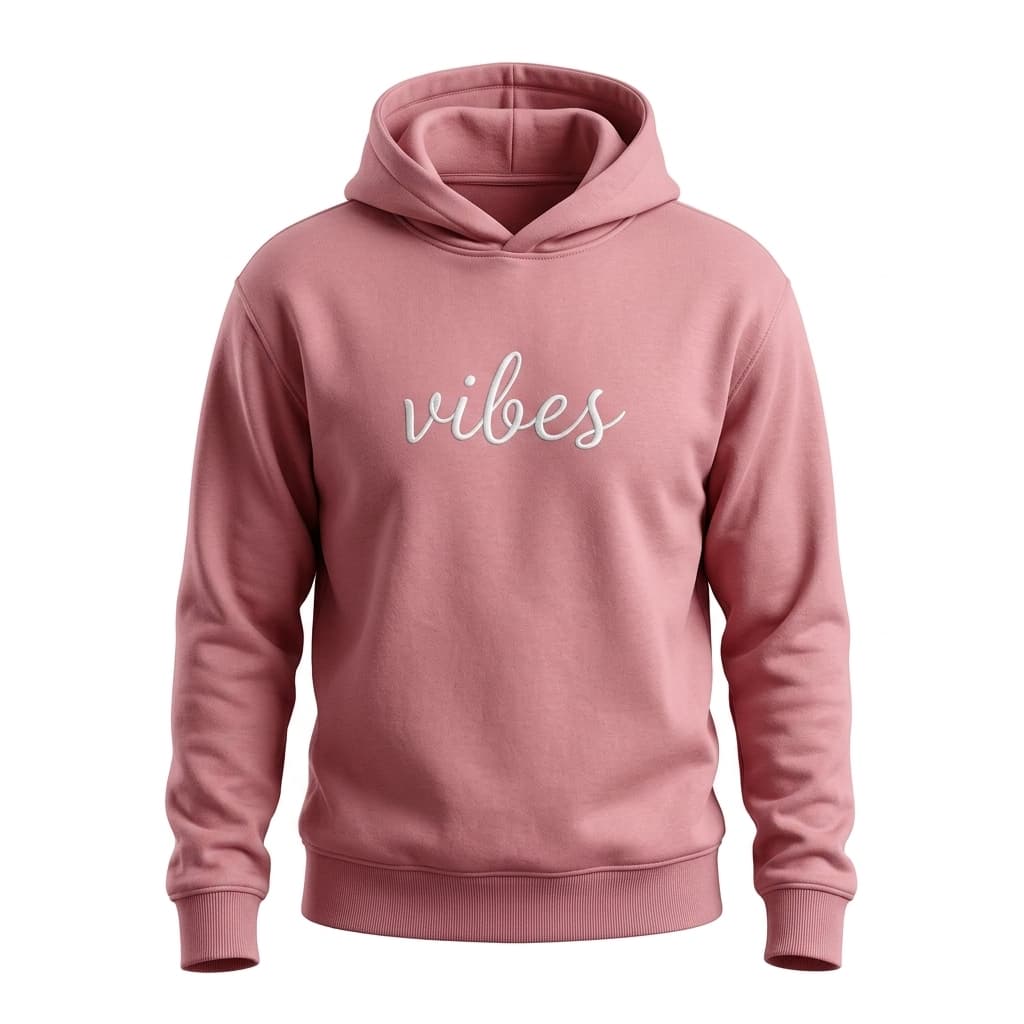
LUXE BASICS
Vibes Hoodie
$58
Why Wix store owners choose Photta
Wix Stores power thousands of small and mid-size brands selling apparel, jewelry, and accessories. The platform's strength is fast launch — and a virtual try-on continues that ethos: 30 seconds to add, immediate impact on conversion and returns.
- 🎨
Drag-and-drop install
Use Wix Editor's Embed → Custom Code element. Drop the Photta snippet on any product page or as a global header — no developer needed.
- 📈
Built for small brands
Wix store owners don't have a returns team or a CRO consultant. Photta does the work: AI try-on cuts apparel returns by an average of 27% in our cohort.
- 🌍
Multilingual ready
Wix Stores often ship to multiple countries via Wix Multilingual. Photta auto-detects shopper language across 29 locales.
- 🔒
Privacy-first
Shopper photos delete in under one hour. GDPR compliant. No third-party data sharing — important for fashion brands building trust.
Built for Wix store owners
- 30s
- Wix install time
- −27%
- Avg apparel return reduction
- 0
- Velo code required
- 29
- Languages out of the box
How Photta installs on Wix
- 1
Get your widget key
Sign up at business.photta.app and copy your pk_live_… key from the dashboard.
- 2
Add a Wix Embed block
In the Wix Editor, open Add → Embed → Custom Code (or 'Embed HTML'). Paste the Photta snippet. Position the block where you want the try-on button to appear.
- 3
Publish and customize
Hit Publish in the Wix Editor. Then customize colors, button copy, and supported product types from the Photta dashboard.
The Wix install snippet
In the Wix Editor, click Add → Embed → Custom Code. Choose 'Embed HTML' and paste the snippet. Position the block on the product page or in the site header. Hit Publish. Replace pk_live_REPLACE_ME with your key from the Photta Business dashboard.
<!-- Wix Editor: Add > Embed > Custom Code (or Embed HTML) -->
<script
  src="https://widget.photta.app/sdk.js"
  data-pk="pk_live_REPLACE_ME"
  defer></script>
Designed for Wix Stores
Wix Editor friendly
Lives inside an Embed block you can position anywhere on the page using Wix's drag-and-drop. No dev tooling needed.
Wix Stores cart-aware
Try-on results show an add-to-cart button using your Wix Stores product variant data, including price and stock.
Mobile-optimized
Wix's mobile editor renders Photta correctly. Touch-friendly try-on flow — three taps from upload to add-to-cart.
Wix Multilingual ready
Auto-detects the shopper's locale from Wix's language setting. Works the same across all 29 supported locales.
Bot-proof
hCaptcha + BotD signals stop scrapers from burning your monthly try-on credits — important for small Wix stores on the Starter plan.
Brand-customizable
Pick your store's brand colors, button text, and product categories from the Photta dashboard. Hide Photta branding on Growth+.
Wix integration FAQ
- Yes — Wix only allows Custom Code embeds on Premium plans (Combo, Unlimited, VIP, or any Business / eCommerce tier). The Free plan does not support custom embeds. Once you have any paid Wix plan, Photta installs in under a minute.
Pricing for Wix store owners
Three tiers from $49/mo. 14-day free trial, no credit card required.
View plansAdd virtual try-on to your Wix store today
One Embed block, ship in under a minute. 14 days free, no credit card.
Start free trial