
👗
Solo-founder DTC clothing brand on Wix
Independent clothing designers on Wix use Photta to compete with larger brands by giving shoppers a virtual fitting room — without hiring a developer or paying for a custom app.
Photta is an AI virtual try-on widget that installs on any Wix clothing store in under two minutes — no code required. Shoppers upload a photo and see themselves in your clothes before they buy, and return rates drop 25–30% from day one.
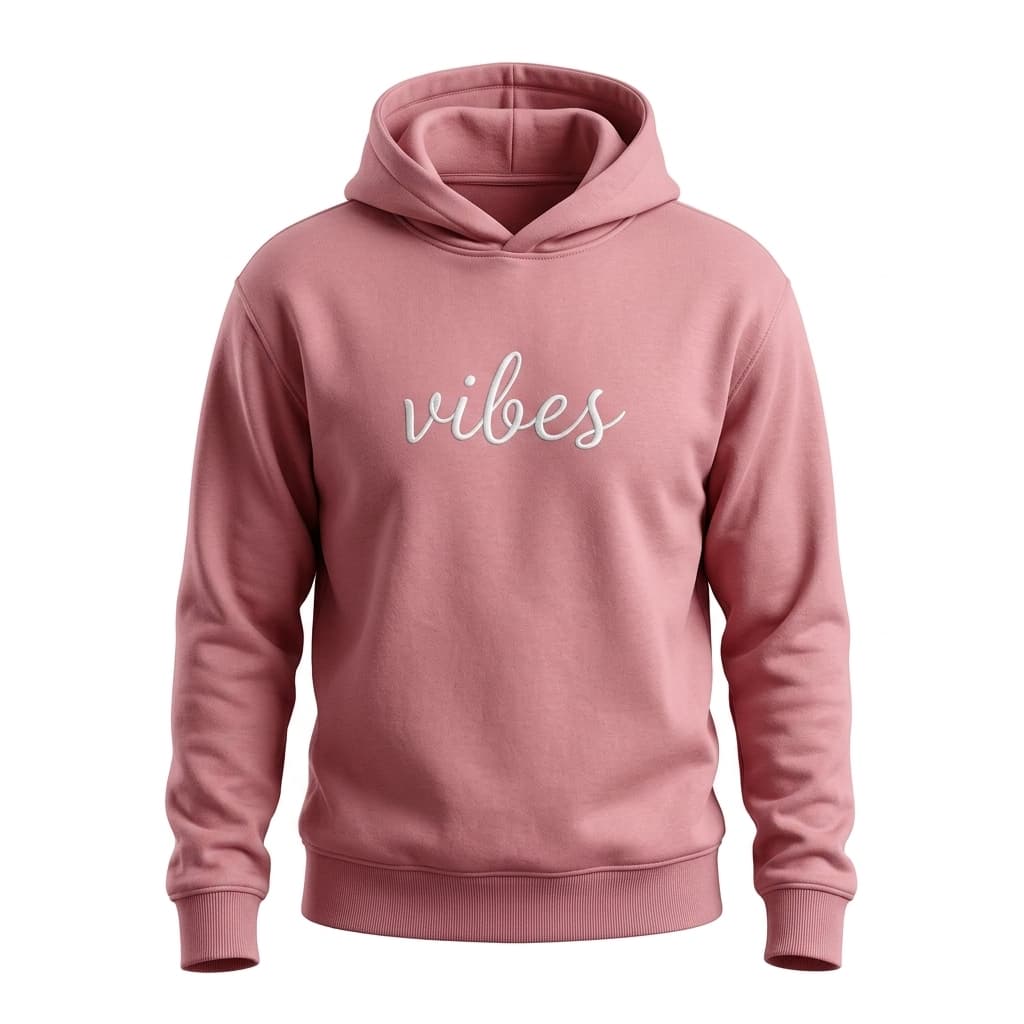
LUXE BASICS
$58
Small DTC clothing brands built on Wix compete against giants with unlimited returns budgets. At the same time, processing a single clothing return on a thin-margin Wix store can wipe out a week's profit. Virtual try-on eliminates the guesswork that causes those returns in the first place.
Open the Wix Editor, add an Embed HTML element, paste the Photta script, and publish. No developer, no Wix app approval, no waiting. The widget is live on your clothing store in under two minutes.
Photta adapts to your Wix store's fonts and colors automatically. Whether you're on a Wix Template or a fully custom design, the widget fits in without any CSS tweaking.
Photta cohort data shows quarterly apparel return rates drop from ~28% to ~20% within three months. Biggest gains on dresses, tops, and outerwear — the highest-return categories for small Wix clothing brands.
Most Wix clothing store visitors arrive on mobile. Photta's mobile try-on is three taps — upload, preview, add to cart — and works perfectly within the Wix mobile experience.
Sign up at business.photta.app and copy your pk_live_… key from the Photta Business dashboard.
In the Wix Editor, click Add → Embed → Custom Code (or Embed HTML). Paste the Photta script snippet and click Apply.
Publish your Wix store. Then customize the widget's colors, placement, and which product categories show the try-on button from the Photta dashboard.
In the Wix Editor: Add → Embed → Custom Code (or Embed HTML). Paste this snippet and replace pk_live_REPLACE_ME with your key from the Photta Business dashboard.
<script
  src="https://widget.photta.app/sdk.js"
  data-pk="pk_live_REPLACE_ME"
defer></script>Independent clothing designers on Wix use Photta to compete with larger brands by giving shoppers a virtual fitting room — without hiring a developer or paying for a custom app.
Multi-collection Wix boutiques add Photta once via Embed HTML and it covers every product page automatically. One install, the entire catalog gets try-on capability overnight.
Wix stores selling clothing internationally benefit from Photta's 29-language support. The widget detects the visitor's language automatically — no manual localization needed.
Photta's AI is fine-tuned on apparel: knit drape, denim weight, lace transparency, and leather sheen all render accurately on the shopper's uploaded photo.
The entire install happens inside the Wix Editor via Embed HTML — no external developer, no app store review, no Wix Velo coding required. Any store owner can do it.
Try-on results surface a direct add-to-cart button linked to your Wix Stores product variants. Shoppers go from virtual fit to checkout without leaving the product page.
Shoppers preview the exact size and color they'll buy. The add-to-cart selection matches their try-on choice — reducing wrong-size returns from your Wix store.
Photta auto-detects the visitor's language and localizes all widget text. Perfect for Wix multilingual stores serving customers in multiple countries.
Per-product try-on counts, conversion deltas, and ROI calculation in the Photta dashboard — separate from Wix Analytics so you always have clean try-on data.
Three tiers from $49/mo, all with a 14-day free trial and no credit card required to start.
View plansTwo-minute no-code install, 14 days free, no credit card. Ship it to your Wix clothing brand before lunch.
Start free trial