
🏷️
Independent DTC clothing brand on WooCommerce
Single-brand DTC stores on WooCommerce use Photta to close the size-anxiety conversion gap. One shortcode in the product template applies the widget to every apparel SKU at once.
Photta is an AI virtual try-on widget for WooCommerce clothing brands. Paste one shortcode into any product page — no plugin to install — and shoppers see themselves in your apparel before they buy.
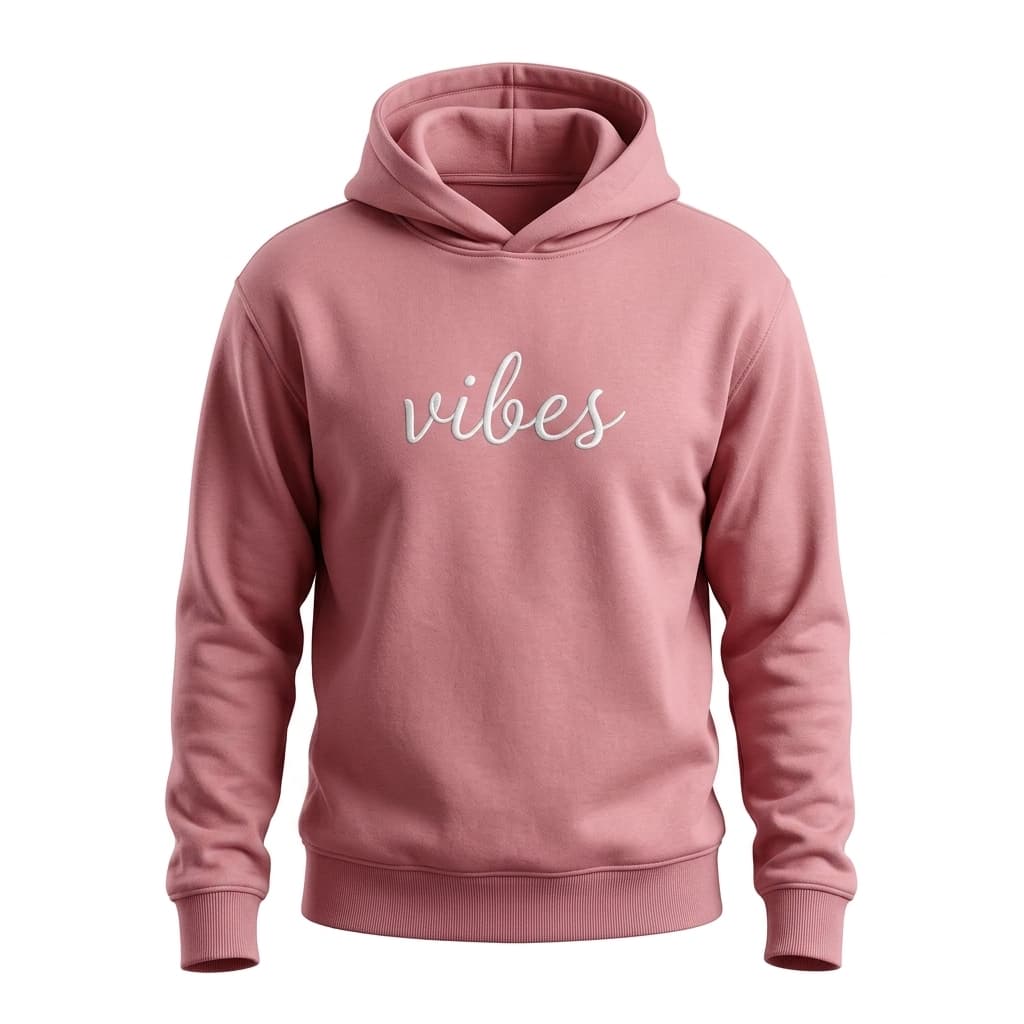
LUXE BASICS
$58
WooCommerce powers 28% of all online stores — including a large share of independent clothing brands running on tight margins. Apparel return rates average 24% in the US and exceed 30% in Europe. A virtual try-on cuts those returns before checkout, without adding plugin complexity to a WordPress stack that already has a lot of moving parts.
Photta works as a shortcode you paste into any WooCommerce product page. No plugin upload, no update compatibility worries when WooCommerce or WordPress releases a new version.
Widget assets load from Photta's CDN, not your origin server. WooCommerce clothing stores on shared hosting stay fast even during fashion-week traffic spikes.
Photta cohort data shows apparel return rates drop from ~28% to ~20% within three months. The biggest reductions are on dresses, jeans, and outerwear — WooCommerce clothing brands' highest-return SKUs.
Many WooCommerce clothing brands are European. Photta deletes shopper photos within one hour and generated try-ons within 24. GDPR compliant by default — no extra setup.
Sign up at business.photta.app and copy your pk_live_… key from the dashboard.
Edit the WooCommerce product template (or any product page) and paste [photta_widget pk="pk_live_…"]. WordPress renders it where you place it.
Enable apparel product types, pick brand colors and button position from the Photta dashboard. Changes are live instantly — no WordPress publish needed.
Paste this shortcode into any WooCommerce product page, post, or block. Replace pk_live_REPLACE_ME with your key from the Photta Business dashboard. Alternatively, paste the script tag into your theme's header.php / footer.php for a global install.
[photta_widget pk="pk_live_REPLACE_ME"]Single-brand DTC stores on WooCommerce use Photta to close the size-anxiety conversion gap. One shortcode in the product template applies the widget to every apparel SKU at once.
Multi-brand fashion boutiques on WooCommerce add Photta to standardize the try-on experience across hundreds of SKUs. The shortcode works in Gutenberg, Classic Editor, and page builders like Elementor.
WooCommerce multisite networks give each subsite its own widget key, isolating analytics and quota per brand. The shortcode works identically on every site in the network.
Photta's AI is fine-tuned on clothing: knit drape, denim weight, lace transparency, and leather sheen all render accurately on the shopper's photo.
Use the shortcode in Gutenberg blocks, Elementor, Divi, or any page builder — or paste the script directly into header.php for a sitewide install on your clothing store.
Try-on results display the matching size and color add-to-cart button, pulled directly from WooCommerce product variation data.
Widget assets load from Photta's CDN. Your WordPress server stays fast even during seasonal fashion promotions.
Works with Storefront, Astra, Avada, Divi, OceanWP, and every major WooCommerce clothing theme. CSS isolates from your theme's styles.
Per-product try-on counts, conversion deltas, and ROI calculation in the Photta dashboard — independent of WooCommerce Analytics.
Three tiers from $49/mo, all with a 14-day free trial and no credit card required to start.
View plansDrop in a shortcode, ship it the same afternoon. 14 days free, no credit card needed.
Start free trial