
Flat Lay to
Model AI
Upload the flat lay you already have and choose who wears it: a model from our catalogue, one you make, or your own. The print and details come from your photo.
Use a clear, well-lit flat-lay photo of one garment on a clean background. Lay the item flat with sleeves and details visible. The AI maps it onto a realistic model while keeping fabric, color, and shape natural.
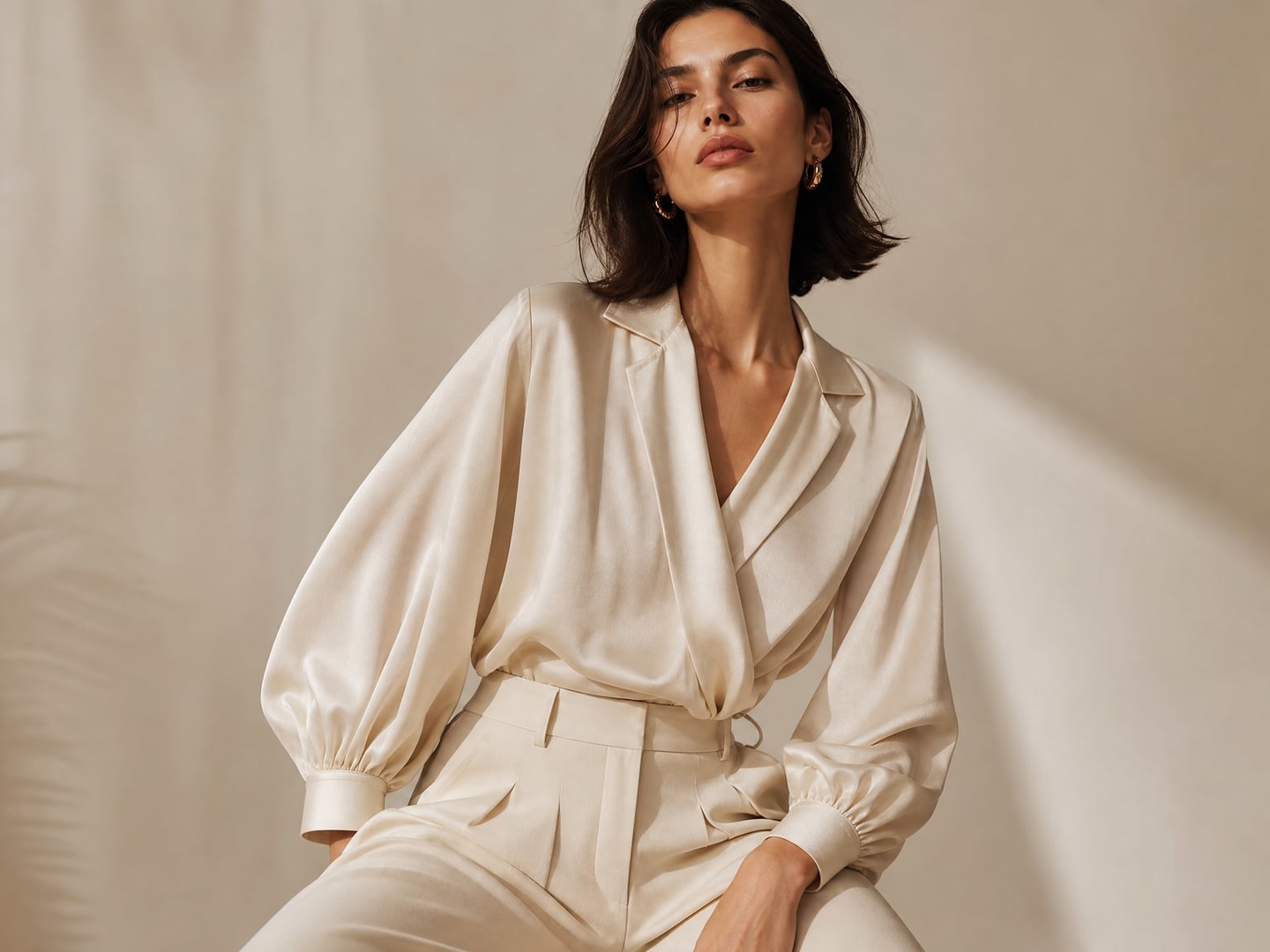
Use a clear, well-lit flat-lay photo of one garment on a clean background. Lay the item flat with sleeves and details visible. The AI maps it onto a realistic model while keeping fabric, color, and shape natural.
Start turning flat lays into model photos today
How to turn a flat lay into an on-model photo Turn a Flat Lay into a Model Photo

Upload the flat lay
Lay the garment flat on a plain surface in even light and shoot from straight above. Add a photo of the back and a close detail if you have them.
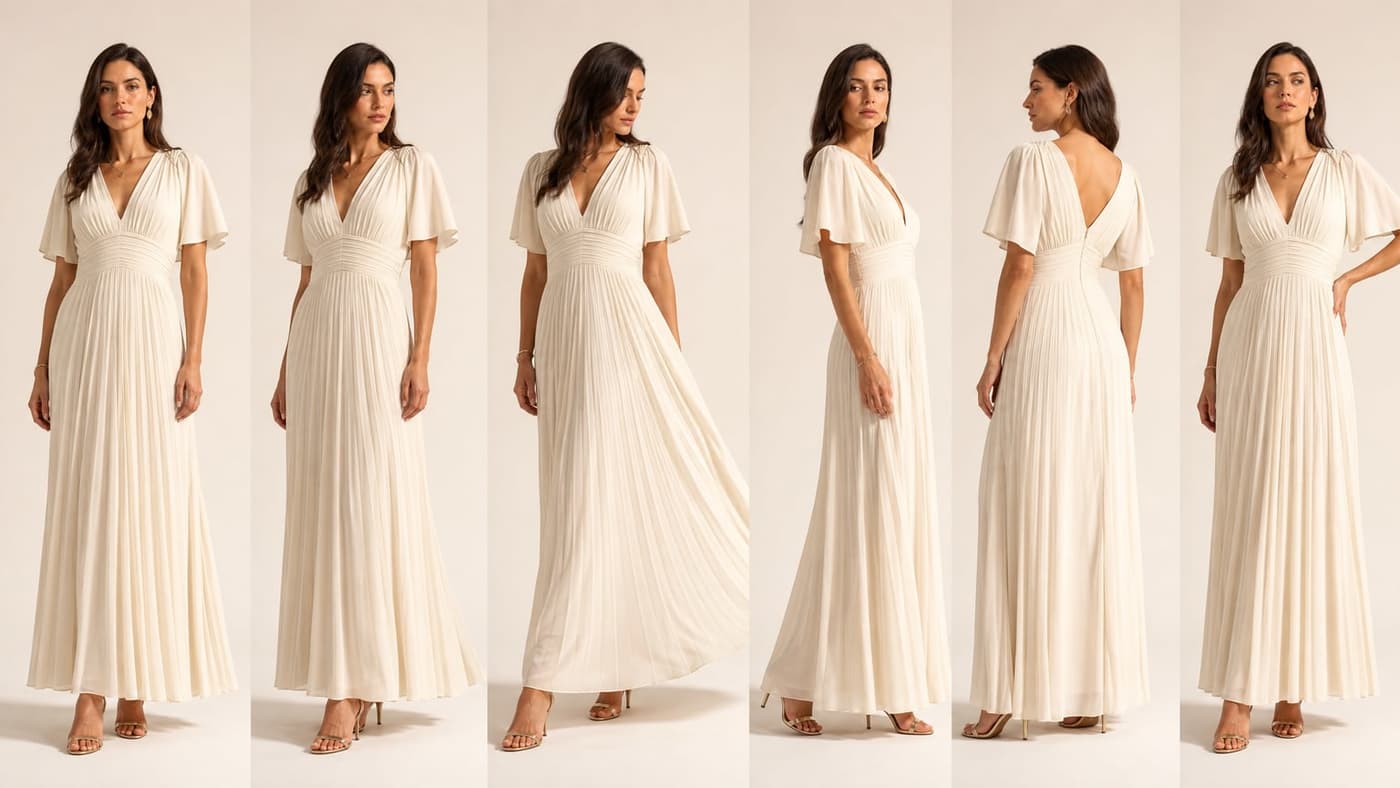
Choose the model and the shot
Pick one or more models, the fit and length, a background colour or scene, and shoes or accessories if you want them.
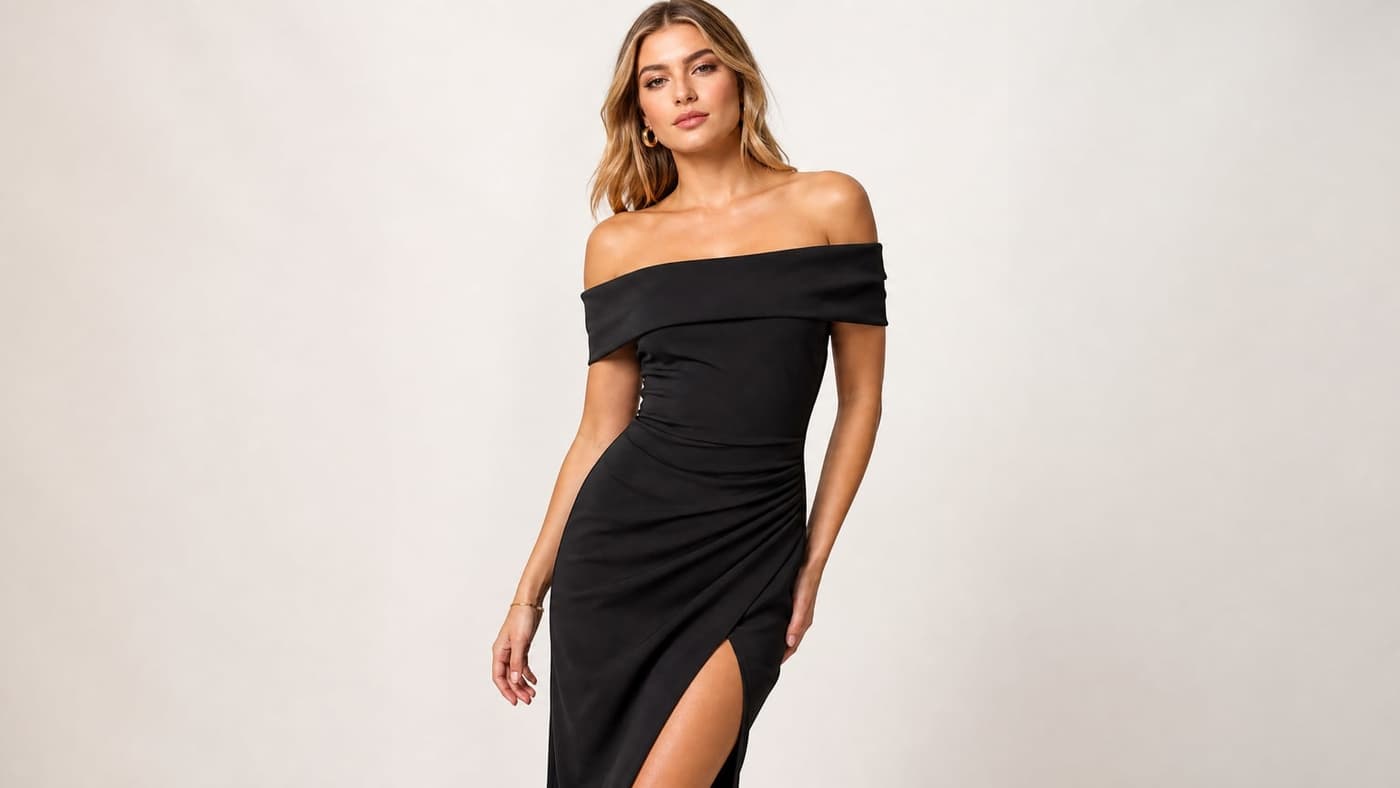
Generate
Each photo costs 5 credits at 2K or 6 at 4K, and the total is shown before you start. With a back photo you also get the back view.
What the studio takes from your photo, and what you decide.
From flat lay to model
Explore all virtual try-on tools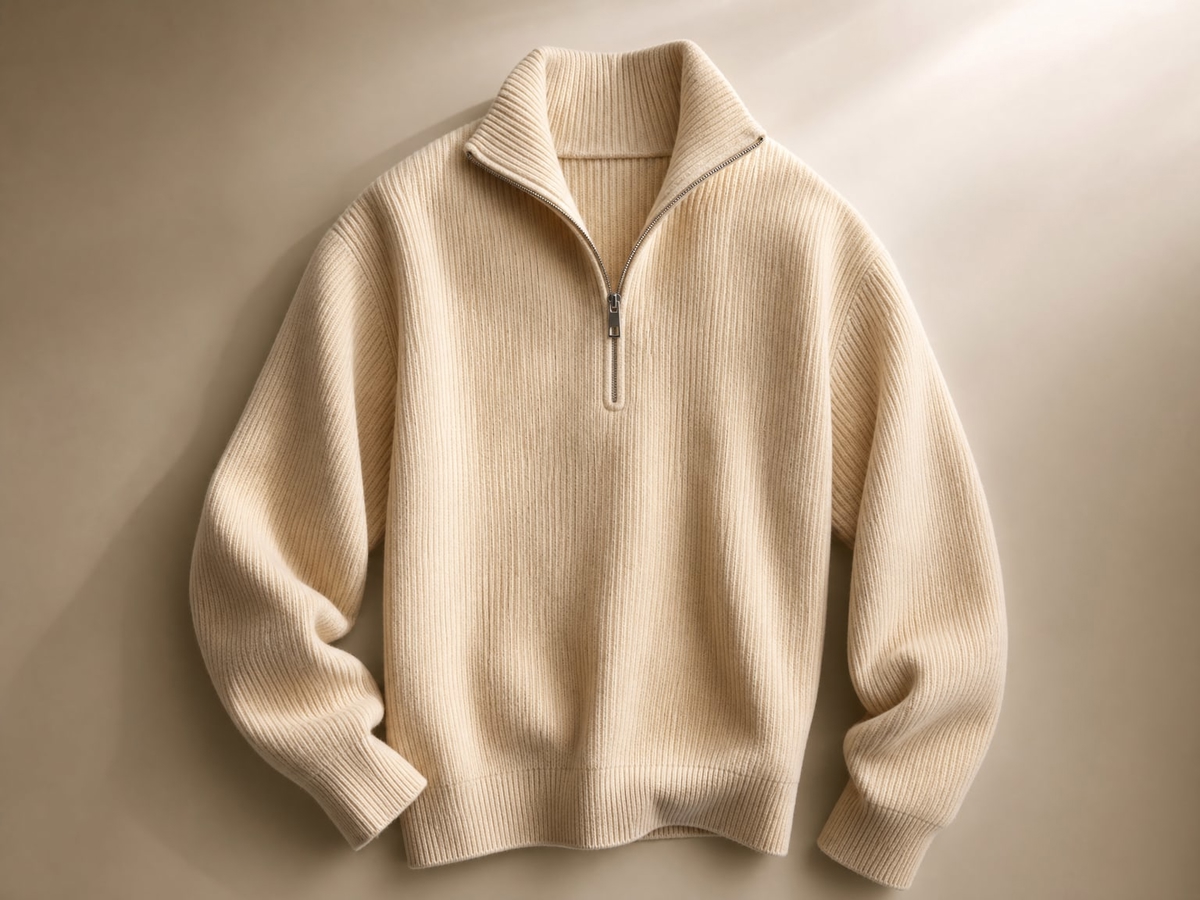
Your print, your details
The print, colours, buttons and labels come from your photo, so the on-model shot shows the product you sell.
Get Started FreeFront, back and detail
Upload up to three photos of each garment: the front, the back for a back view, and a close detail.
Try It Now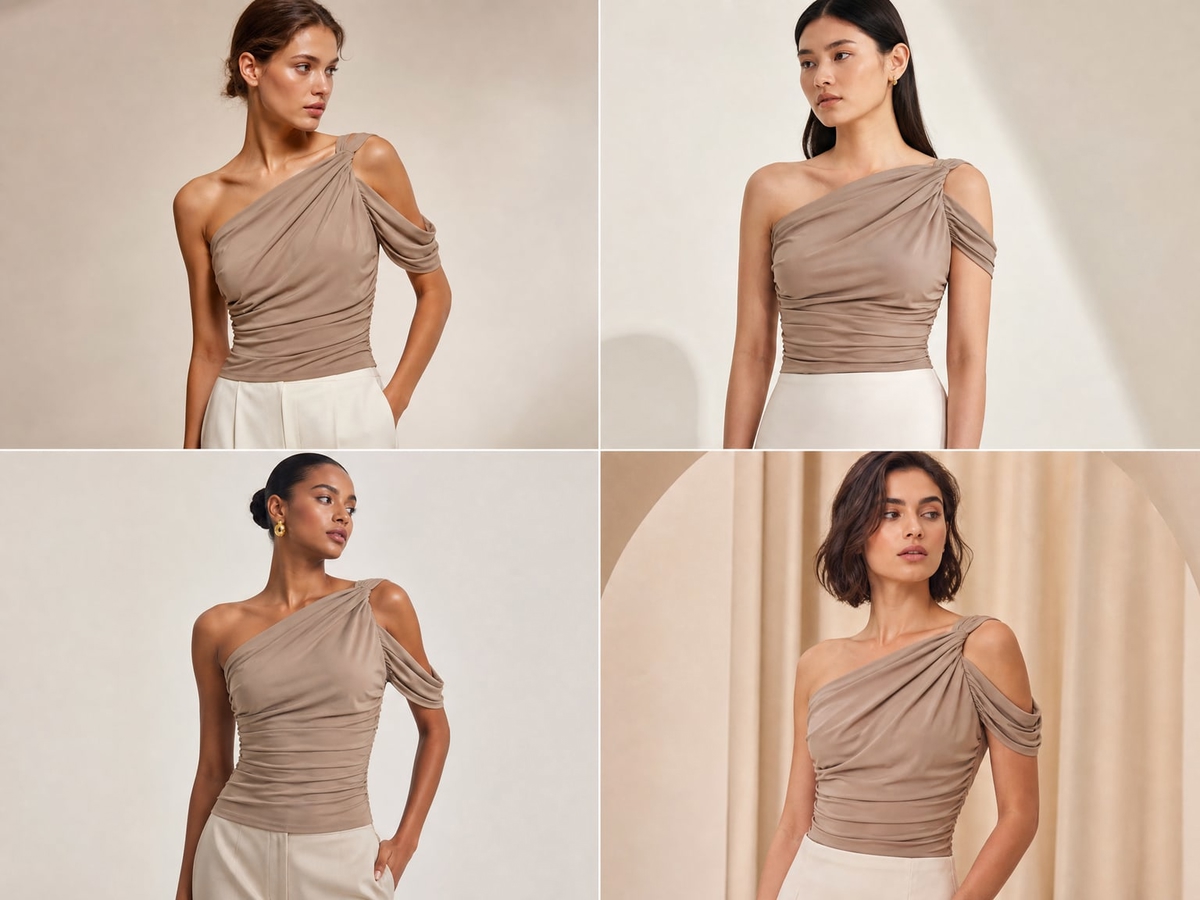
Fit and length
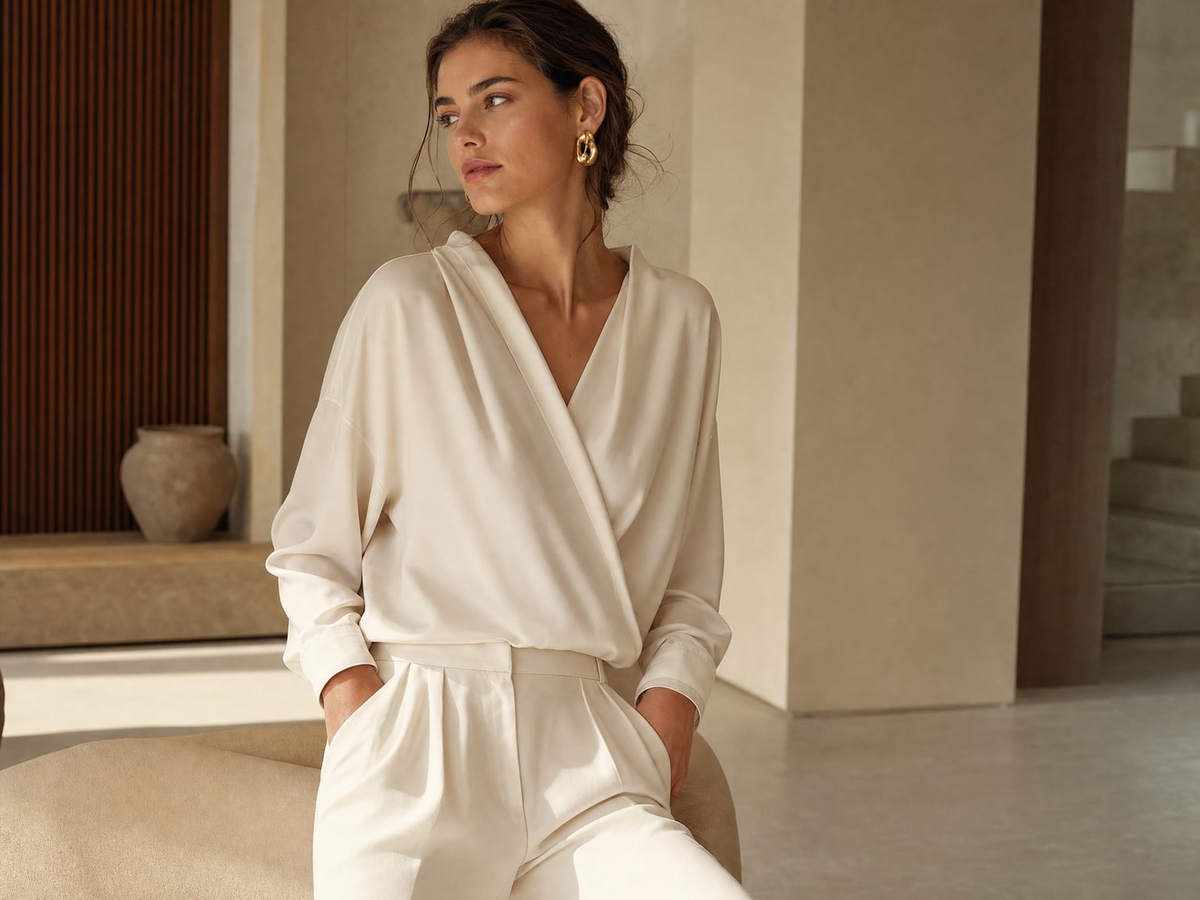
Say how the garment should sit and where it ends. Leave it, and it follows your photo.
Explore FeaturesUse Cases
Who turns flat lays into model photos Flat Lay to Model AI?
Sellers whose product photos start on a table.
Clothing stores
An on-model photo for every product, made from the flat lays you already shoot for the catalogue.
Resale and second-hand
Flat lays are how most resale listings start; add a photo of the piece worn next to them.
Brands and wholesalers
Factory and sample flat lays become model photos for line sheets and product pages.
Marketplace listings
A model photo next to the white-background shot, with the same background colour across your listings.
Children's clothing
Children's clothing can be shown on a child model once the garment is declared. Swimwear, underwear and intimates are never generated on child models.
Developers
The same try-on is part of the Photta API, paid in the same credits as the app.
Flat lay to model questions Questions
Everything about turning flat lays into model photos with AI.
Still have questions?
Contact SupportTry out related tools
Use Photta's wide range of powerful AI tools to generate, edit, and enhance your virtual try on clothes images and product photos.
AI Generation Tools
Virtual Try-On Solutions
Image Enhancement Tools
Background Editing Tools
Ready to Transform Your Fashion Business?
Join thousands of brands using Photta's AI tools