
AI Jewelry
Model Generator
Upload a photo of your piece and choose who wears it: a model from the jewelry catalogue, a model you make in Model Maker, or a photo of your own adult model. Photta photographs the piece being worn.
Use a clear, well-lit photo of your jewelry on a plain background. Sharp close-ups of rings, necklaces, bracelets, or earrings work best. The AI places the piece on an AI model while keeping the metal, stones, and detail accurate.
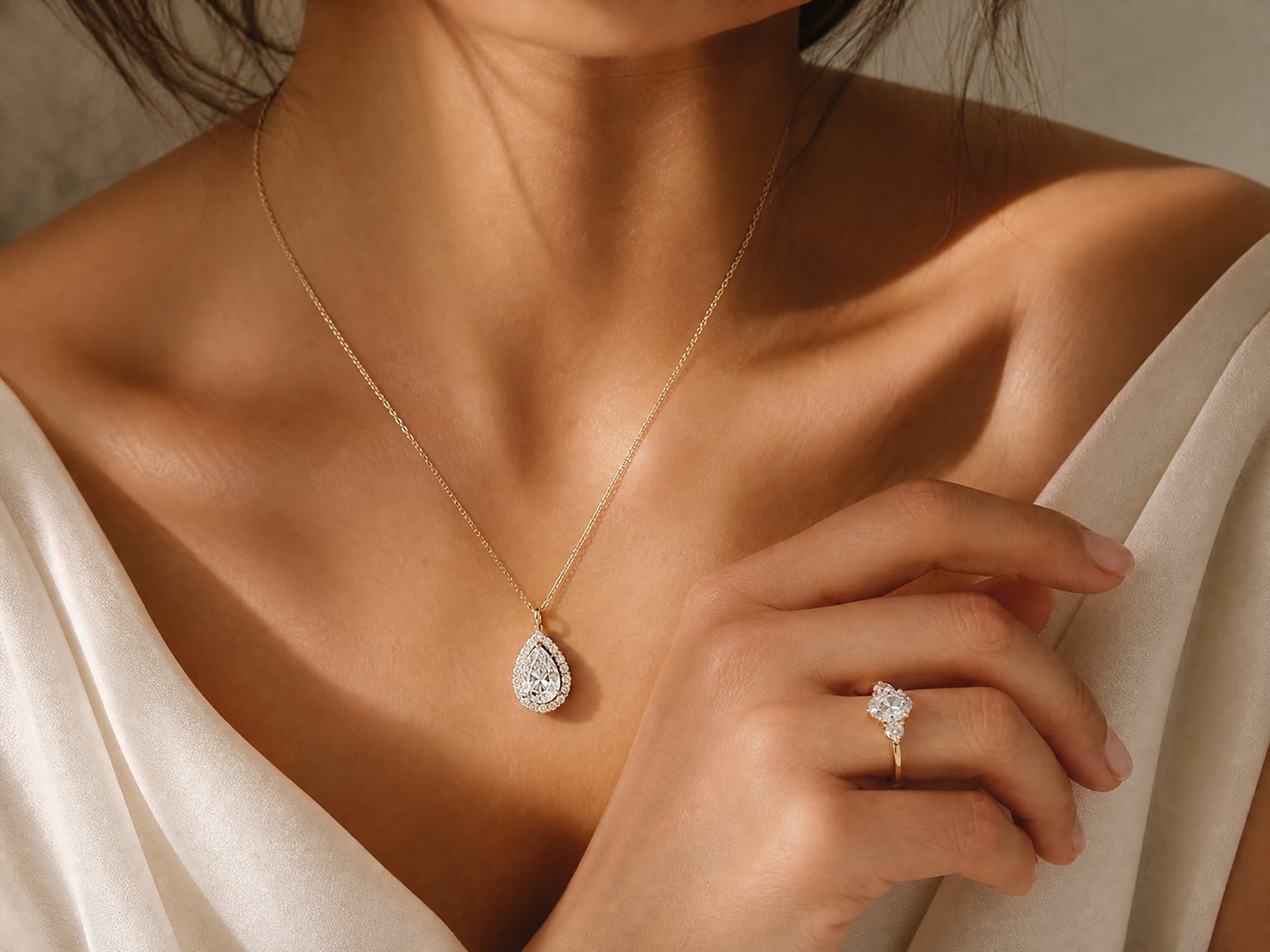
Use a clear, well-lit photo of your jewelry on a plain background. Sharp close-ups of rings, necklaces, bracelets, or earrings work best. The AI places the piece on an AI model while keeping the metal, stones, and detail accurate.
Start generating jewelry models with AI today
How to put your jewelry on an AI model
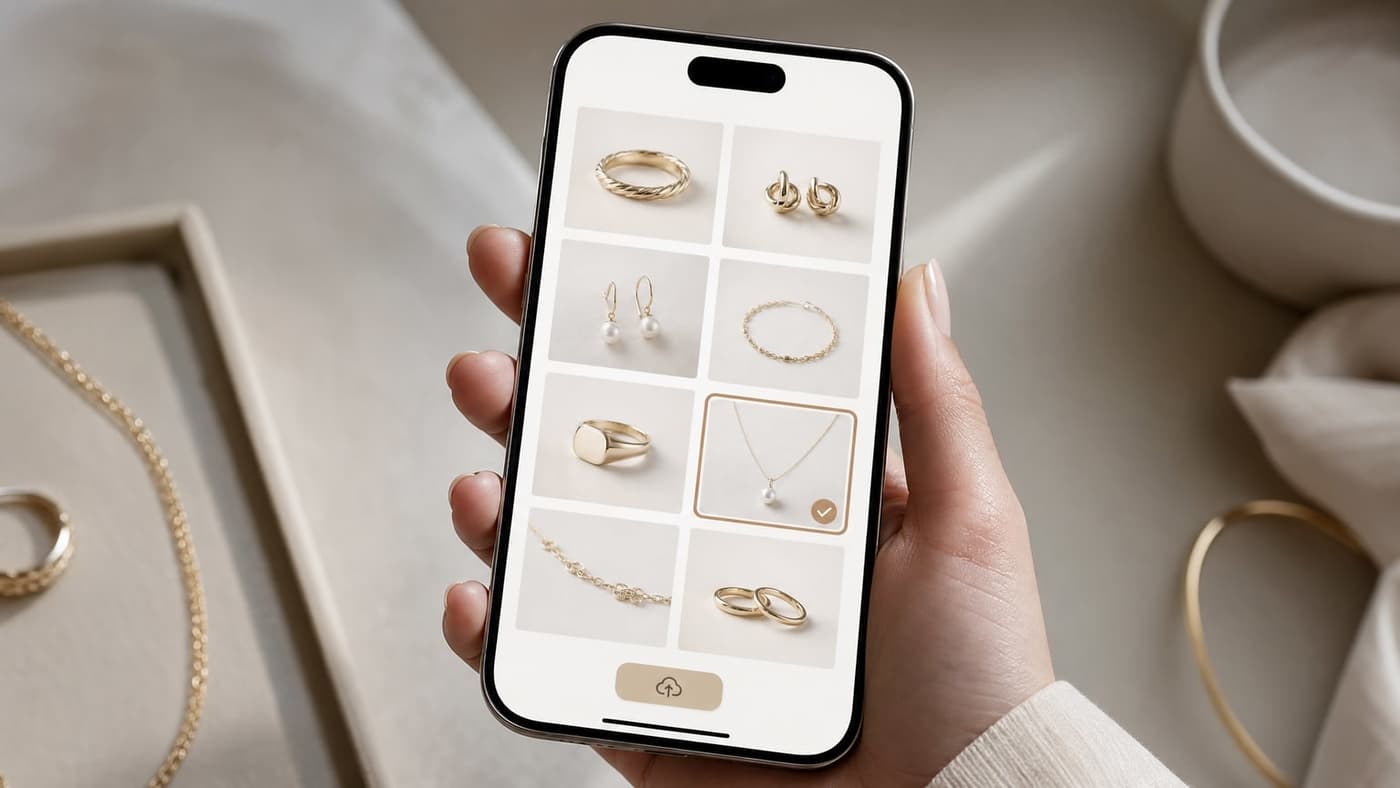
Upload your piece
Choose ring, necklace, earrings or bracelet and upload a sharp daylight photo of one piece, straight on and filling the frame.
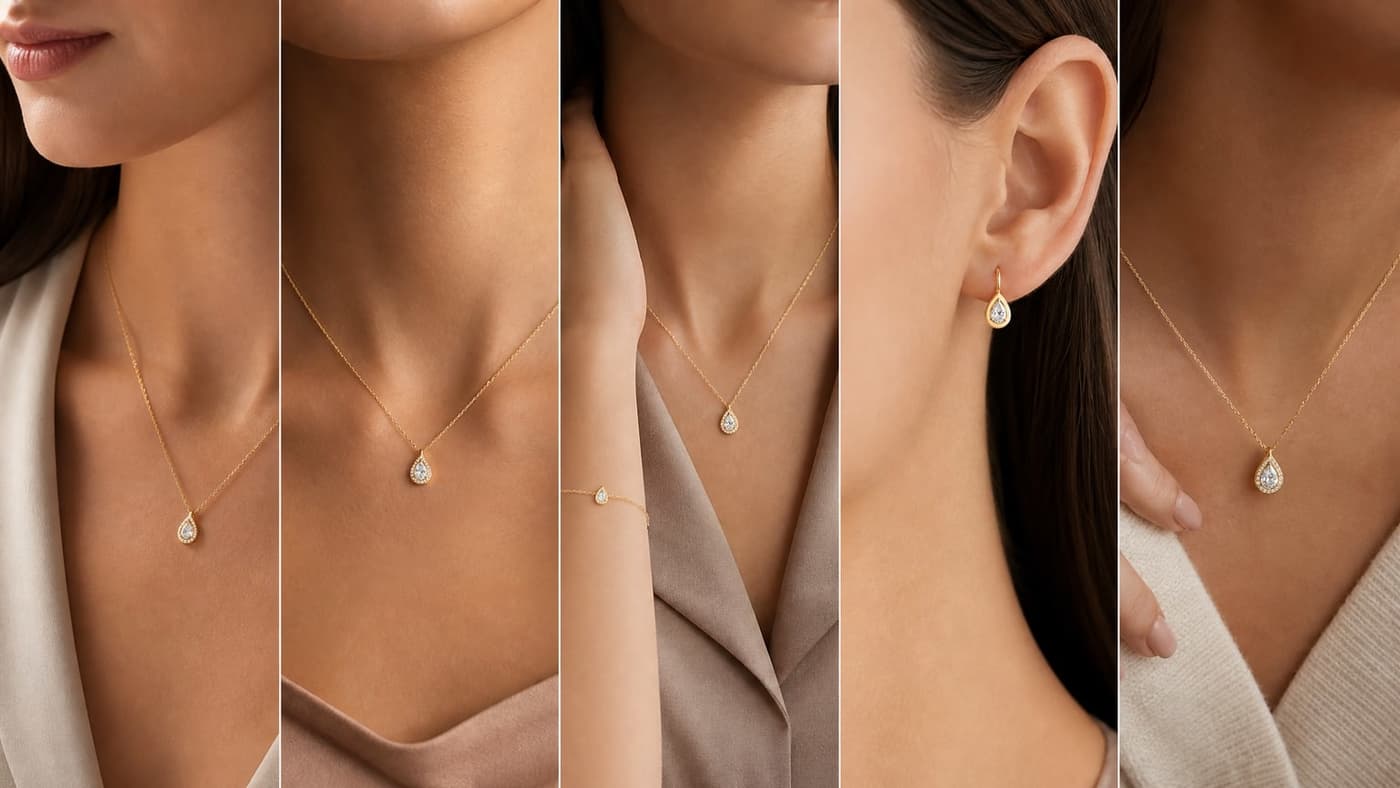
Choose the model
Pick a model from the jewelry catalogue, make one in Model Maker with the age, skin tone and style you want, or upload a photo of your own adult model.
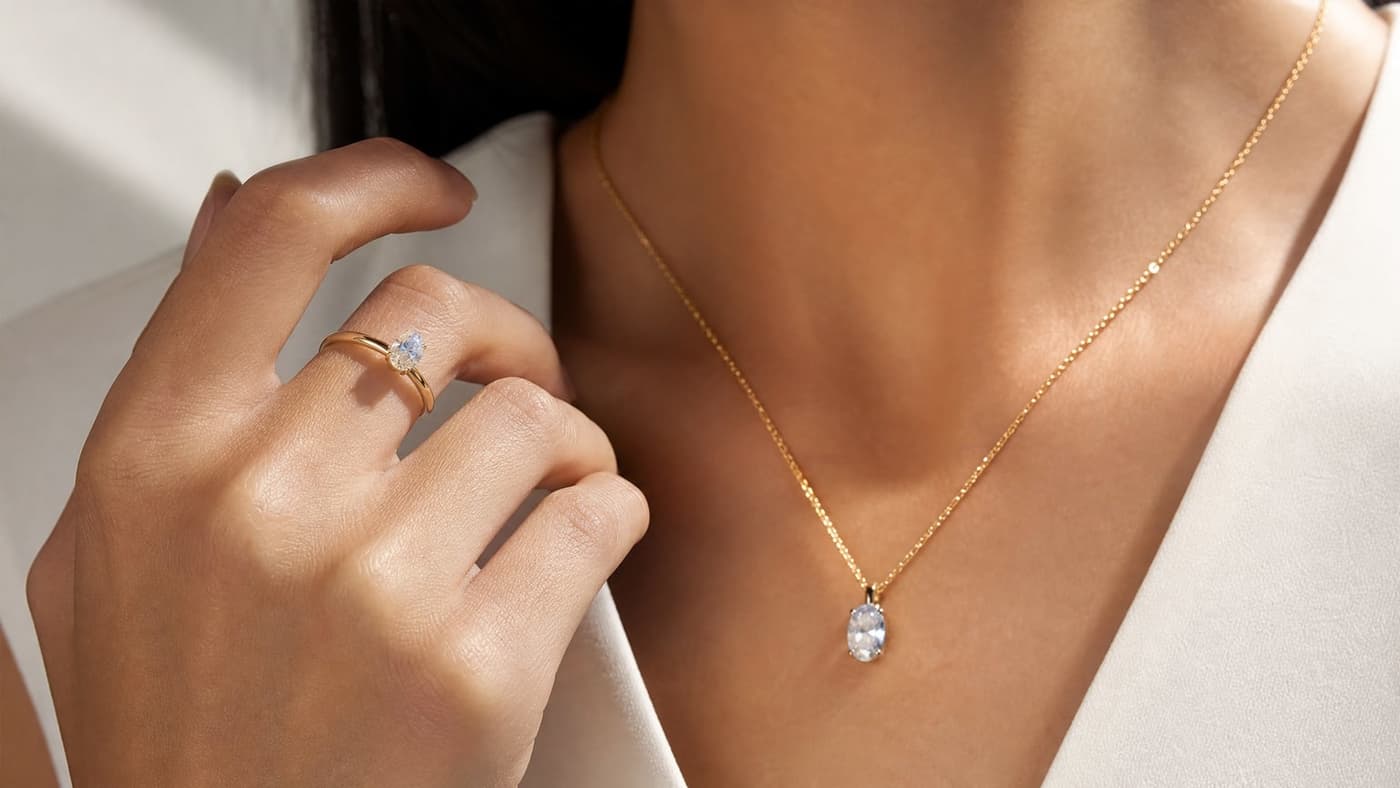
Place it and generate
Paint over the spot where the piece should sit, or let the studio place it. Choose the background and one to four photos; the price per photo is shown before you generate.
The model, the placement and the background are your choice.
What the AI jewelry model generator gives you
Explore all virtual try-on tools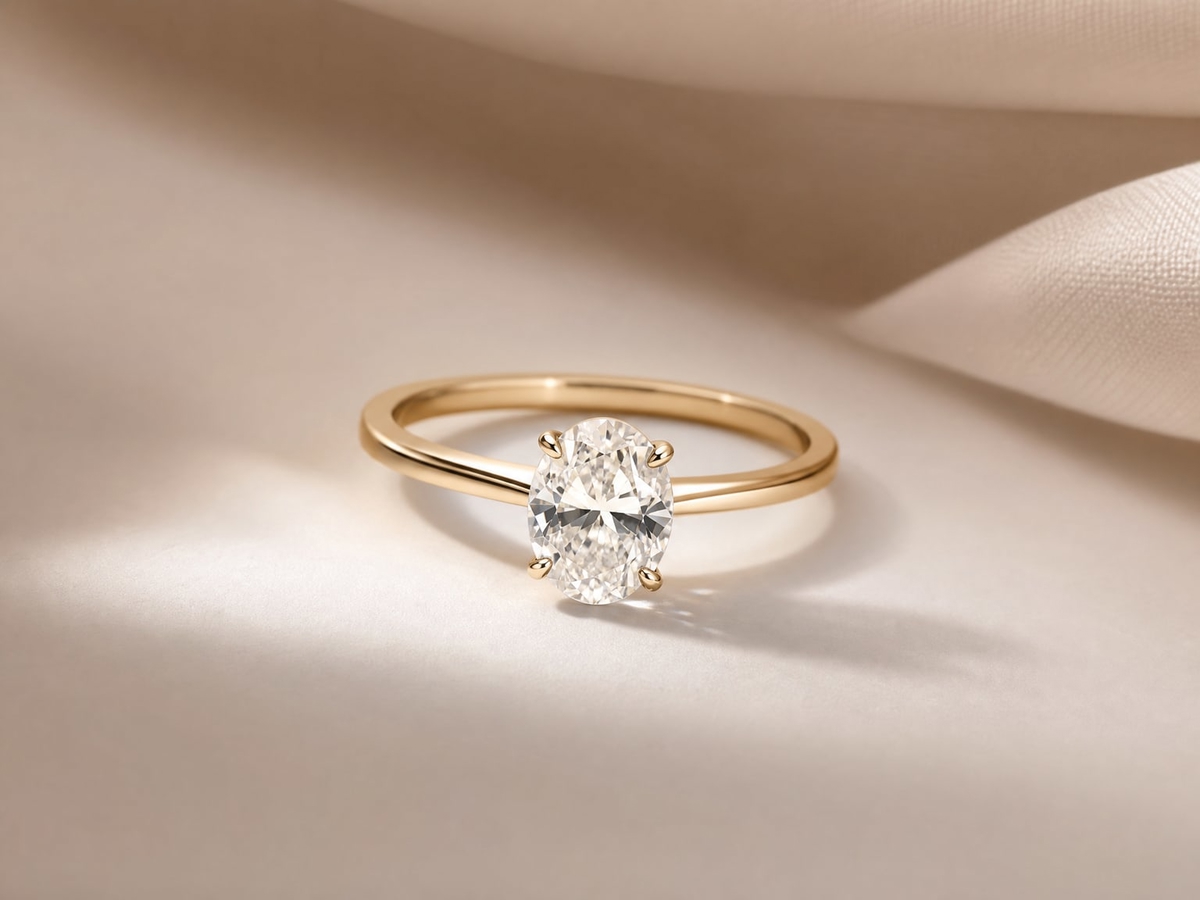
A model for each piece
Catalogue models for rings and bracelets on a hand, necklaces on a neckline and earrings on an ear.
Get Started FreeMake your own model
Model Maker creates a model with the age, skin tone and style you describe, for 4 credits, and you can pick it again for your next pieces.
Try It Now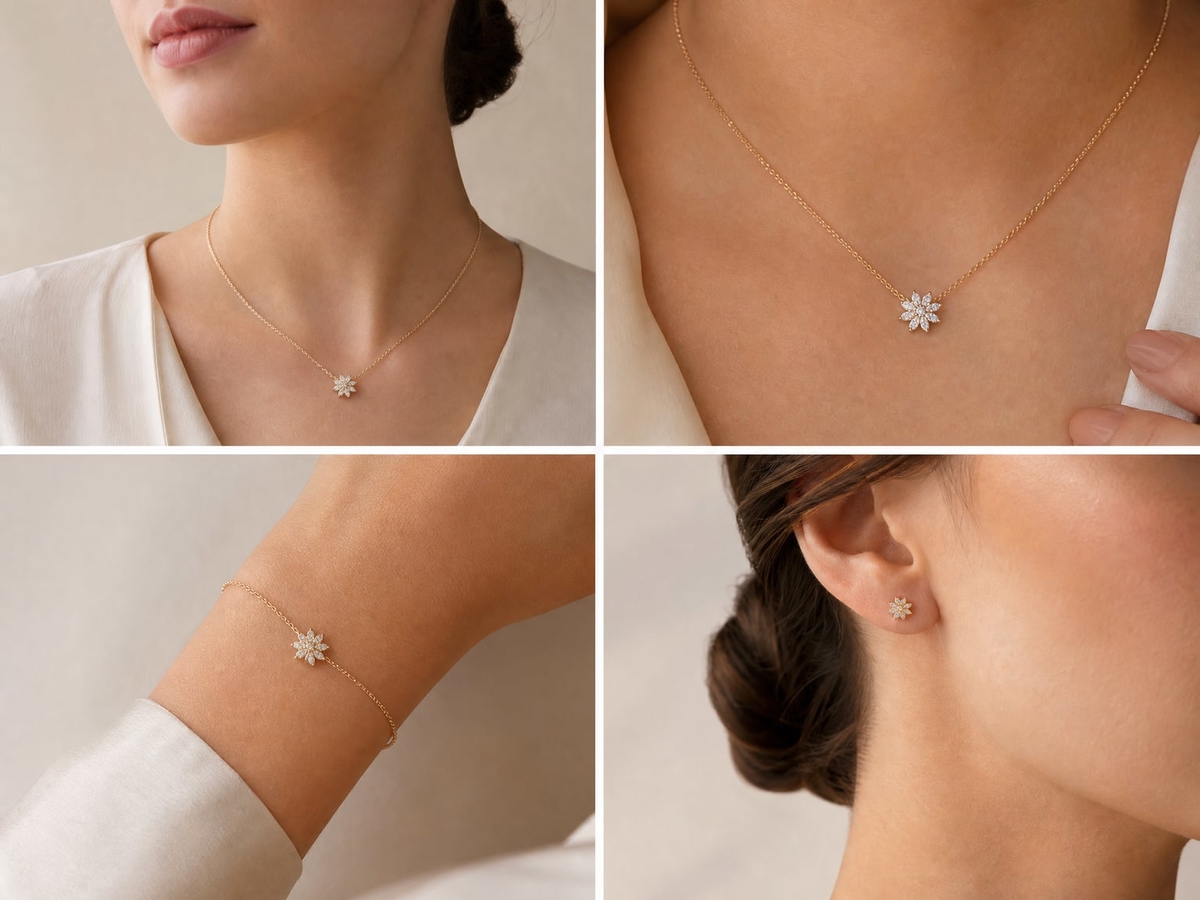
Or use your own model
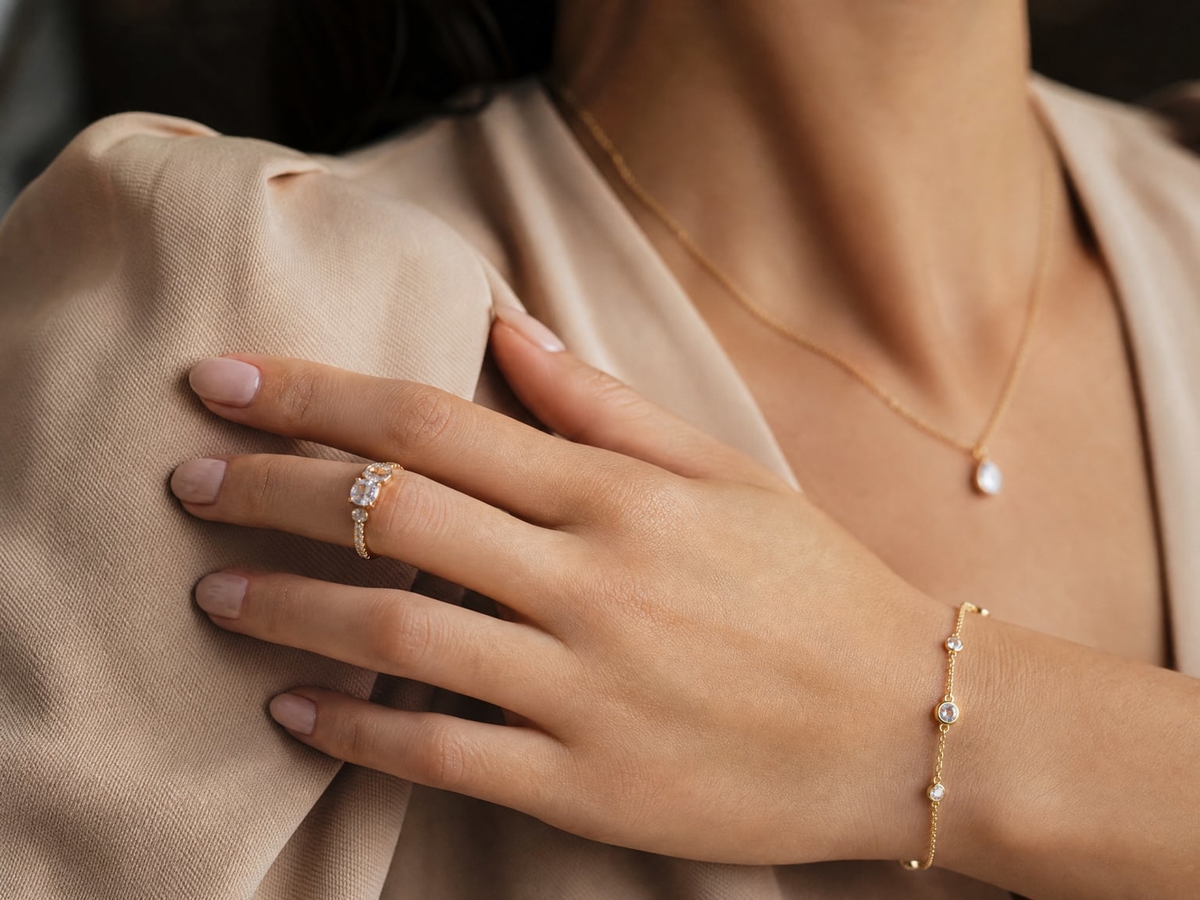
Upload a photo of a real adult model, and the piece is photographed on that person.
Explore FeaturesMore for jewelry sellers
Related pages for editing, on-model photos and prices.
- AI jewelry photo editorJewelry Studio: the piece, the model, the placement and the background in one place.
- On-model jewelry photographyPhotos of your jewelry being worn, for product pages and listings.
- Flat lay or on-model?When to show a piece on its own and when to show it worn.
- PricingWhat a photo costs on each plan.
Use Cases
Who uses an AI jewelry model
Jewelry shown worn, without booking a hand, neck or ear model.
Rings on a hand
A ring photographed on a hand model, for the product page and the listing.
Necklaces on a neckline
Chains and pendants on a neck model, so shoppers see where they fall.
Earrings on an ear
Studs, hoops and drops on an ear model, with the piece in focus.
Bracelets on a wrist
One bracelet or a stack, on a wrist, for product pages and social posts.
A collection on one model
Every piece of a launch on the same model, for a consistent catalogue.
Custom jewellers
A one-off piece on a model, made from your own product photo, before the customer buys.
AI jewelry model generator questions
Everything about generating jewelry models with AI.
Still have questions?
Contact SupportTry out related tools
Use Photta's wide range of powerful AI tools to generate, edit, and enhance your virtual try on clothes images and product photos.
AI Generation Tools
Virtual Try-On Solutions
Image Enhancement Tools
Background Editing Tools
Ready to Transform Your Fashion Business?
Join thousands of brands using Photta's AI tools