
How Macy's virtual try-on works
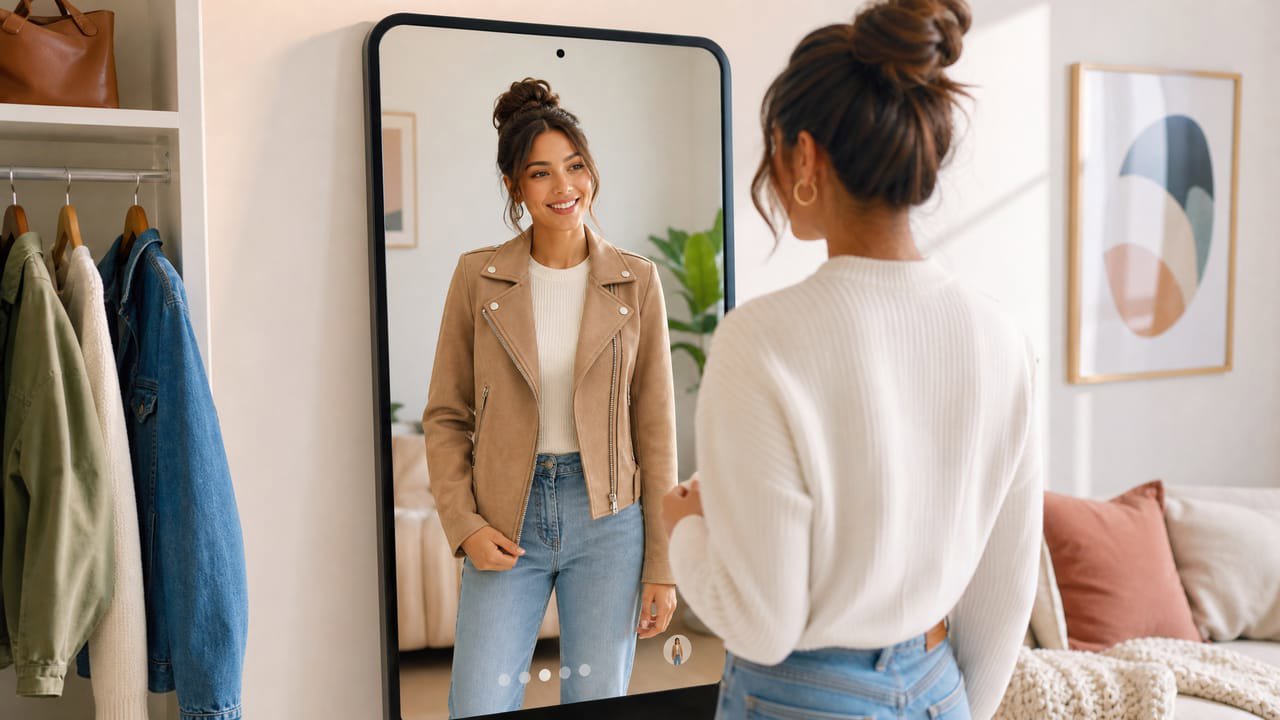
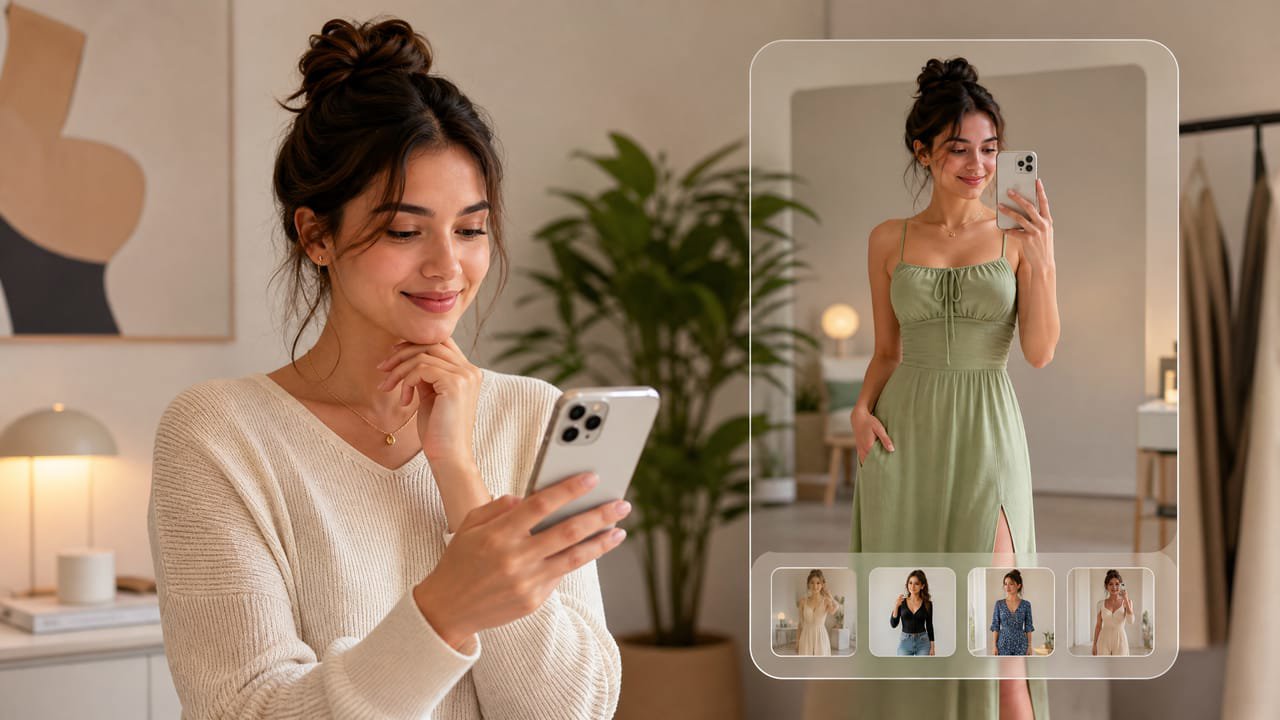
Macy's virtual try-on for apparel is delivered through its AI-powered shopping assistant, built on Google Gemini. The assistant includes a Complete the Look feature that helps shoppers visualize clothing and outfit combinations using AI-image technology. Shoppers interact with the Gemini assistant on the Macy's platform to get styled recommendations and visual outfit previews.
This is an AI-image try-on experience (rendered previews, not a live camera overlay) and is integrated into the shopping assistant flow rather than sitting on individual product pages as a standalone widget.
The catch: it is a platform partnership, not a plug-in
Macy's AI shopping assistant is built on an enterprise integration between Macy's and Google Cloud. That kind of platform partnership requires negotiated API access, engineering integration work, and a catalog large enough to justify the build. A boutique or mid-size clothing retailer cannot simply replicate that setup.
The underlying idea, an AI-image preview that shows clothing in a styled context before purchase, is exactly what a hosted widget can bring to any storefront independently.
How to add the same try-on to your store
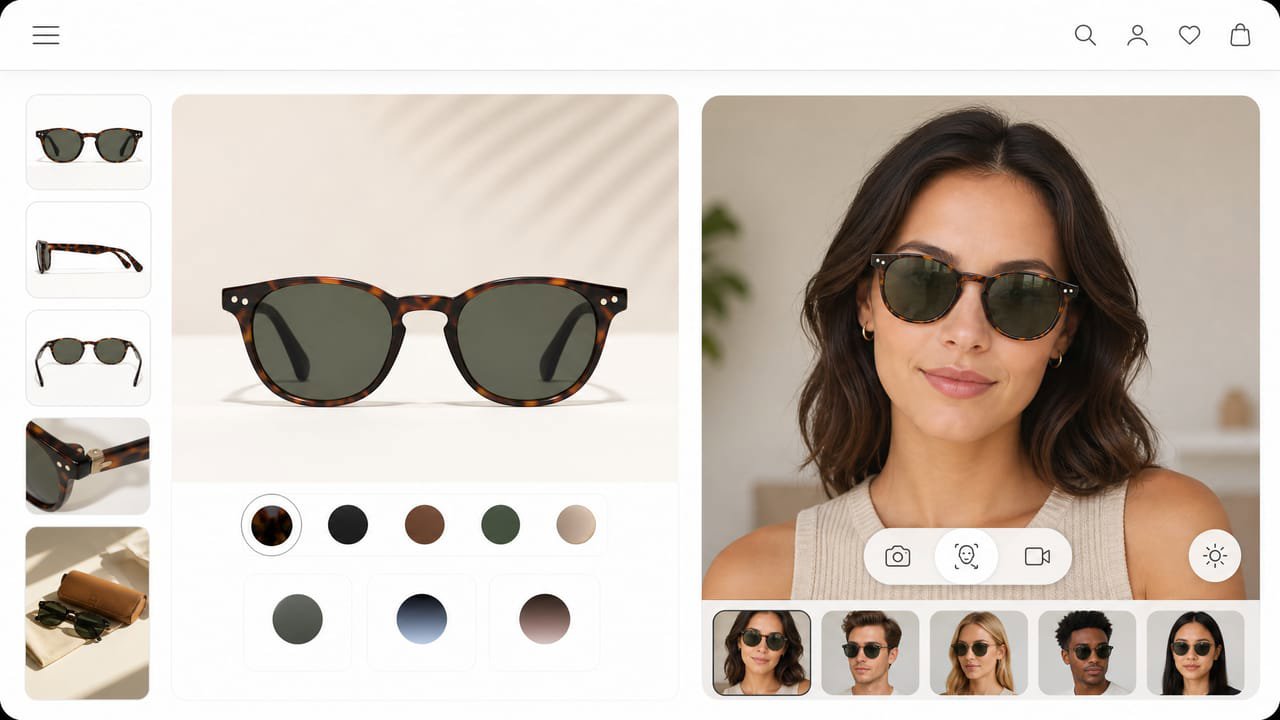
A hosted try-on widget brings the photo-in, worn-result-out experience to your own product pages on the web, with no platform partnership and no custom engineering. Photta installs as a single script tag.
The shopper taps Try it on, uploads a photo, and sees the dress, blouse, or jacket on themselves right in the browser. It covers apparel and jewelry, runs in 29 languages, deletes the shopper's photo after processing, and you manage and brand it from a dashboard.
Why it pays off for a clothing store
Department store shoppers browse a wide range of categories, and the biggest barrier to online purchase is not knowing how something will look on them. Shoppers who use try-on previews convert at materially higher rates and return less often, because they have seen the item worn before committing.
Reducing apparel returns has a direct impact on margin. When a shopper sees a blouse on their own body before buying, the chance they are surprised by fit or color when it arrives drops significantly.

Set it up in minutes
Sign up at business.photta.app and start the free trial (14 days, 30 try-ons). Create a key, choose apparel, and add your store domain.
Paste the one-line script into your Shopify, WooCommerce, Wix, Squarespace, or custom HTML theme, pick your product image and brand color, and your shoppers can preview clothing on themselves right on your site. Paid plans start at $49 a month for 500 try-ons after the trial.