
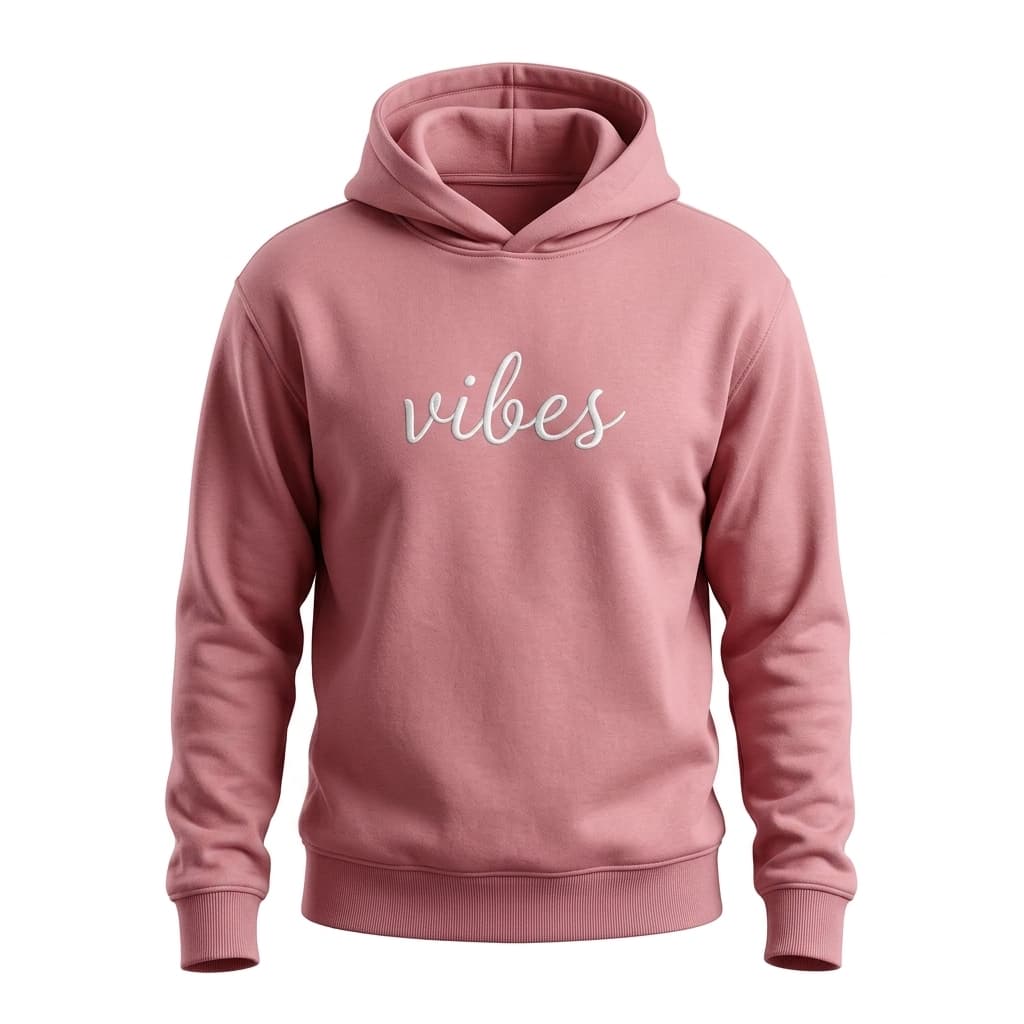

How Levi's virtual try-on works
Levi's virtual try-on is distributed across several partner platforms rather than living on levis.com. In the US, Levi's apparel appears in Google Shopping's AI virtual try-on, which lets searchers preview items on a range of AI-generated models directly in Google Search results before clicking through to buy. In Europe, Zalando offers a 3D avatar try-on across 14 markets where shoppers enter their measurements to build a body-proportionate avatar and see garments fitted to it. A Snapchat AR lens was also launched in a campaign with Kohl's, letting users try on specific styles through the Snapchat camera.
Each channel uses a different try-on family: Google Shopping uses AI-image rendering, Zalando uses a measurement-based 3D avatar, and Snapchat uses live AR. None of these experiences live on the Levi's storefront directly.
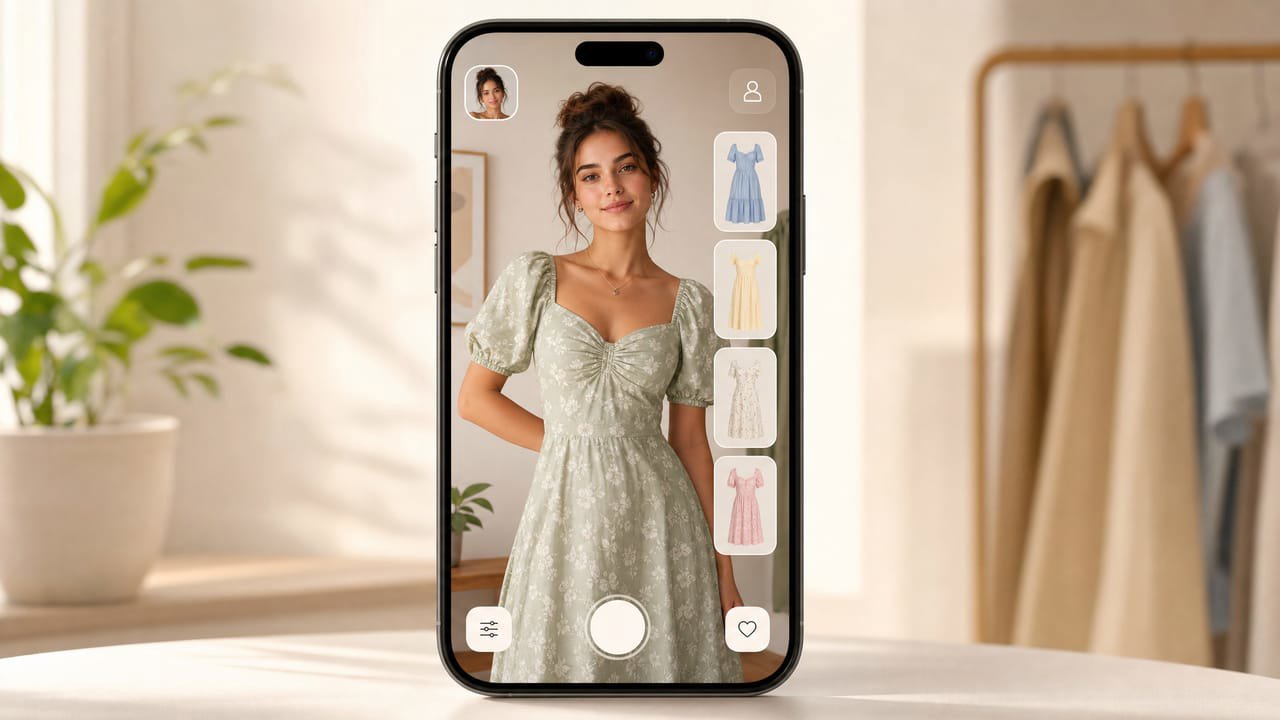
The catch: the shopper stays on the platform, not your site
Partner-powered try-on through Google Shopping or Zalando is effective for discovery, but the experience happens inside those platforms. When a shopper tries on a Levi's item in Google, they are a Google user at that moment, not a Levi's customer on the Levi's site.
For a brand or retailer with its own storefront, the goal is different: you want the shopper to see the item on themselves on your product page, add to cart there, and check out with you. That requires a try-on widget you host and own.
How to add the same try-on to your store
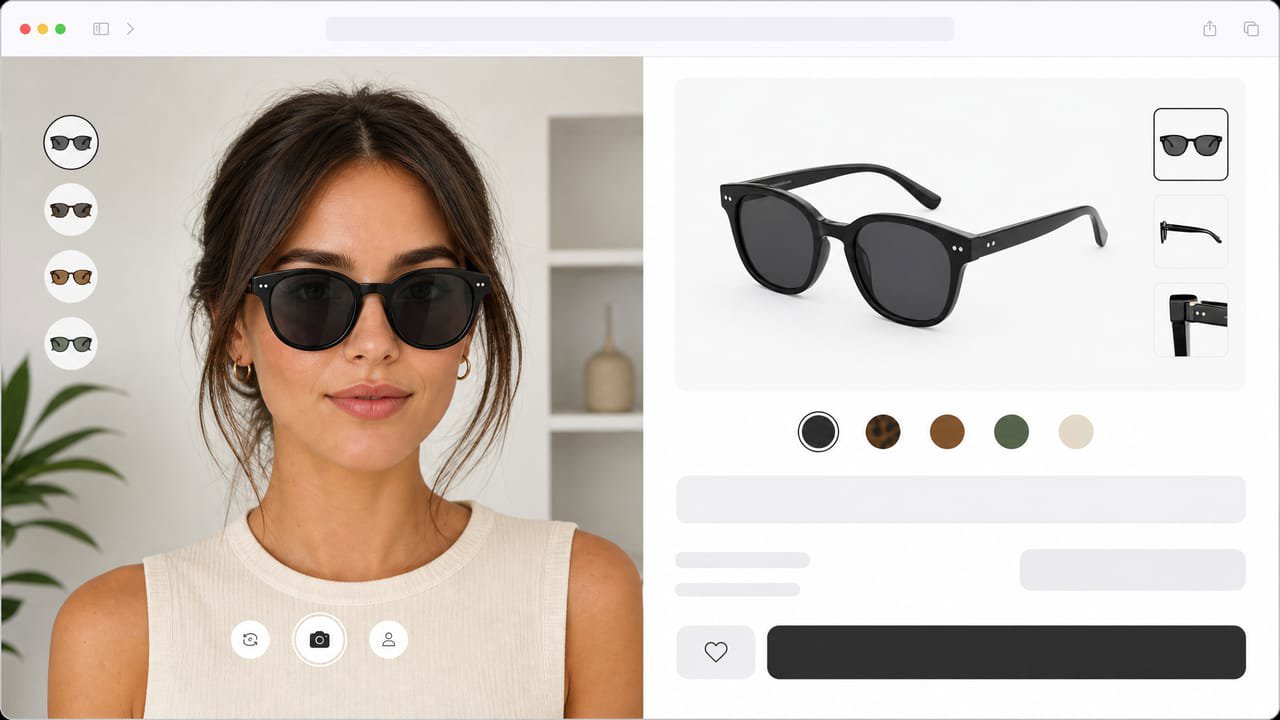
A hosted try-on widget brings AI-image apparel try-on to your own product pages on the web, with no app, no platform dependency, and no custom code. Photta installs as a single script tag.
The shopper taps Try it on, uploads a photo, and sees the jeans, jacket, or shirt on themselves right in the browser. It covers apparel and jewelry, runs in 29 languages, deletes the shopper's photo after processing, and you manage and brand it from a dashboard.
Why it pays off for a clothing store
Denim and clothing shoppers abandon carts when they cannot judge fit from a flat product photo. Shoppers who see a garment on their own body convert at materially higher rates and return far less, because they are buying with a realistic preview rather than guessing.
Reducing returns on apparel, where return rates can run 20 to 40 percent for online orders, has a direct impact on margin. A try-on widget that lowers returns by even a fraction pays for itself quickly.

Set it up in minutes
Sign up at business.photta.app and start the free trial (14 days, 30 try-ons). Create a key, choose apparel, and add your store domain.
Paste the one-line script into your Shopify, WooCommerce, Wix, Squarespace, or custom HTML theme, pick your product image and brand color, and your shoppers can preview clothing on themselves right on your site. Paid plans start at $49 a month for 500 try-ons after the trial.