
Photta
Transform Your Product Photography with AI
Join thousands of brands creating professional product photos instantly. Start free, no credit card required.
Get Started Free
Marcus Bell
DTC & Shopify E-commerce Growth Strategist
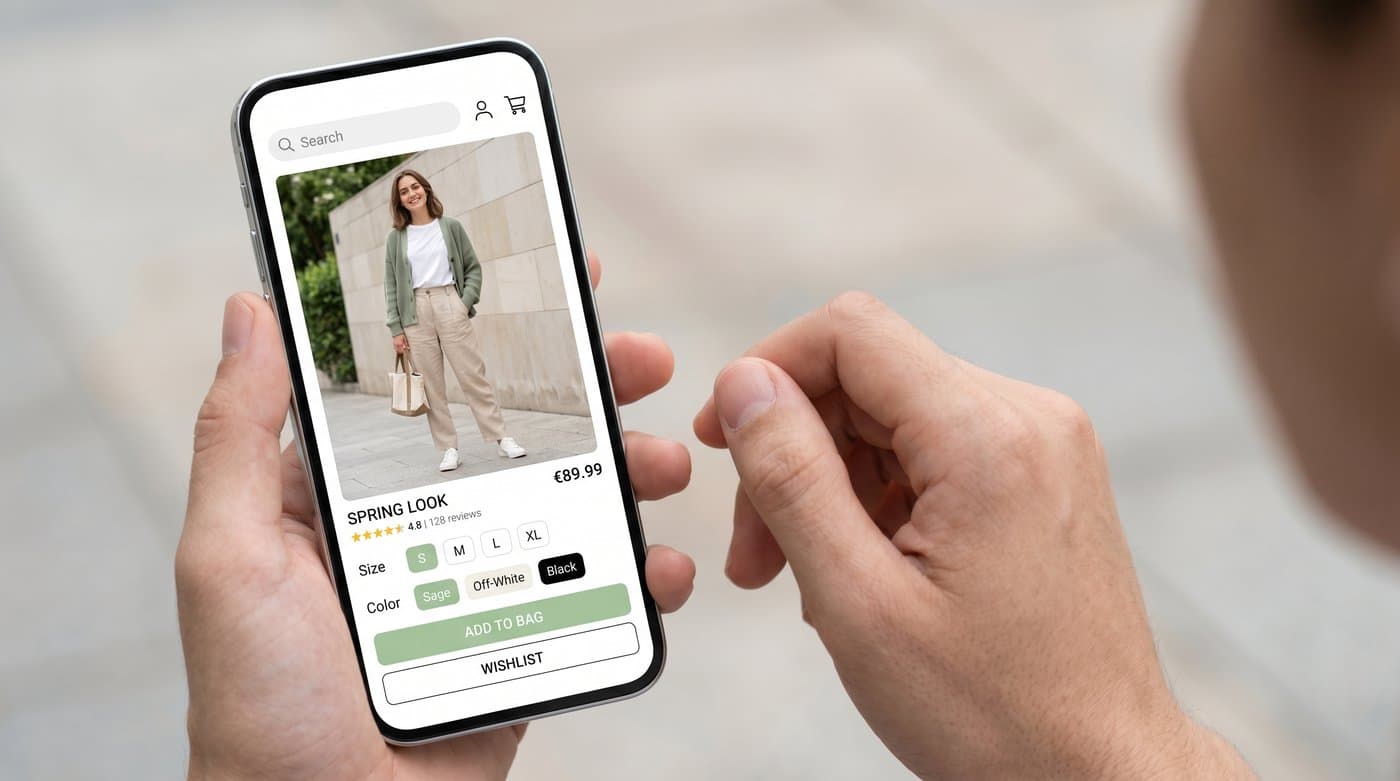
SHEIN built its business on volume, low prices, and a firehose of new styles, and one of its bigger problems is the flip side of that: returns and uncertainty about fit. So it leaned into AI virtual try-on, letting shoppers preview how a look sits on a body before adding to cart. A wave of third-party SHEIN try-on tools has followed too. If you sell affordable fashion and compete near that space, here is how SHEIN-style try-on works and how to put a proper version on your own store.
My quick take: SHEIN-style try-on is AI-image try-on aimed at high volume and fast decisions. The same on-body experience, done cleanly on your own product page, is a one-line install.
How SHEIN-style virtual try-on works
SHEIN has rolled out AI virtual try-on inside its shopping experience, and the approach is AI-image: the shopper provides a photo or measurements, and the app generates a representation of them wearing the garment so they can judge style and fit before buying. Around it, a whole ecosystem of third-party SHEIN try-on apps now lets shoppers drop a SHEIN product onto their own photo. The common thread is the same one running through Google, Zara, and ASOS, a photo goes in and a worn image comes out.
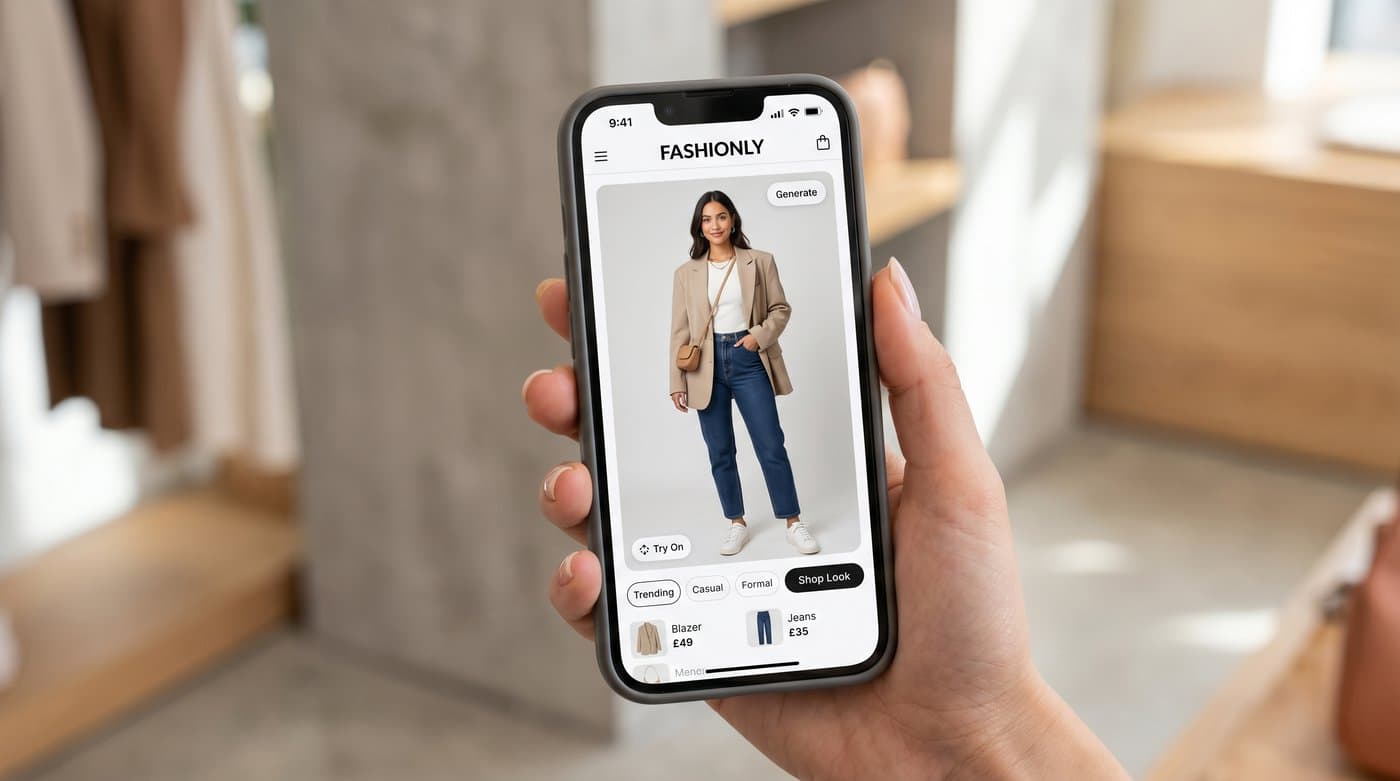
For a high-volume, low-price catalog, the goal is speed: help the shopper decide fast and reduce the impulse returns that eat the margin. That is exactly the job on-body try-on is good at.
The catch: it works for SHEIN, on SHEIN
SHEIN's own try-on lives in SHEIN's app, tuned for SHEIN's catalog, and the third-party tools live on other people's sites, not yours. None of that helps a shopper on your product page decide to buy from you. If you want the conversion and the lower returns on your store, you need try-on on your store.
How to add it to your store
A managed widget puts AI-image try-on on your product page with no engineering. Photta installs as one tag:
<script src="https://widget.photta.app/v1.js" data-key="pk_live_..."></script>
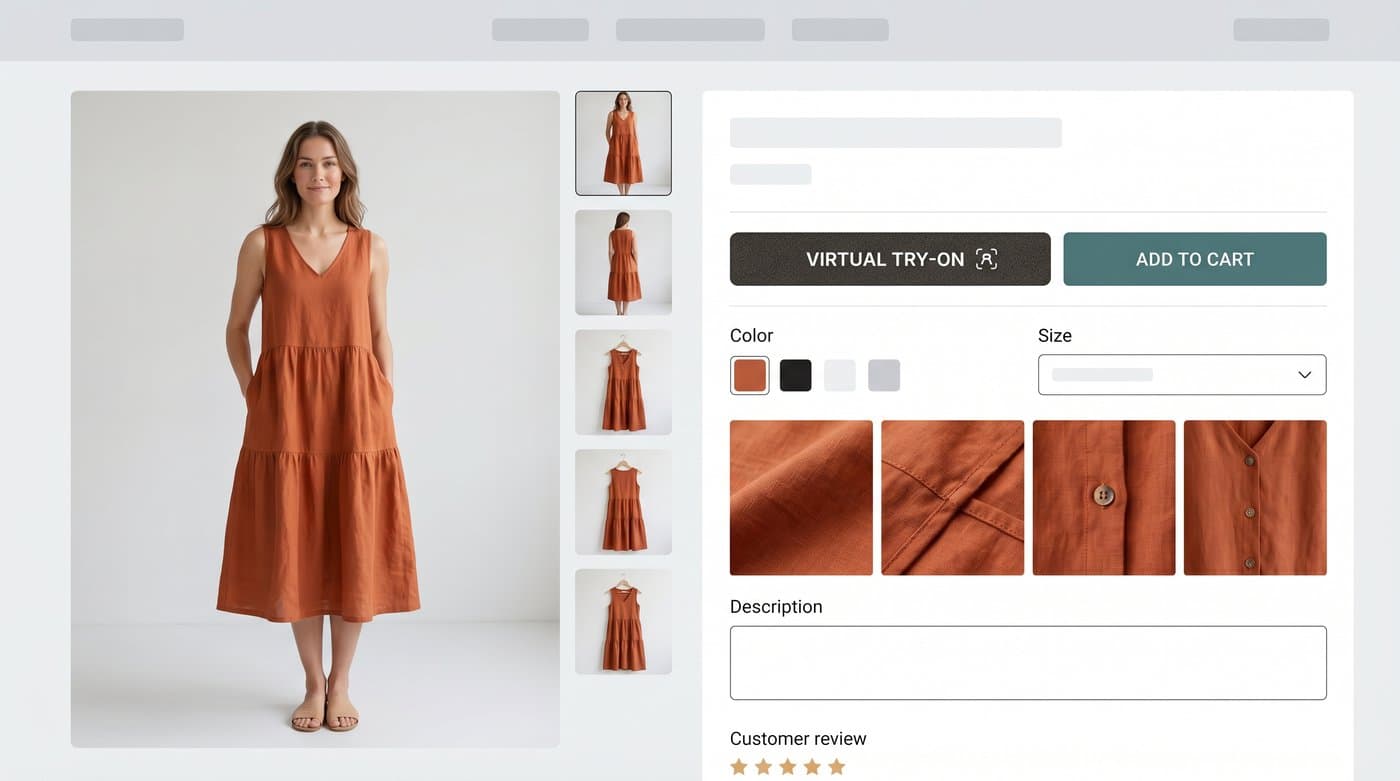
The shopper uploads a photo and sees themselves in your garment, on your site. It covers apparel and jewelry, runs in 29 languages, and deletes shopper photos after processing, which matters when you are asking people to upload an image of themselves. The upload screen, result view, and bot protection are all included.
Why it is worth it for affordable fashion
When margins are thin, returns hurt the most, and that is precisely where try-on earns its keep. Try-on users convert at roughly 2.3 times the rate of non-users, and try-on cuts returns by 35 to 45 percent in apparel. On a low-price catalog with high volume, a few points off the return rate is real money.

How to set it up
- Sign up at business.photta.app and start the free trial (14 days, 30 try-ons).
- Create a key, choose apparel, add your domain.
- Paste the one-line script into your Shopify, Wix, Squarespace, or WooCommerce theme.
- Brand it, and your shoppers can preview the fit the way SHEIN shoppers do.
Plans start around $49 a month for 500 try-ons after the trial.
FAQ
Sources
- NewzShein, SHEIN virtual try-on feature benefits: newzshein.com
- eMarketer, virtual try-on curbs returns and boosts conversions: emarketer.com
- Focal, virtual try-on in e-commerce research summary: getfocal.co
Tags
Photta
Ready to transform your product photography?
Try Photta free and see the difference AI can make for your e-commerce business. No credit card required.
Start Free Trial