
Photta
Transform Your Product Photography with AI
Join thousands of brands creating professional product photos instantly. Start free, no credit card required.
Get Started Free
Marcus Bell
DTC & Shopify E-commerce Growth Strategist
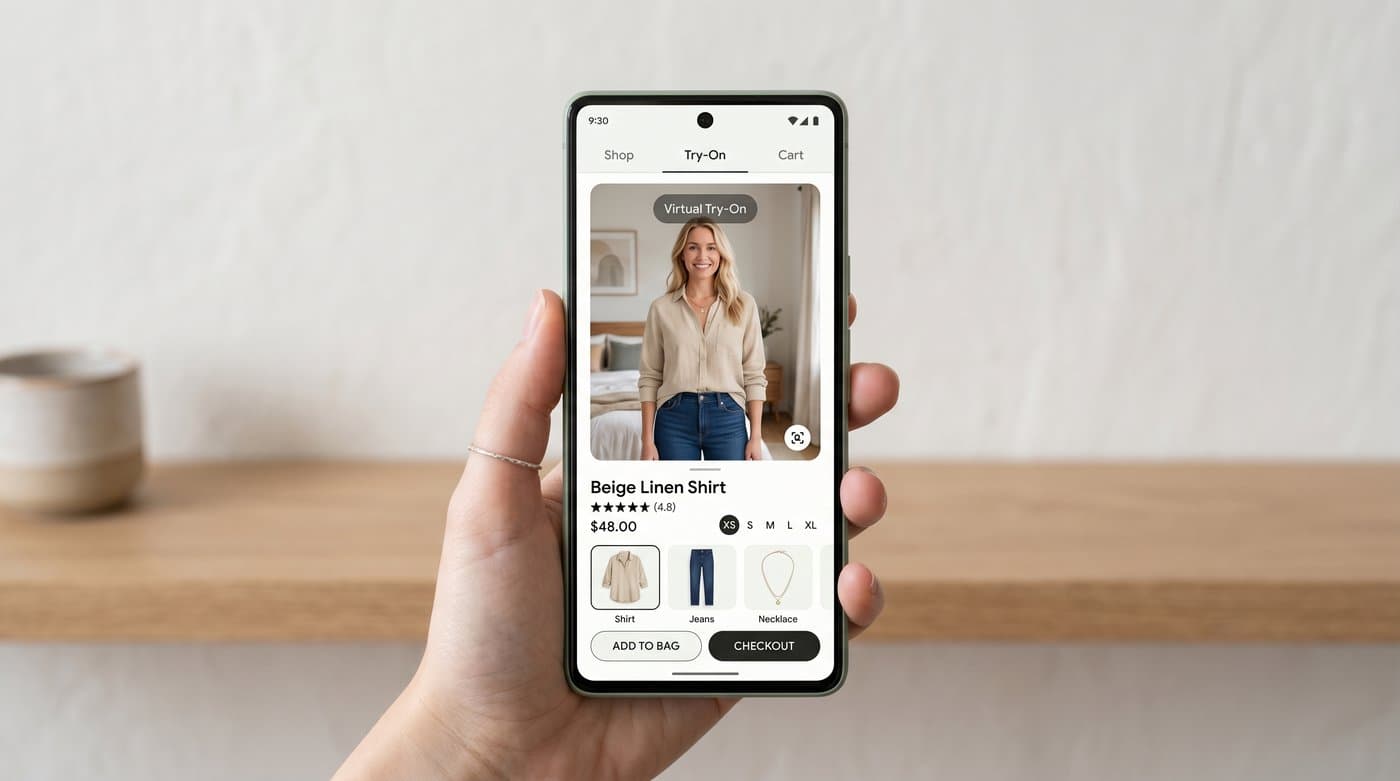
Google quietly built one of the largest virtual try-on tools on the planet. Inside Google Shopping, a shopper can upload a photo of themselves and see how a piece of clothing looks on their own body, across billions of listings. As of late 2025 it works from a single selfie. It is impressive, it is free for shoppers, and if you sell clothing it is worth understanding exactly how it works, because there is a version of it you can run on your own store instead of handing the moment to Google.
My quick take: Google's try-on is excellent at the top of the funnel, but it happens on Google, not your store. The same AI-image experience, on your own product page and under your brand, is now a one-line install. Here is the full picture.
How Google's virtual try-on works
It is AI-image try-on. The shopper picks a clothing item in Google Shopping, uploads a photo of themselves, and Google's model generates an image of that person wearing that garment. It is not a live camera overlay and not a generic model, it is the shopper's own body. Google launched it with partners including H&M, Anthropologie, and Everlane, then expanded to hundreds of brands such as Levi's, Abercrombie, and Adidas, drawing on product images that retailers already feed into Merchant Center.
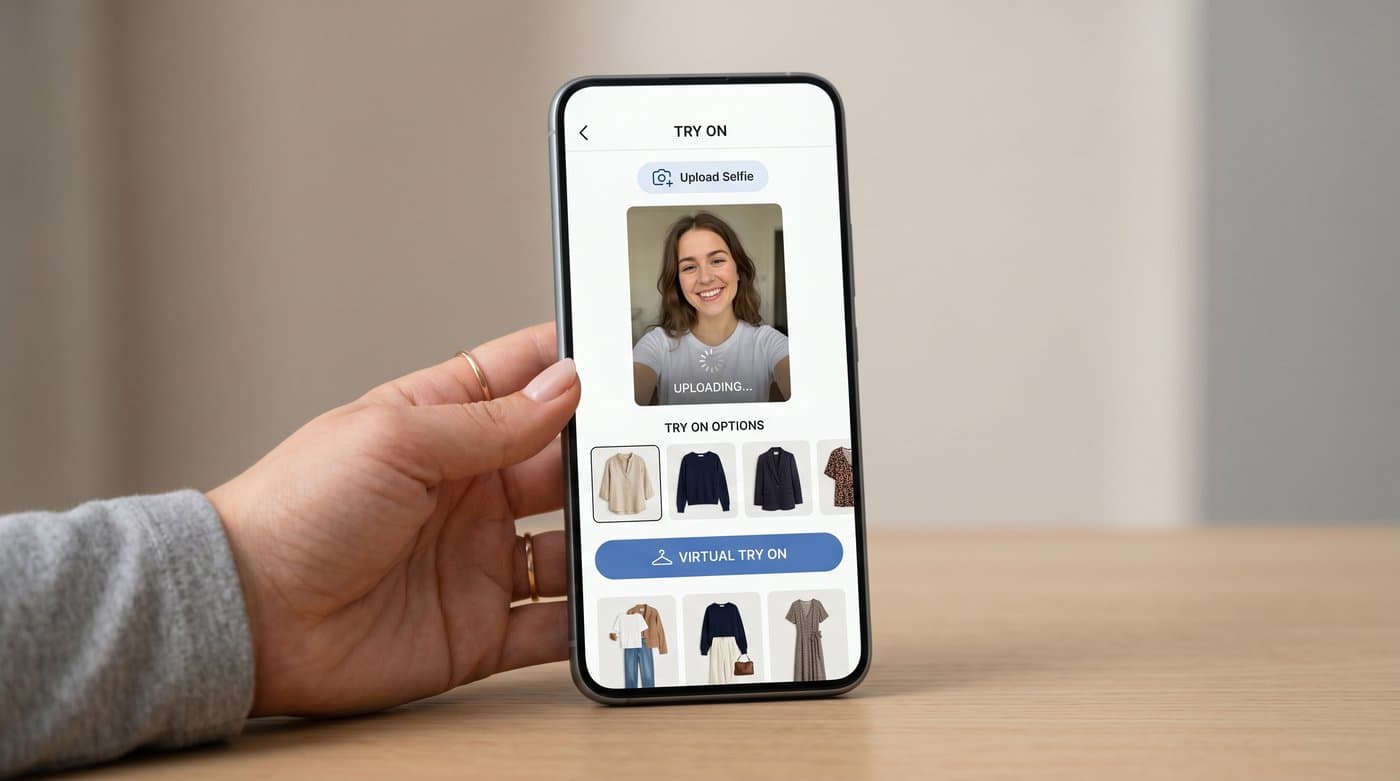
The clever part is scale: because it runs on the Shopping feed, it can apply to enormous numbers of listings at once. The shopper does the work of uploading once and can then try many items. This is the same fundamental approach, photo in, worn image out, that the strongest fashion try-on tools use, including the kind you can put on your own site.
The catch: it lives on Google, not your store
Here is the part store owners miss. When a shopper tries your product on through Google Shopping, the experience belongs to Google. The shopper is in Google's interface, comparing your item against everyone else's, one tap away from a competitor. You do not control the styling, you do not capture that engaged moment on your own product page, and you are still competing in a marketplace grid.
Google try-on is a great discovery surface, and you should absolutely keep your feed healthy so you appear there. But it is not a substitute for try-on on your own store, where the shopper is already on your page, in your funnel, and closer to checkout.
How to offer the same try-on on your own store
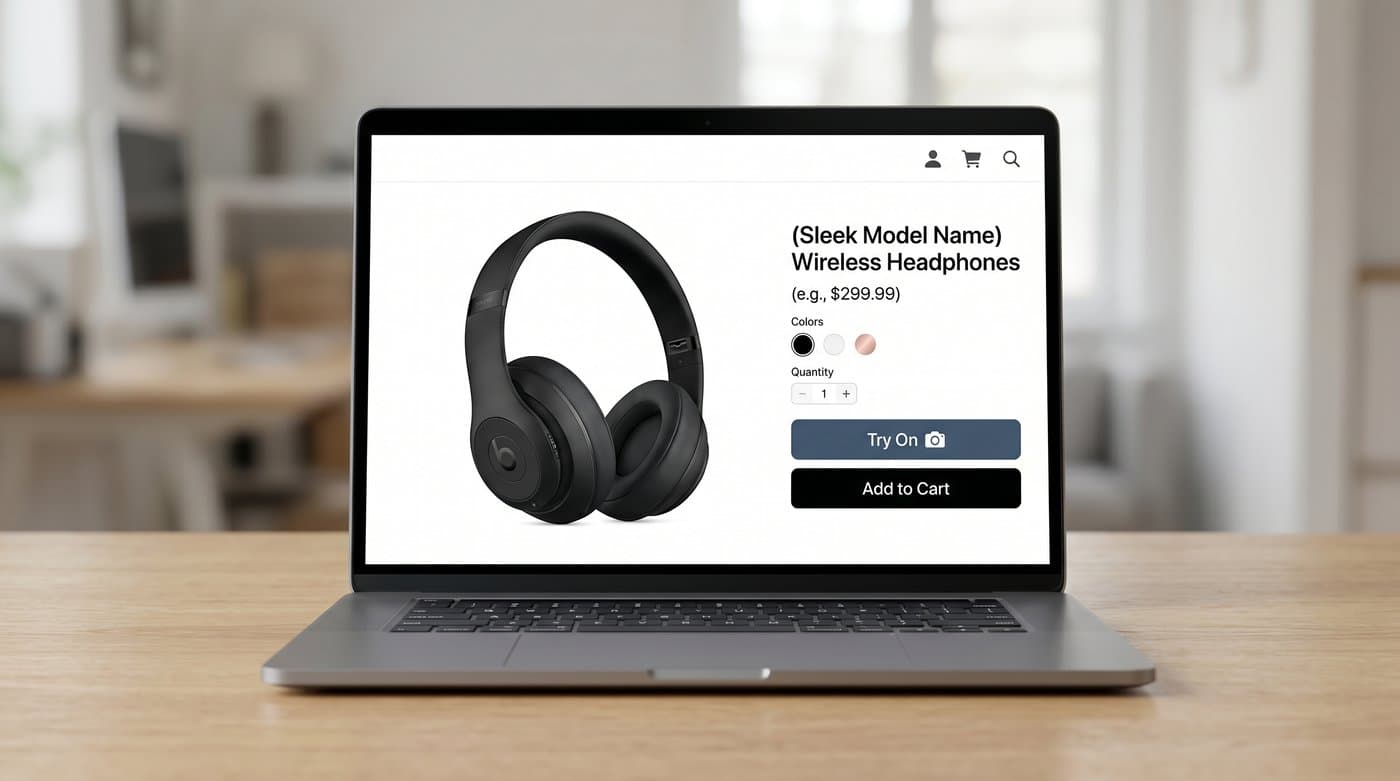
You do not need to build a Google-scale model to give your shoppers the same upload-and-wear experience. A managed try-on widget does it on your product page. Photta installs with a single tag:
<script src="https://widget.photta.app/v1.js" data-key="pk_live_..."></script>
That gives your store the same AI-image try-on Google offers, the shopper uploads a photo and sees themselves in your garment, but it happens on your page, under your brand, with the shopper still in your funnel. It covers apparel and jewelry, runs in 29 languages, deletes shopper photos after processing, and handles bot protection for you. No model training, no engineering team.
Why on-site try-on is worth it
Keeping that moment on your site is where the money is. Shoppers who use try-on convert at about 2.3 times the rate of those who do not, and try-on cuts returns sharply, with brands reporting 35 to 45 percent fewer returns after adding it. Capturing that on your own product page, rather than inside Google's grid, means the lift lands on your conversion rate, not just your discovery.
How to set it up
- Keep your Google Merchant Center feed clean so you still show up in Google's try-on, that is free top-funnel reach.
- Add your own on-site try-on: sign up at business.photta.app, start the free trial (14 days, 30 try-ons), create a key, and paste the one-line script into your theme.
- Now a shopper can try your item on twice, once when discovering you on Google, and again, more decisively, on your own product page.

The two work together. Google gets you found, your own widget closes the sale.
FAQ
Sources
- Google, AI virtual try-on for Google Shopping: blog.google
- Google, Shopping AI Mode and virtual try-on updates: blog.google
- eMarketer, virtual try-on curbs returns and boosts conversions: emarketer.com
- Focal, virtual try-on in e-commerce research summary: getfocal.co
Tags
Photta
Ready to transform your product photography?
Try Photta free and see the difference AI can make for your e-commerce business. No credit card required.
Start Free Trial