
Photta
Transform Your Product Photography with AI
Join thousands of brands creating professional product photos instantly. Start free, no credit card required.
Get Started Free
Marcus Bell
DTC & Shopify E-commerce Growth Strategist
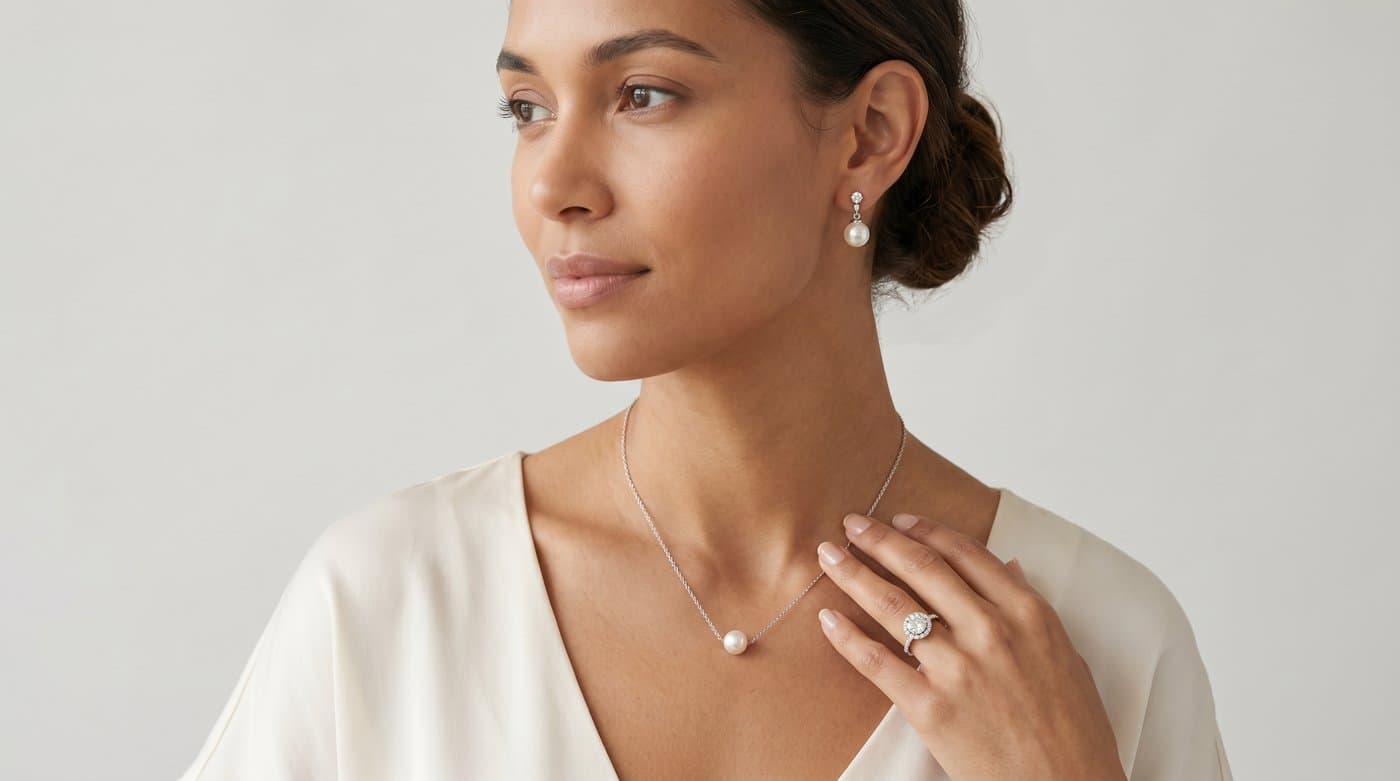
Jewelry has a trust problem online. A necklace looks one size on a white background and another on a collarbone, and earrings that read bold in a photo can arrive surprisingly delicate. That gap between the photo and reality is where jewelry sales stall and returns start. Virtual try-on closes it by showing the piece worn, and in 2026 you can add it to your store with one line of code. Here is how.
The short version: a managed try-on widget lets shoppers upload a photo and see your piece on themselves, generated as an image. It installs in minutes, no developer, and covers necklaces, earrings, and rings. Below is the setup and how to make it convert.
Why jewelry needs try-on more than most categories
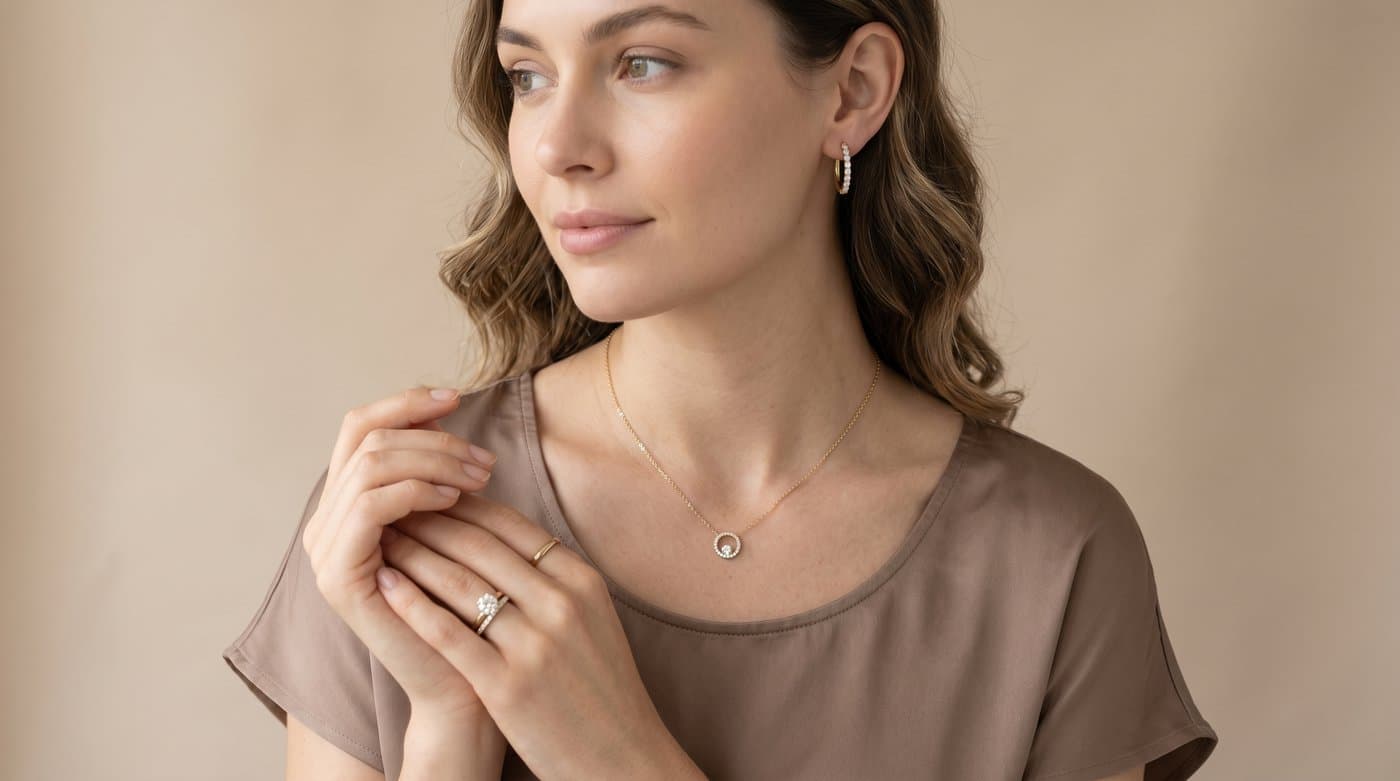
Two things make jewelry uniquely hard to buy from a photo: scale and how a piece sits on a real body. Shoppers cannot tell how a pendant will hang or how big a hoop really is, so they hesitate or buy and return. Seeing it worn answers both at once. And since shoppers reach for images first, 56 percent before reading any text, a worn image near your gallery is doing the heaviest selling on the page.
AI-image try-on is the practical choice for jewelry
There are two kinds of try-on. Live AR overlays a piece through the camera in real time, which is lovely for a ring on a hand but heavier to build and narrower in what it covers. AI-image try-on has the shopper upload a photo and generates them wearing the piece, which installs without any AR engineering and works across necklaces, earrings, and rings alike. For most online jewelry stores, AI-image is the faster, broader option.
The no-code setup
Using Photta as the example:
- Start the free trial at business.photta.app, 14 days and 30 try-ons, no card.
- Create a key and choose jewelry, then add your store domain so the widget only runs on your site.
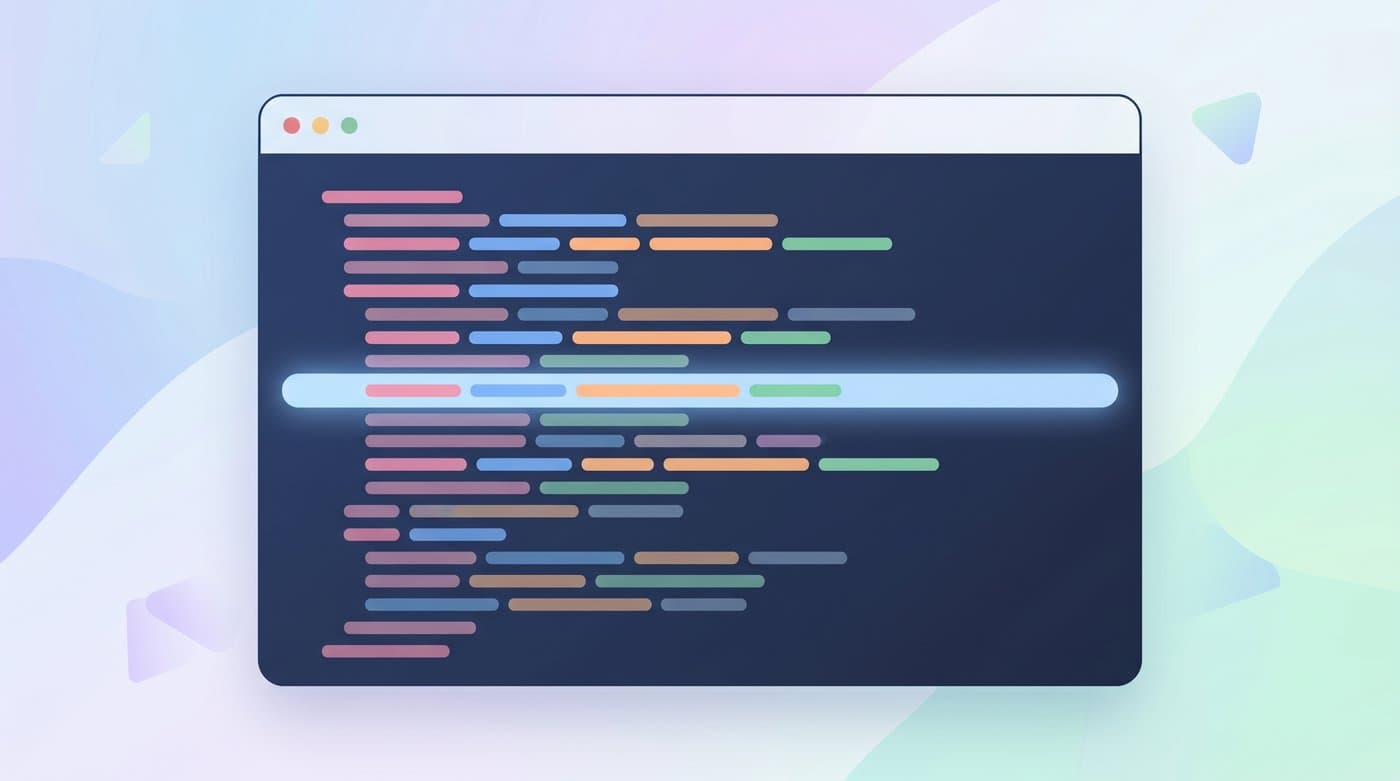
- Paste one line into your theme, on Shopify, Wix, Squarespace, or WooCommerce:
<script src="https://widget.photta.app/v1.js" data-key="pk_live_..."></script>
- Set your product image and brand color, and try-on is live.
That is the whole job. The widget hosts the upload screen, the result, mobile support, 29 languages, and privacy handling, so shopper photos are processed and deleted. You build and maintain nothing.
Make it convert
- Lead with the worn image. Place the try-on next to the product gallery, where shoppers look first.
- Start with statement pieces. Bold necklaces and large earrings benefit most, because that is where the scale surprise is biggest.
- Show the privacy line. Telling shoppers their photo is deleted after processing raises the share who try.
Why it pays off
Try-on users convert at about 2.3 times the rate of those who do not, and for jewelry, where hesitation is the main thing standing between a browse and a buy, that reassurance is exactly what tips the decision. Fewer size and look surprises also means fewer returns.

What it costs
After the free trial, plans start around $49 a month for 500 try-ons. For a category where a single avoided return can cover the month, the math is friendly.
FAQ
Sources
- Baymard Institute, product page UX research: baymard.com
- eMarketer, virtual try-on curbs returns and boosts conversions: emarketer.com
- Focal, virtual try-on in e-commerce research summary: getfocal.co
Tags
Photta
Ready to transform your product photography?
Try Photta free and see the difference AI can make for your e-commerce business. No credit card required.
Start Free Trial