
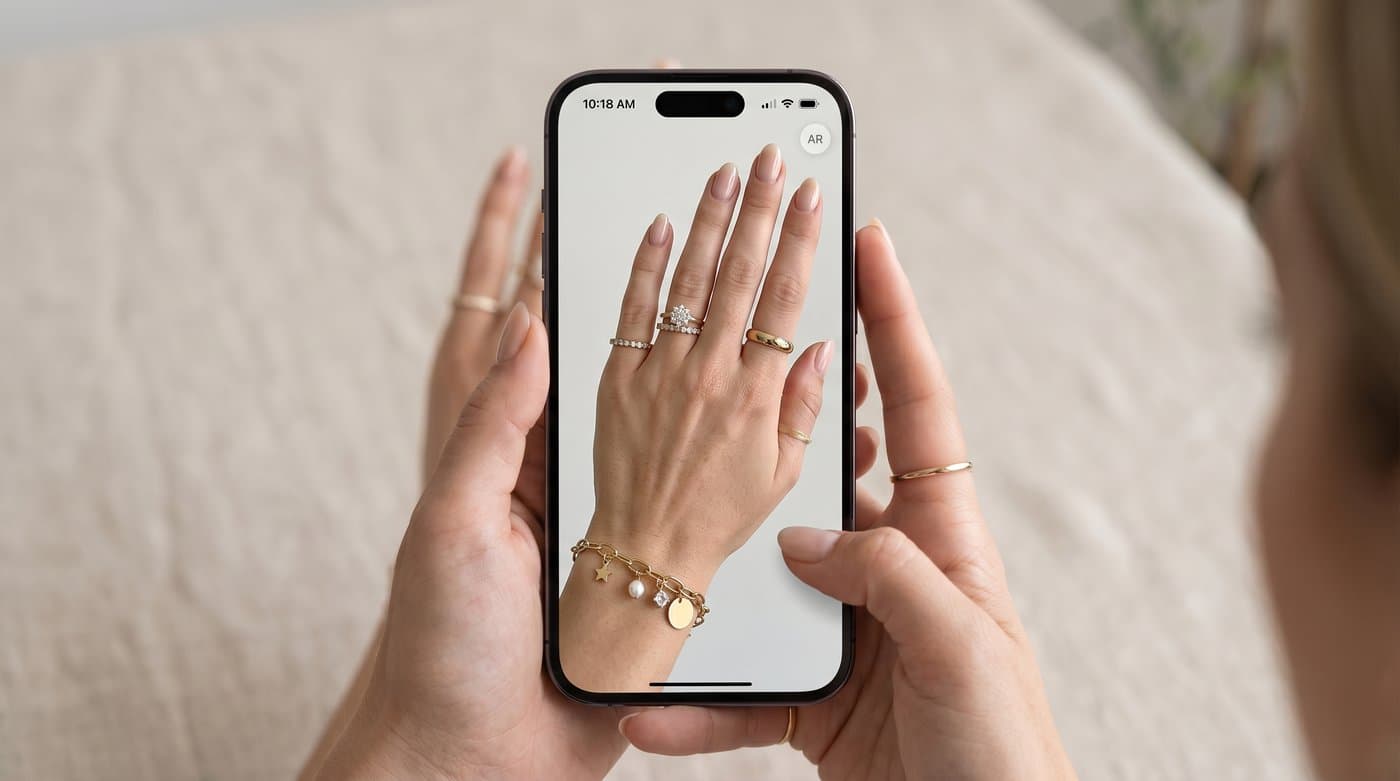
Smykker er svære at sælge online, fordi størrelse og glimt aldrig rigtig kommer til sin ret på et fladt billede. Pandora løste det med virtuel prøvning, så kunderne kan se ringe, charms og armbånd på deres egen hånd, før de køber. Hvis du sælger smykker, er det værd at forstå, hvordan Pandora gør det, for der findes to forskellige slags smykkeprøvning, og den rigtige til netop din butik er måske ikke den, Pandora bruger.
Min korte vurdering: Pandora bruger live-AR, hvor telefonens kamera placerer smykket på dig i realtid. Det er fremragende til ringe på en hånd. For de fleste smykkebutikker online er AI-billedprøvning, der genererer et billede af smykket båret, enklere at tilføje og virker også på halskæder og øreringe. Her er gennemgangen.
Sådan fungerer Pandoras virtuelle prøvning
Pandoras prøvning er augmented reality. Ved hjælp af telefonens kamera kan kunderne i realtid stable og se ringe og charms på en hånd, hvilket passer perfekt til hele Pandoras idé om at blande og kombinere stykker til en personlig kombination. Det er et live-overlay frem for et genereret billede, så det opdaterer sig, mens du bevæger hånden.
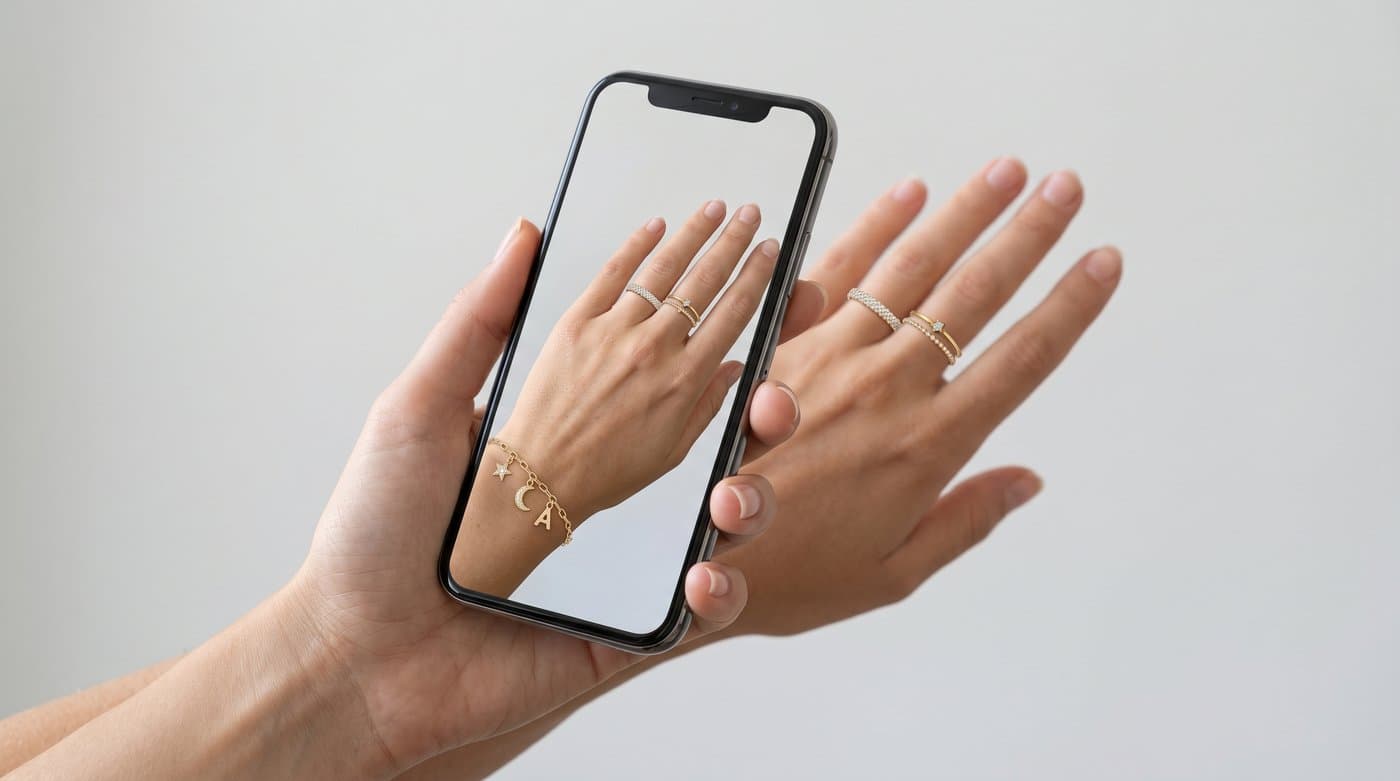
AR som denne er imponerende til ting, der sidder ét forudsigeligt sted, en ring på en finger, en charm på et armbånd. Bagsiden er, at det er tungere at bygge og kalibrere, og det skinner kun for et bestemt udvalg af produkter.
AR-prøvning vs. AI-prøvning af smykker
Der er to måder at lade kunderne se smykker båret på:
- Live-AR (Pandoras tilgang): kameraet lægger smykket over i realtid. Bedst til ringe og armbånd på en hånd, og det kræver, at kunden retter kameraet mod sig selv og holder det stille.
- AI-billede: kunden uploader et foto, og AI'en genererer et billede af dem, der bærer smykket. Det virker på halskæder, øreringe og mere, og det installeres uden at skulle bygge en AR-oplevelse.
Ingen af dem er forkerte, de passer til forskellige behov. For en typisk smykkebutik online, der hurtigt vil have prøvning i luften og på tværs af produkttyper, er AI-billede som regel den hurtigere og bredere løsning.
Sådan tilføjer du smykkeprøvning til din butik
En administreret widget sætter AI-billedprøvning af smykker på din produktside uden noget udviklingsarbejde. Photta installeres som ét tag og understøtter smykker:
<script src="https://widget.photta.app/v1.js" data-key="pk_live_..."></script>
Kunden uploader et foto og ser smykket båret, genereret som et billede frem for et live-overlay. Det dækker smykker og tøj, kører på 29 sprog og sletter kundernes fotos efter behandling. Du får upload- og resultat-UI'et klar fra start og brander det som dit eget.
Hvorfor smykkeprøvning er det værd
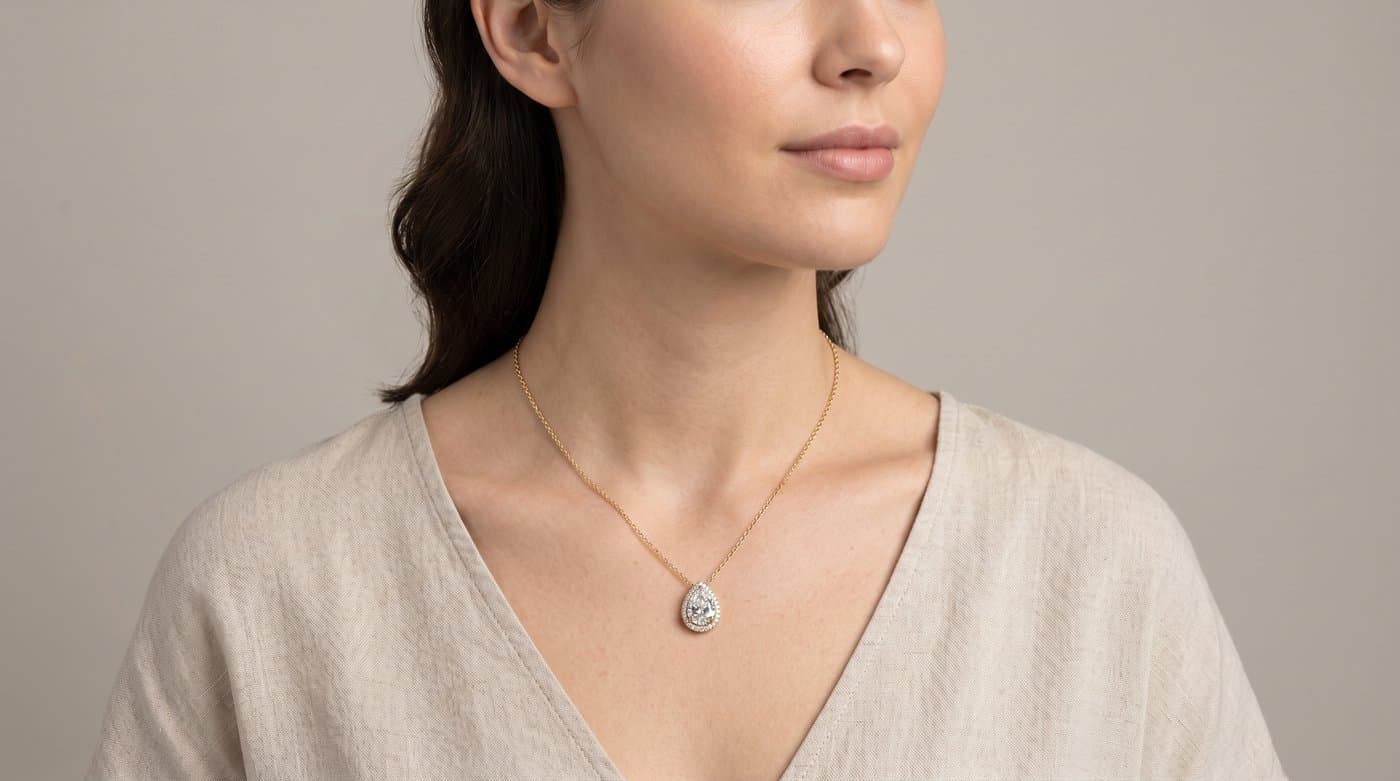
At se et smykke båret løser de to ting, fotos ikke kan: størrelse, og hvordan det sidder på en rigtig krop. På tværs af kategorier konverterer brugere af prøvning omkring 2,3 gange så ofte som dem, der ikke bruger den, og for smykker, hvor en køber ofte er usikker på, hvor stort eller hvor klædeligt et stykke egentlig er, er netop den tryghed det, der lukker salget.

Sådan sætter du det op
- Tilmeld dig på business.photta.app og start den gratis prøveperiode (14 dage, 30 prøvninger).
- Opret en nøgle, vælg smykker, og tilføj din butiks domæne.
- Indsæt det enlinjede script i dit Shopify-, Wix-, Squarespace- eller WooCommerce-tema.
- Brand det, og dine kunder kan se dine smykker båret, før de køber.
Priserne starter omkring $49 om måneden for 500 prøvninger efter prøveperioden.
Ofte stillede spørgsmål
Kilder
- BrandXR, smykkemærker der bruger augmented reality til virtuel prøvning: brandxr.io
- eMarketer, virtuel prøvning begrænser returneringer og øger konverteringer: emarketer.com
- Baymard Institute, UX-research om produktsider: baymard.com