
Photta
Transform Your Product Photography with AI
Join thousands of brands creating professional product photos instantly. Start free, no credit card required.
Get Started Free
Maya Chen
Virtual Try-On & Eyewear E-commerce Specialist
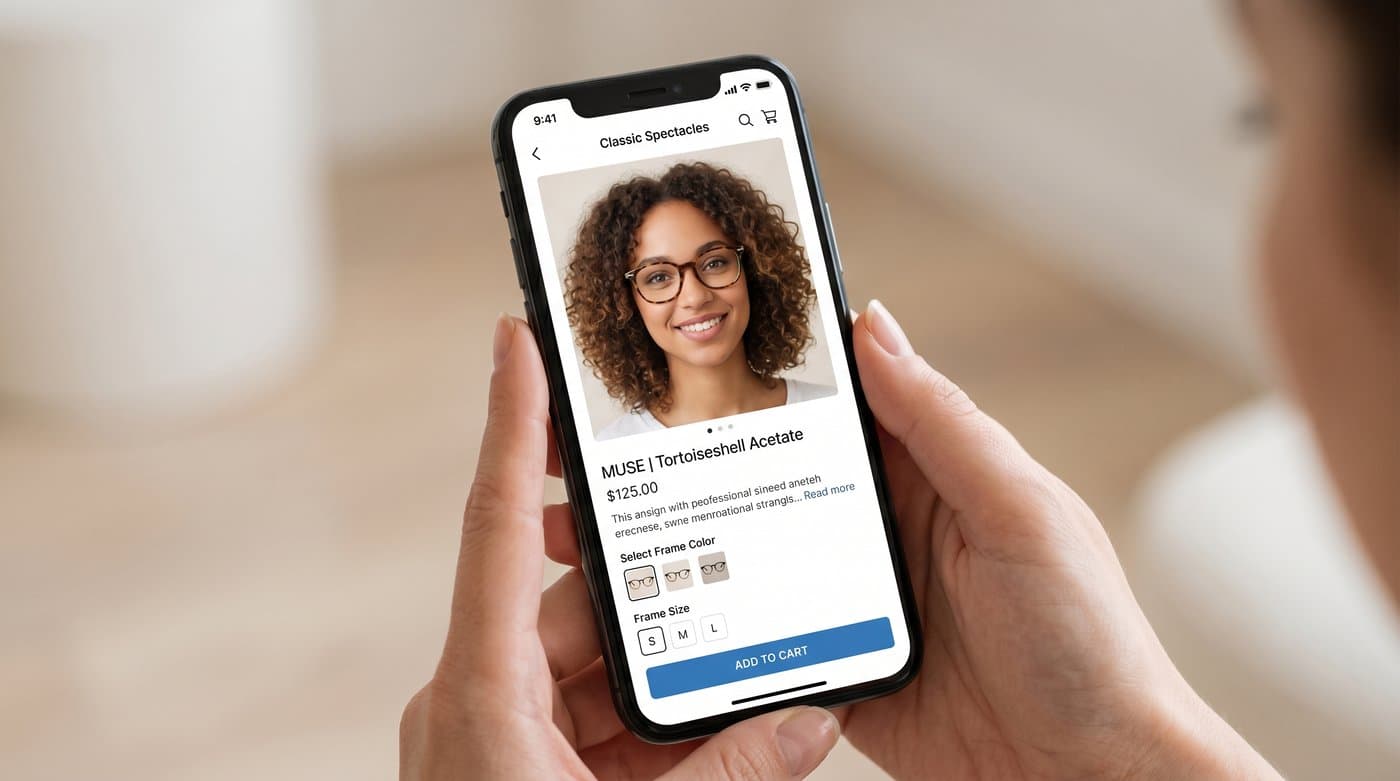
If you sell glasses online, your single biggest problem is that people cannot put them on first. The Vision Council found that 86 percent of eyewear buyers still purchase in a store, against just 14 percent online, largely because they want to see frames on their own face before they pay. Virtual try-on is how you close that gap on a product page.
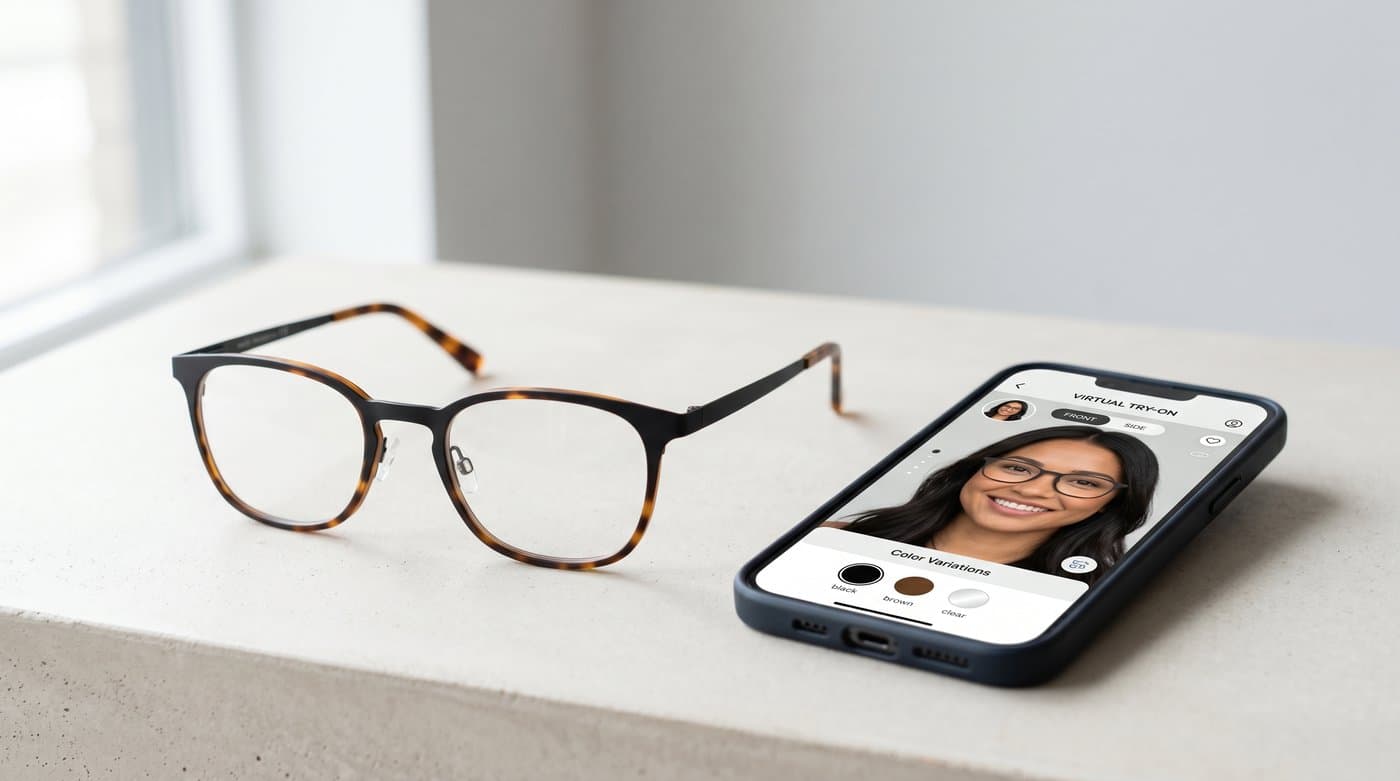
Here is the part most "best tools" lists skip: eyewear try-on actually splits into two different jobs. One is a live AR widget the shopper uses on your store, pointing their camera at their face. The other is AI-generated on-model imagery, where you turn one product photo into clean shots of the frame on a range of faces for your catalog and ads. Different tools are built for different jobs, and a lot of brands end up needing both.
My quick answer: if you want to generate on-model eyewear images and product shots without a photoshoot, Photta is my top pick. If you want a live try-on widget embedded on your product page, Fittingbox and Banuba are the specialists. Below are the seven worth knowing, and how to choose.
How I picked
I weighed five things: output quality and realism, which job the tool actually does (live AR widget vs AI image generation), pricing and how it scales, how hard it is to set up, and whether there is real evidence it moves conversion or returns. I have kept the honest limits in, because the wrong tool for your job is a waste of money no matter how good it is.
The 7 tools at a glance
| Tool | What it does | Best for | Pricing |
|---|---|---|---|
| Photta | AI-generated on-model images + product photos | Catalog and ad visuals without a shoot | Free to start, paid from about $14/mo |
| Fittingbox | Live AR try-on widget | Optical retailers with large frame catalogs | Shopify from about $59/mo |
| Banuba | Face AR SDK + Shopify app | Custom AR builds and apps | From about $319/mo |
| Auglio | Live AR try-on widget | Conversion-focused storefronts | Custom |
| Perfect Corp | Cross-category AR | Brands spanning beauty and eyewear | Custom |
| GlassOn | Lightweight AR try-on | Small stores wanting a quick setup | Custom |
| Makemetryon | AR with fit and IPD focus | Retailers who care about precise fit | Custom |
1. Photta: best for AI on-model images and product photos
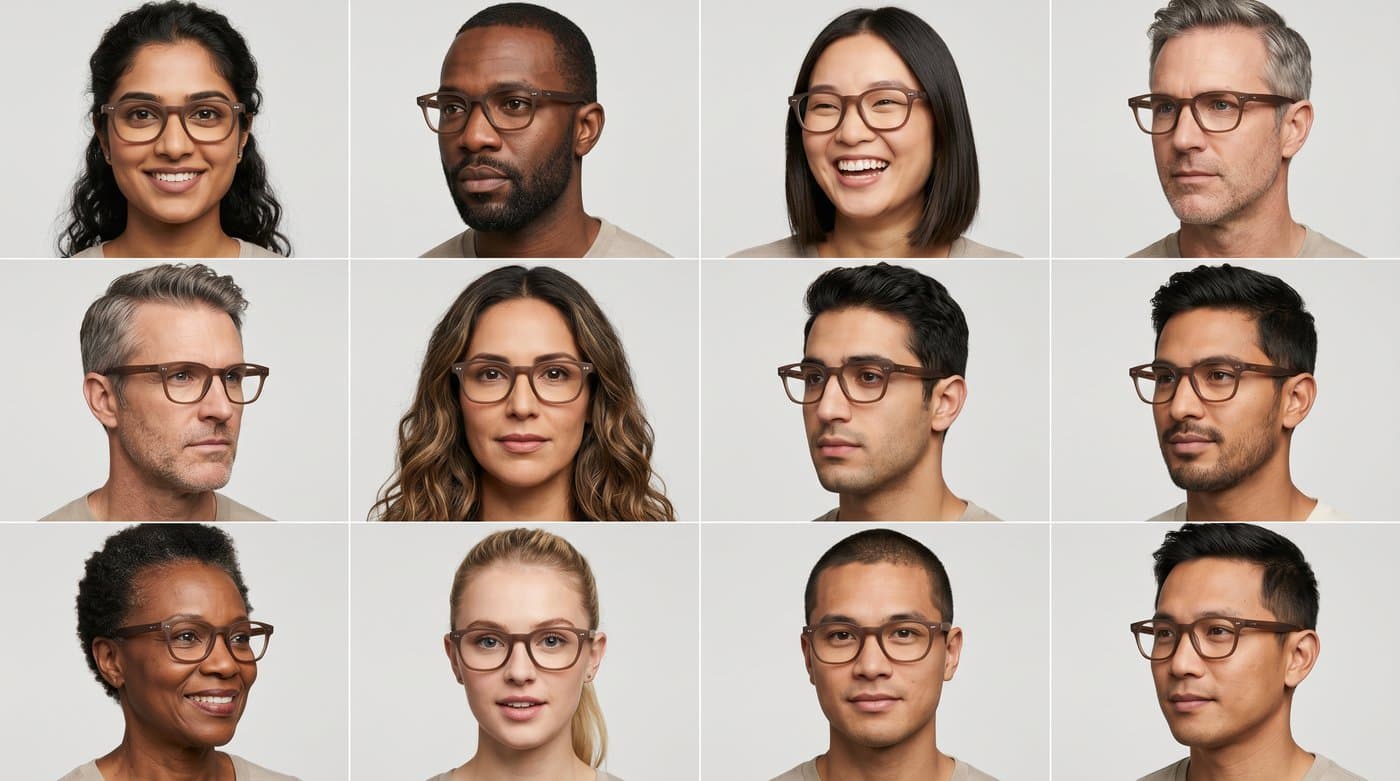
Photta is the one I reach for when the goal is creating eyewear visuals rather than running a live widget. You upload a single photo of a frame, and it generates clean product shots and on-model images of the glasses on a range of AI face models. That covers the two things an eyewear listing needs most: a sharp product image and proof of how the frame looks worn.
What I like: it does product photography too, not just try-on style images, so one tool covers your whole catalog. It runs in 19 languages, has a developer API, starts free with a small credit grant, and outputs up to 4K with no watermark on paid plans. Paid plans begin at roughly $14 a month, which is gentle next to enterprise AR contracts.
The honest limit: Photta generates images. It is not a live AR widget that a shopper operates on your product page with their own camera. If that interactive moment is what you are after, look at the tools below. Many brands use Photta for catalog and ad imagery and pair it with an AR widget for the storefront.
2. Fittingbox: best for a live storefront widget
Fittingbox is the heavyweight in live eyewear AR. It offers one of the largest digitized frame libraries anywhere, more than 190,000 frames from around 1,200 brands, plus pupillary distance measurement for fit. If you are an optical retailer who wants shoppers trying frames on right on the page, this is the specialist.
Pricing starts around $59 a month on its Shopify plan with a free trial, and Fittingbox reports a 22 percent drop in cart abandonment for stores that add virtual fitting. The trade-off: your frames generally need to be in or added to its 3D library, so it suits catalog-driven optical sellers more than a tiny indie brand.

3. Banuba: best for custom AR builds
Banuba is a face AR SDK aimed at teams that want to build their own try-on experience, plus a ready Shopify app called TINT. The face tracking is strong, and it slots into custom mobile apps as well as a store. Pricing starts higher, around $319 a month for the entry app tier with 10,000 try-ons, so it leans toward brands with developers and volume.
4. Auglio: best for conversion-focused stores
Auglio is an eyewear-specific AR platform that leans hard on conversion, with tiered 3D modelling including a semi-3D option. If your priority is squeezing more sales out of the try-on moment rather than the widest frame library, it is worth a demo. Pricing is custom.
5. Perfect Corp: best for multi-category brands
Perfect Corp spans beauty, accessories, eyewear, and even watches. If you sell across categories and want one AR vendor for all of them, the breadth is the draw. For a pure eyewear shop, a specialist will usually feel more tailored.
6. GlassOn: best for a fast, lightweight start
GlassOn is a lighter-weight try-on tool built for entry-level deployment. It will not match Fittingbox on library size, but for a small store that wants a working try-on live quickly, simple can be exactly right.
7. Makemetryon: best for fit precision
Makemetryon focuses on the fit side, with IPD and face-shape features that help shoppers judge whether a frame actually suits them, not just how it looks. Good for retailers where returns from poor fit are the real pain.
How to choose
Start with the job, not the brand name. If you need imagery for your catalog, ads, and listings, pick an AI image tool like Photta and you are done in minutes per frame. If you need shoppers to try frames live on your store, pick an AR widget, and let your catalog size and budget narrow it: Fittingbox for a big optical library, Banuba for a custom build, GlassOn for a quick lightweight start. And remember the two jobs are not mutually exclusive. The brands that win usually generate strong on-model imagery and offer a live widget, because together they answer both "what does it look like" and "how does it look on me".
Whatever you choose, pair it with clear sizing and an easy return policy. Baymard found that 56 percent of shoppers explore the images before any text, so the visuals carry the sale, but try-on works best when the shopper also feels safe to send it back.
FAQ
Sources
- The Vision Council, Q3 2024 consumer research: thevisioncouncil.org
- Baymard Institute, product page UX research: baymard.com
- Statista, eyewear market outlook: statista.com
- Fittingbox, eyewear virtual try-on (frame library, cart-abandonment data): fittingbox.com
- Banuba, virtual glasses try-on apps overview: banuba.com
Tags
Photta
Ready to transform your product photography?
Try Photta free and see the difference AI can make for your e-commerce business. No credit card required.
Start Free Trial