
Sketch to Product Photo,
Rendered by AI
Sketch to product photo turns a drawing or design into a photorealistic product image. Upload your sketch, flat design, or 3D render, pick a model, and preview a finished, lifelike product in real light before you commit to a sample or a production run.
How to turn a sketch into a product photo
Upload your drawing
Add your sketch, line drawing, flat design, or 3D render. A clear image of the concept is enough for Canvas to work from.
Pick a model and describe it
Choose an AI model, then describe the material, color, and finish so the render matches the product you have in mind.
Generate and refine
Get up to four photorealistic variants, then adjust the prompt to dial in material, lighting, or angle until it looks right.
Preview a finished product before you spend on production.
From concept to product shot
Explore all virtual try-on tools
Sketch into photo
Upload a hand drawing or flat design and Canvas renders a photorealistic version of the product in real light.
Get Started FreeTest materials and color
Describe leather, metal, plastic, or fabric and compare finishes side by side before you order a single sample.
Try It Now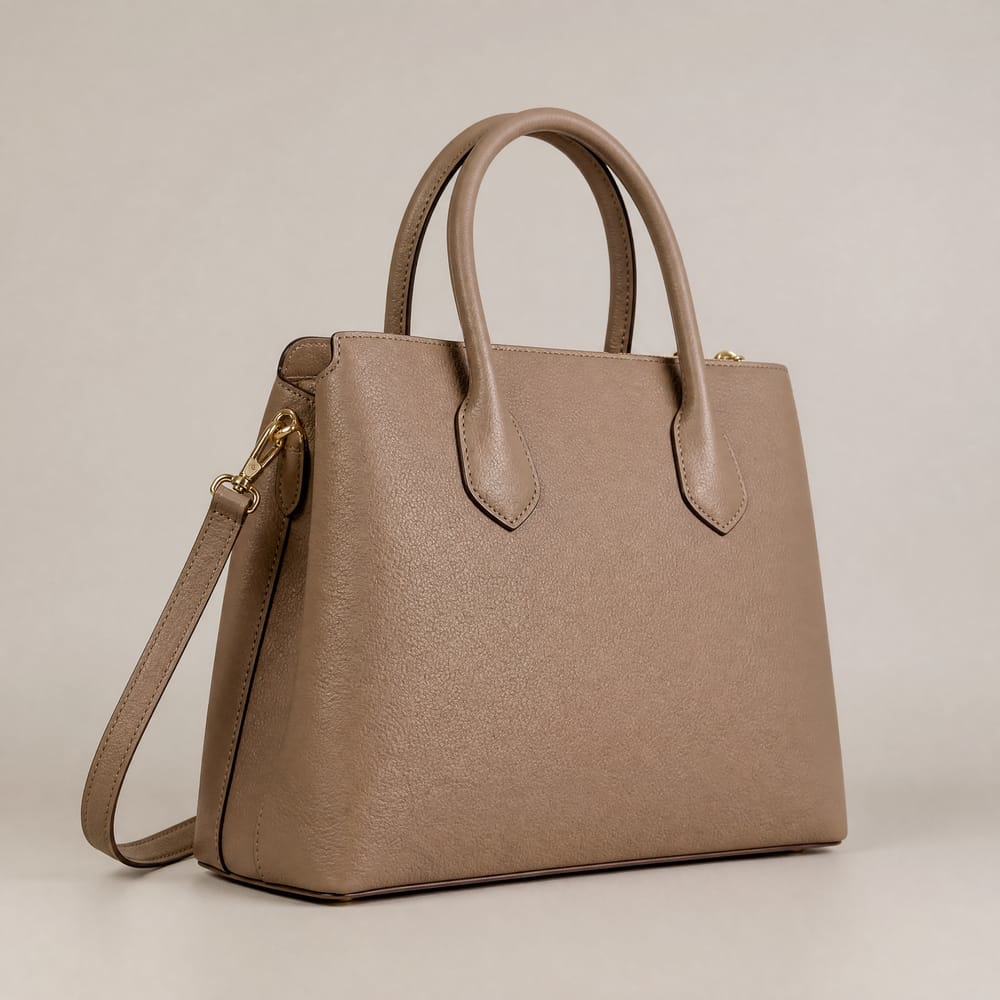

Preview before production
See a lifelike product photo early so you can validate the design with your team or buyers before a production run.
Explore FeaturesTry out related tools
Use Photta's wide range of powerful AI tools to generate, edit, and enhance your virtual try on clothes images and product photos.
AI Generation Tools
Virtual Try-On Solutions
Image Enhancement Tools
Background Editing Tools
Ready to Transform Your Fashion Business?
Join thousands of brands using Photta's AI tools