
Product Photos for WooCommerce
Create consistent product photos for a WooCommerce catalogue. Upload a real product photo and get a clean, uniform listing image — no studio, no light box, no editing software. WooCommerce sets no image requirements of its own, so the value is one standard applied to every product.
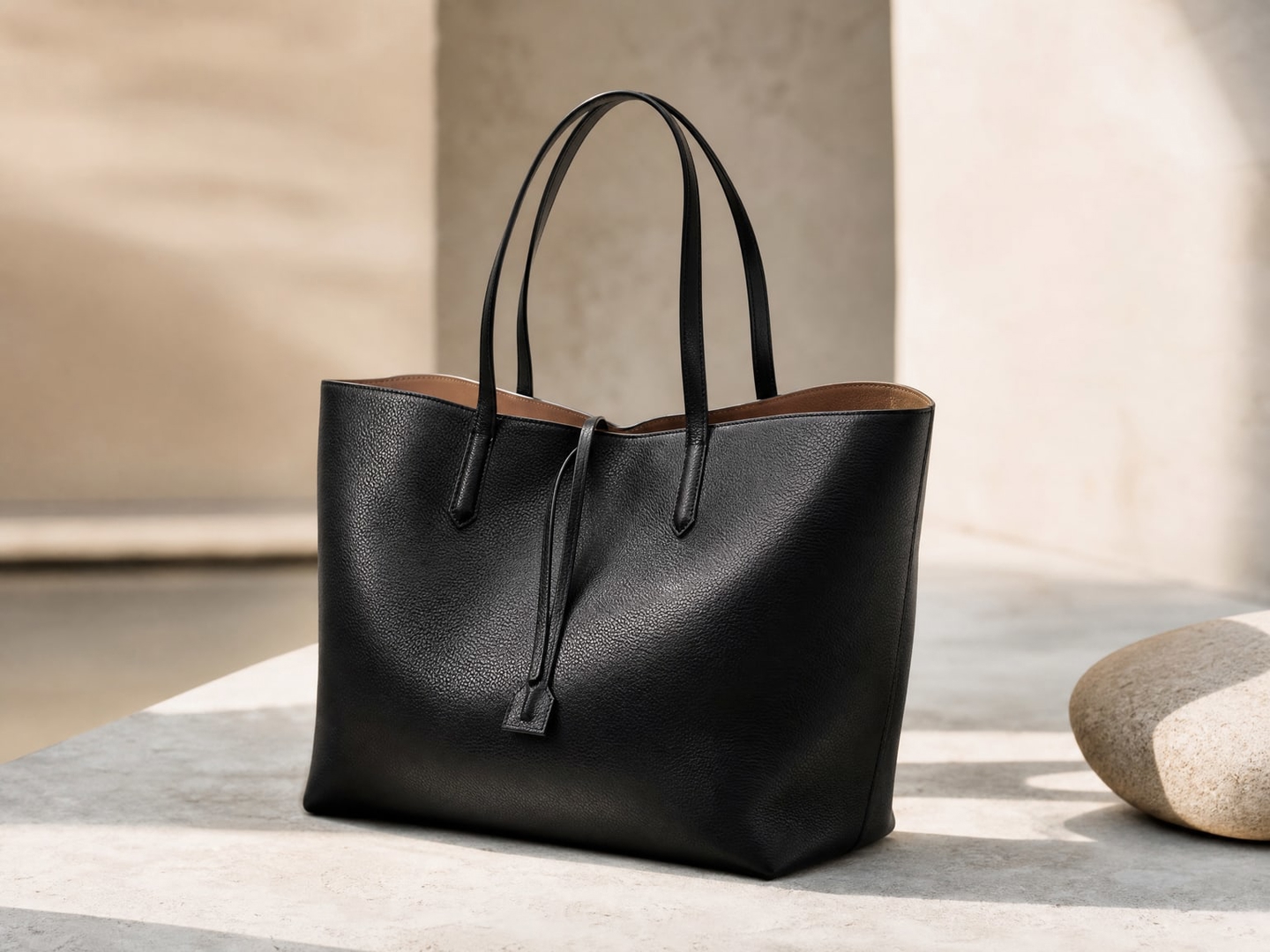
How to Create WooCommerce Product Photos

Upload Any Product
Upload your product photo taken with any camera. The AI works from smartphone photos.
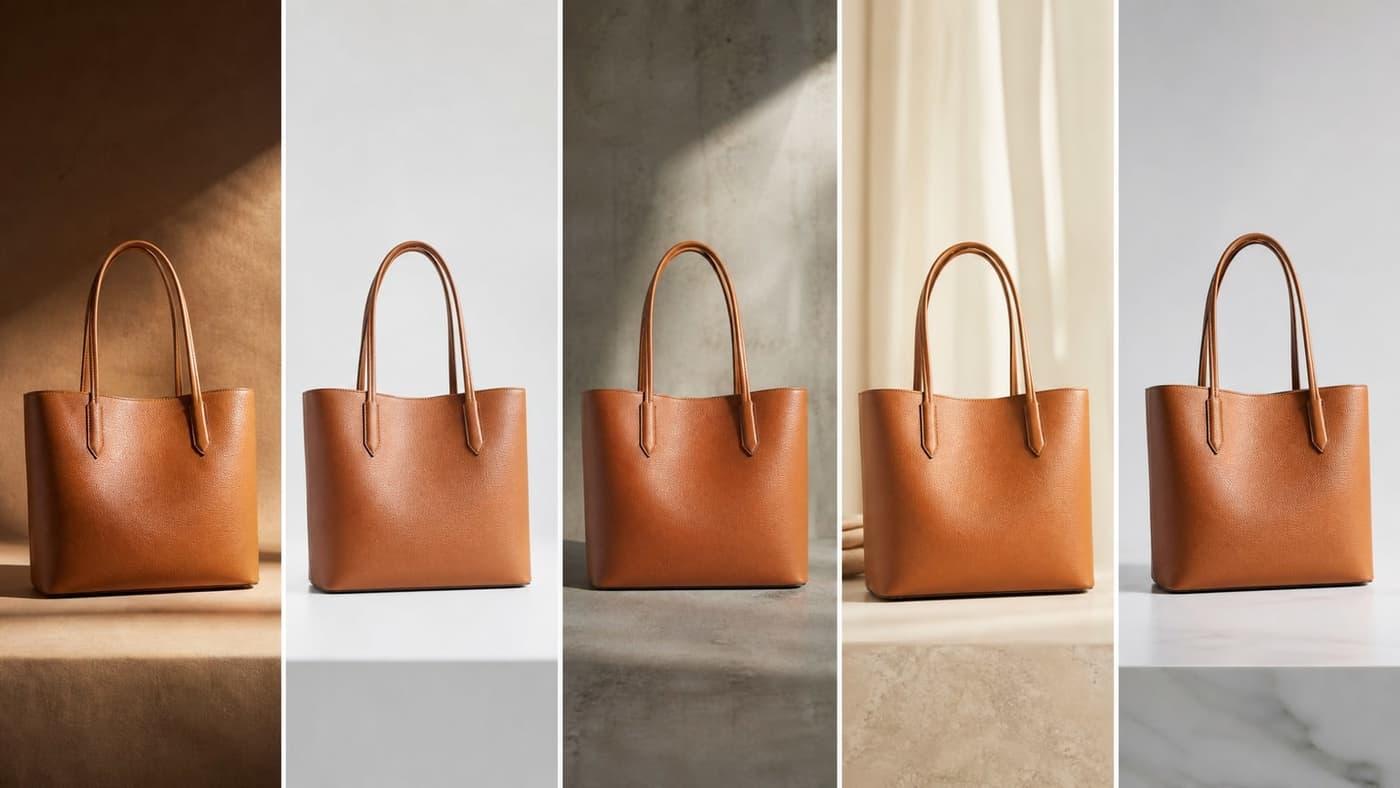
Choose WooCommerce Style
Select a style. WooCommerce sets no image rules, so the choice is yours — pick one treatment and use it for every product.
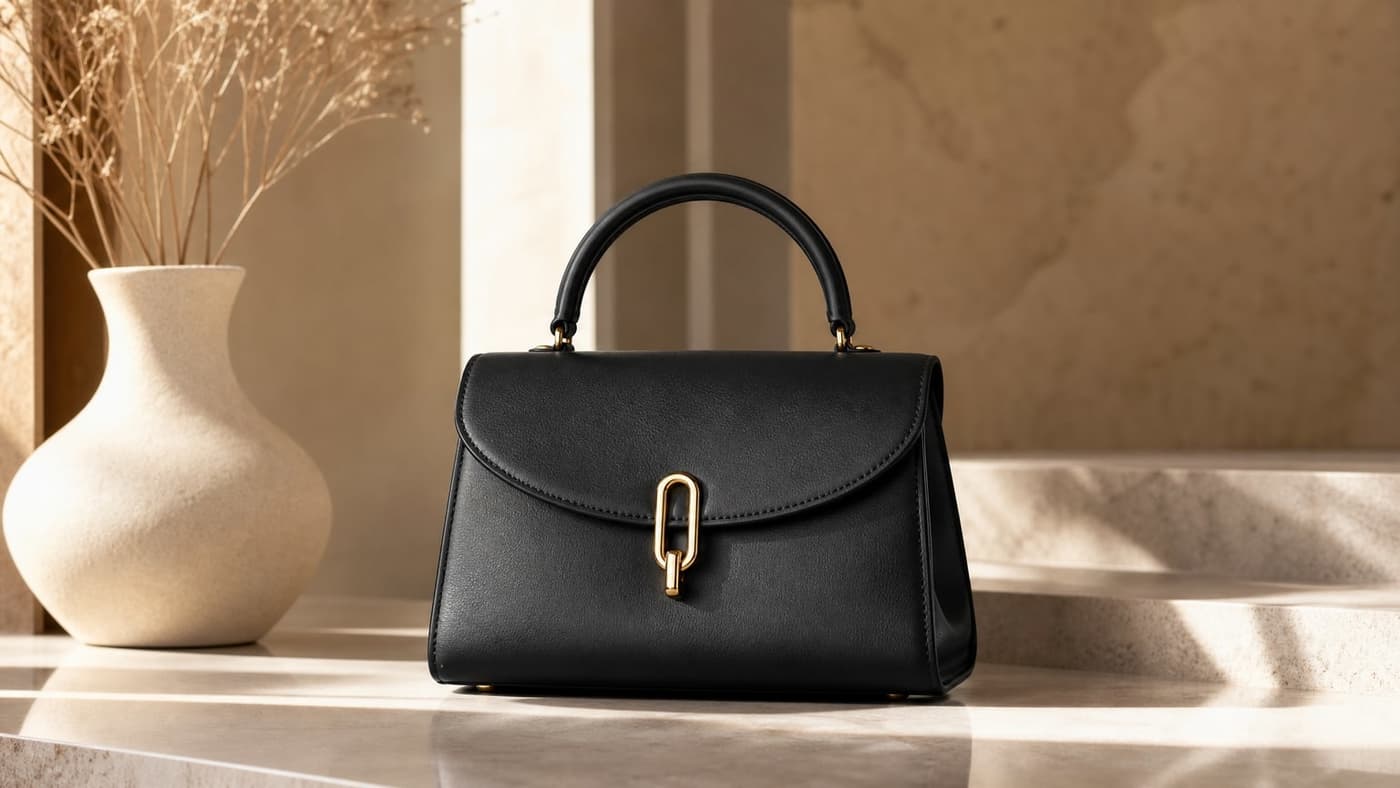
List on WooCommerce
Download the result and upload it to your product. WooCommerce recommends at least 800 x 800 px; your theme decides the sizes it renders from what you upload.
Built for WordPress store owners and small businesses
Why Use AI for WooCommerce Product Photos
Explore all virtual try-on tools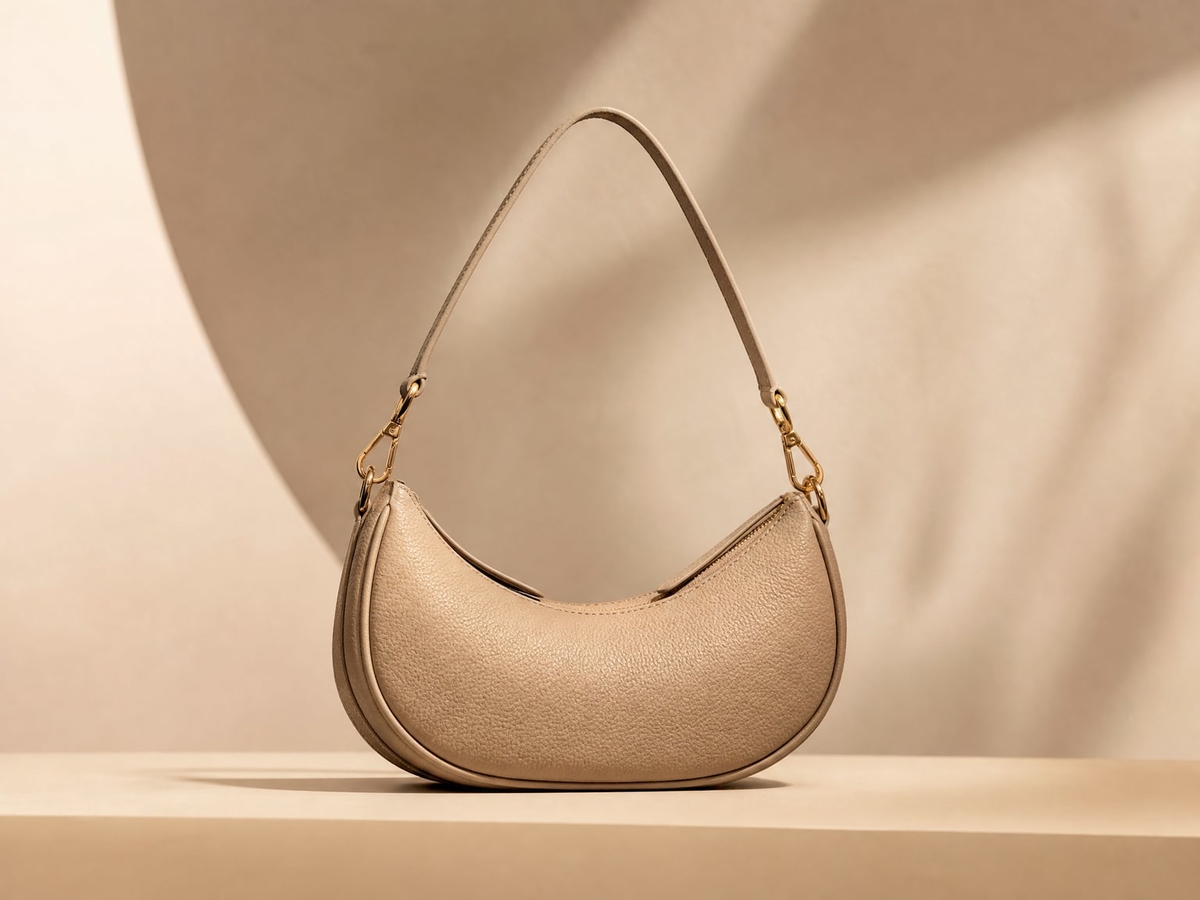
Sized for your storefront
WooCommerce imposes no image requirements — it is software you host, not a marketplace — so the job is picking one standard and holding it. Photta returns a consistent size and background across a catalogue, above the 800 x 800 px minimum WooCommerce's own documentation recommends.
Get Started FreeMain + Lifestyle Images
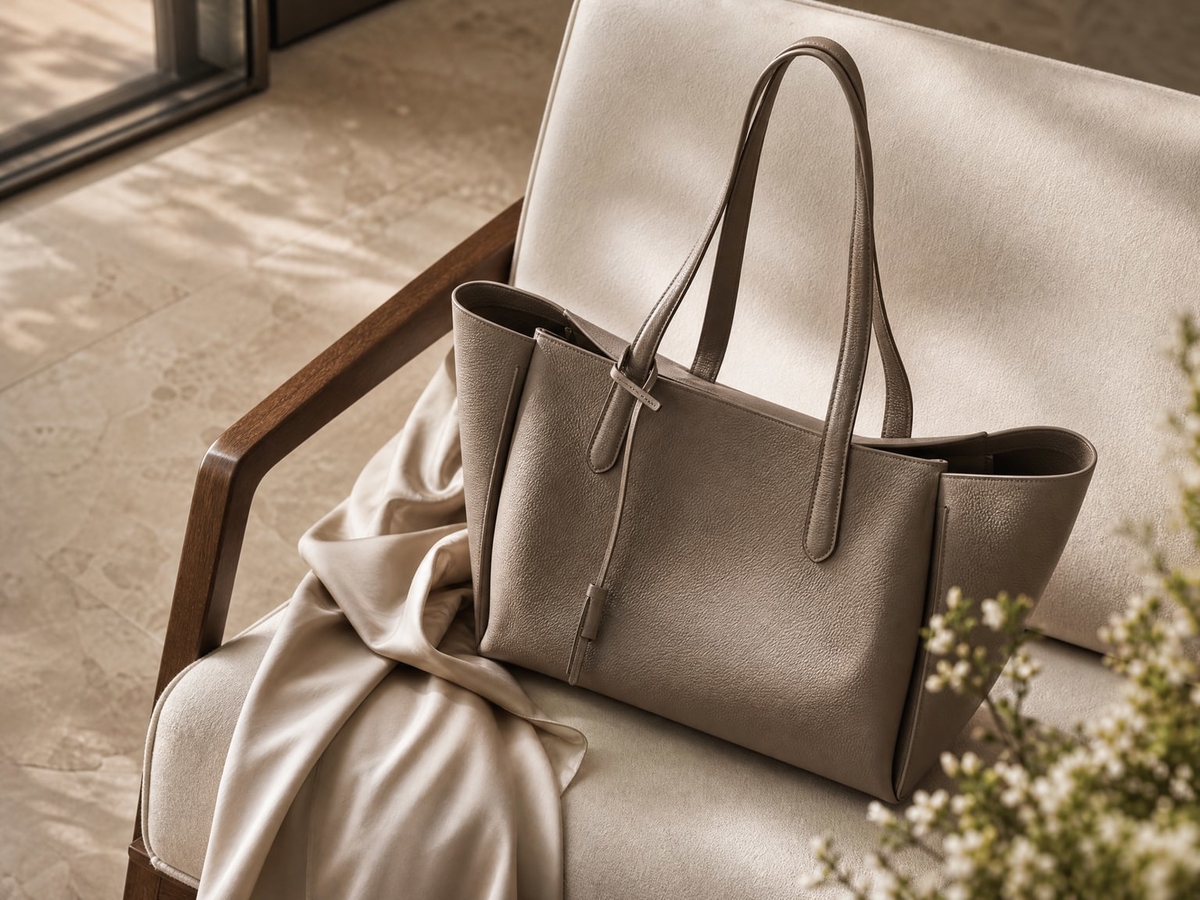
Generate both white-background main images and contextual lifestyle shots, so a product page can show the item cleanly and then show it in use.
Try It Now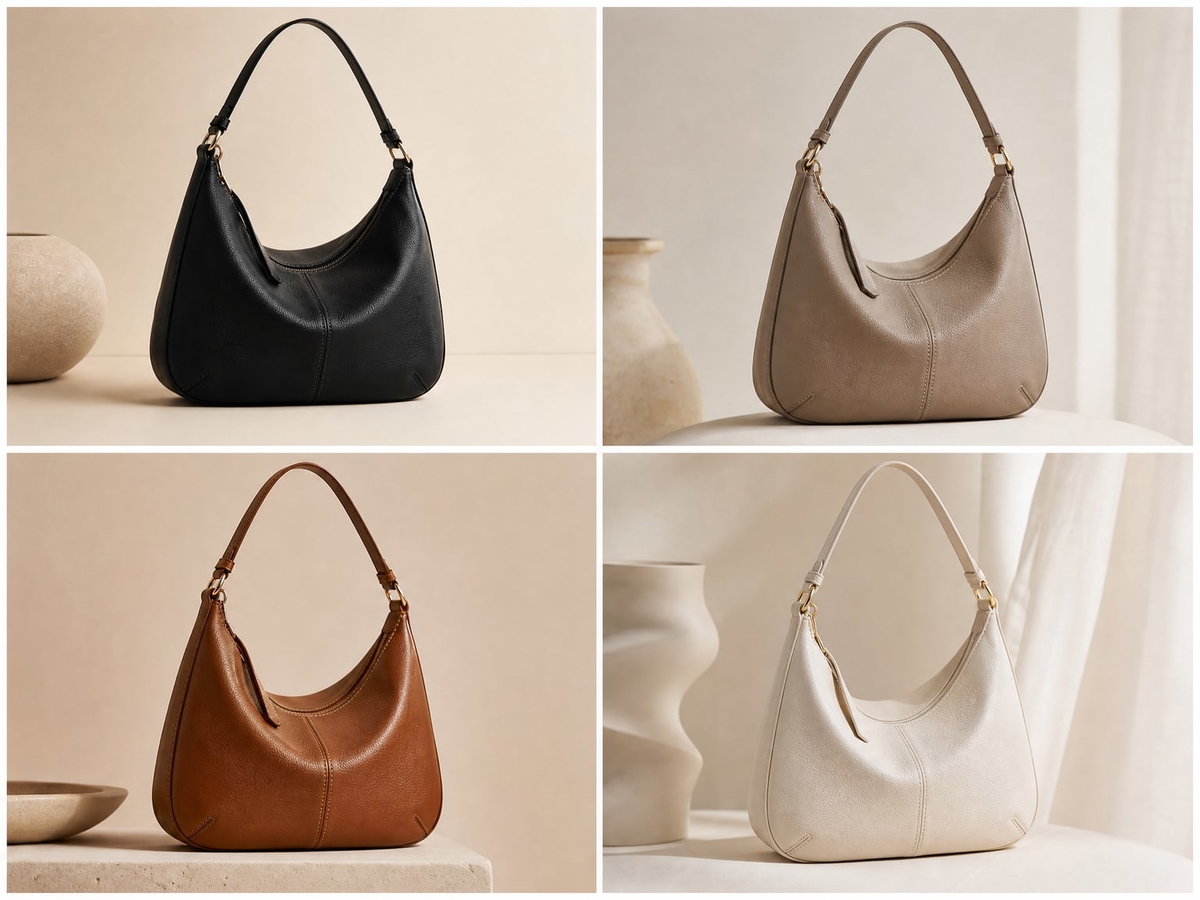
Consistent Catalog Look
Maintain the same style across your WooCommerce catalogue, so a shopper moving between products sees one shop rather than a series of unrelated photos.
Explore FeaturesUse Cases
Who Uses AI Photos on WooCommerce
New WooCommerce Sellers
Launch your WooCommerce store with professional listing photos from day one. No photography experience needed.
Growing WooCommerce Stores
Scale your product catalogue without booking a studio slot for every new arrival.
WooCommerce Power Sellers
Maintain consistent, high-quality photography across hundreds or thousands of WooCommerce listings.
Try out related tools
Use Photta's wide range of powerful AI tools to generate, edit, and enhance your virtual try on clothes images and product photos.
AI Generation Tools
Virtual Try-On Solutions
Image Enhancement Tools
Background Editing Tools
Ready to Transform Your Fashion Business?
Join thousands of brands using Photta's AI tools