
Product Photos for Google Shopping,
Made by AI
AI Google Shopping product photos meet Google Merchant Center image rules. Upload your product, generate a clean white background or lifestyle shot, and get images sized and styled to pass review without promotional text, watermarks, or borders.


How to make Shopping ready photos
Upload your product
Add a photo of the item you sell. A clear, single product shot gives the cleanest base for a compliant image.
Pick a model and style
Choose an AI model, then generate a white background main image or a lifestyle shot that still meets the rules.
Generate and export
Get up to four variants at the right size, then pick the cleanest one for your Merchant Center feed.
Watch it in action
Images that look professional and pass Merchant Center review.
Built for Google Shopping
Explore all virtual try-on tools
Spec aware sizing
Generate images at recommended sizes like 800 by 800 or larger so listings stay crisp on desktop and mobile.
Get Started Free
No promotional overlays
Output stays free of promotional text, watermarks, and borders, which are common reasons Shopping images get disapproved.
Try It Now
Clean backgrounds
Produce a plain white background main image, the safest format for the primary Shopping product photo.
Explore Features
Use Cases
What you can create
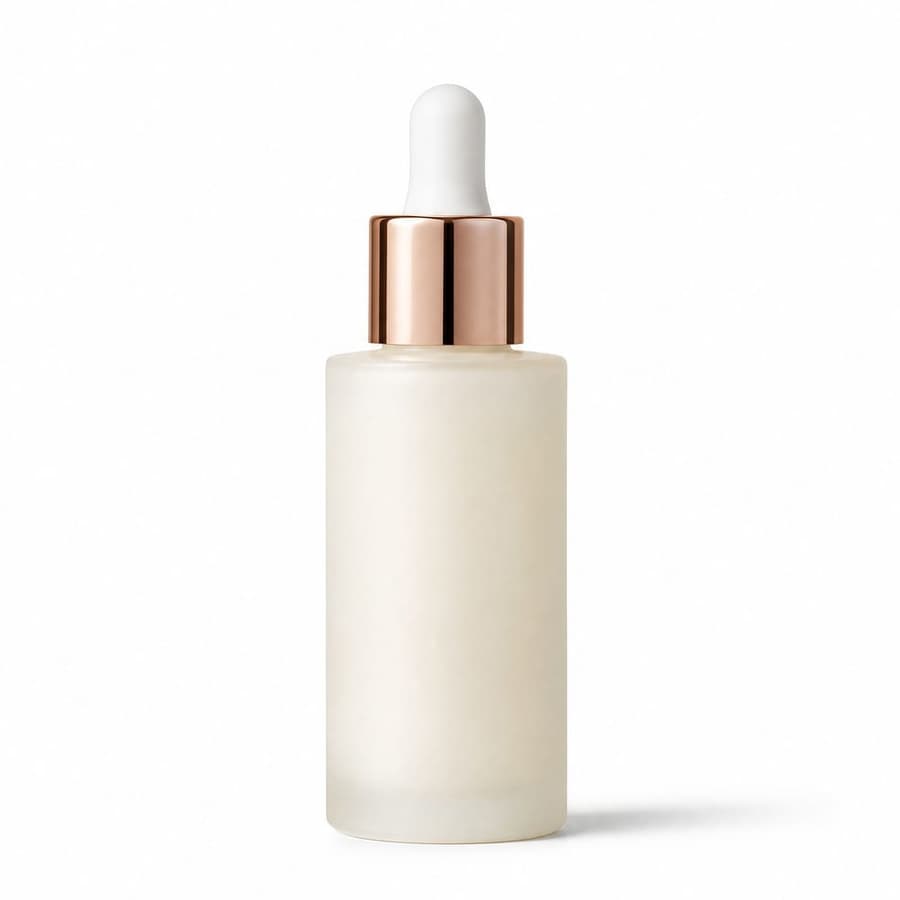
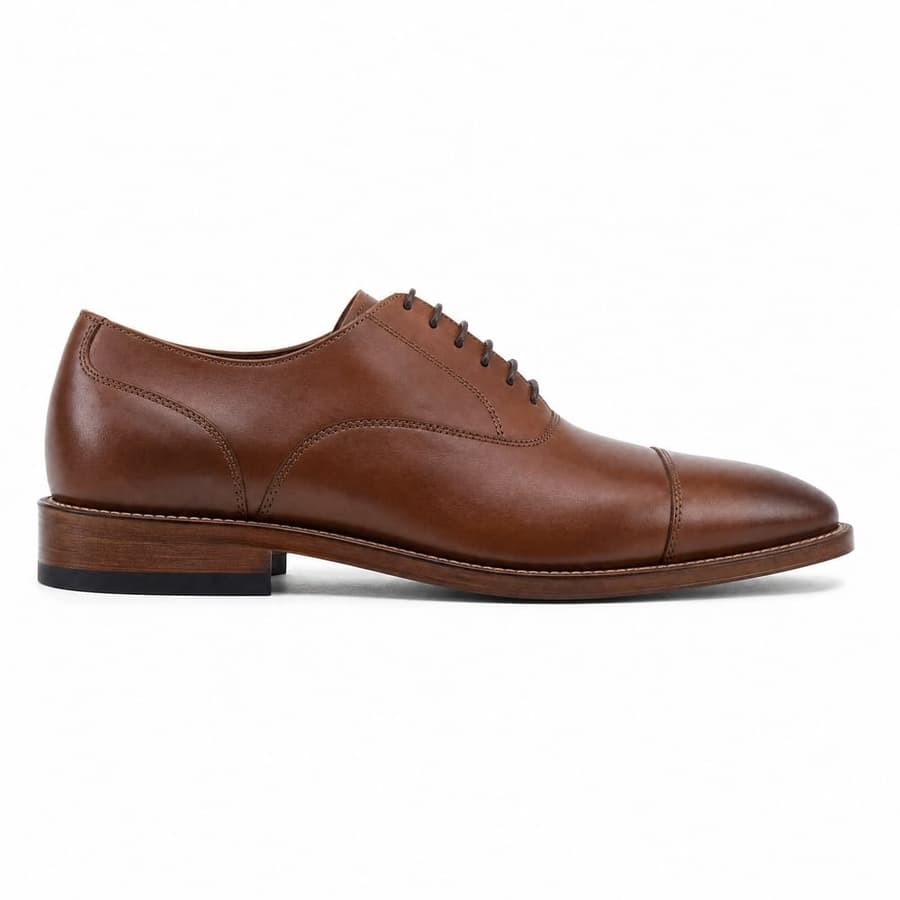
White background main image
A plain white background shot, the safest and clearest format for the primary Shopping image.
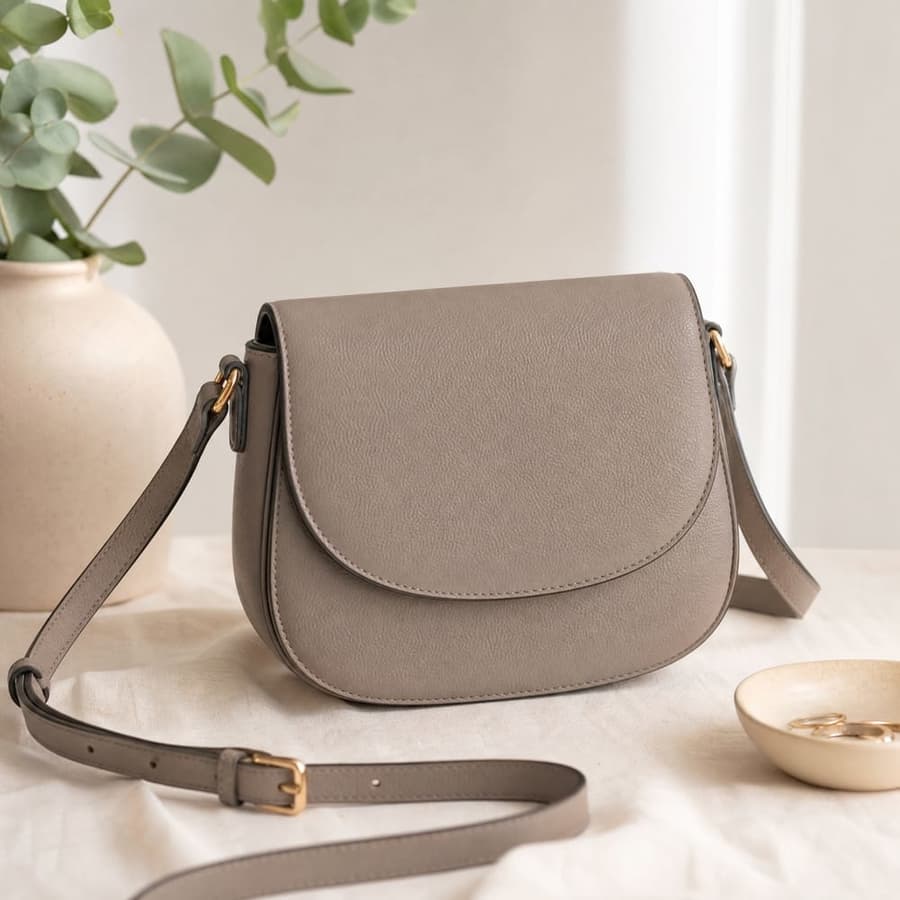
Lifestyle image
A styled in context shot for additional images, showing the product in real use.
Additional angles
Extra views of the product so shoppers see it from the side, back, and detail close ups.
Mobile friendly crop
Square, well lit images that stay clear and tappable on small mobile Shopping cards.
Variant images
Matching shots across colors and sizes so each variant in your feed has its own clean photo.
Hero shot
A sharp, eye catching primary image that lifts click through on a crowded Shopping results page.
Your next shoot starts here.
Upload your product. Start creating photos, videos and ads that feel like your brand.
- 20 free credits
- No credit card required
- Cancel anytime


