
Tạo Ảnh Studio
Trang Sức Chuyên Nghiệp
Tải ảnh trang sức lên và nhận ảnh sản phẩm chất lượng studio trong vài giây. Ánh sáng hoàn hảo, nền phong phú, kết quả tinh tế, sẵn sàng cho Etsy, Amazon và cửa hàng của bạn.
Tải ảnh rõ nét trên nền trơn hoặc nền trắng. Ánh sáng tự nhiên tốt hoặc thậm chí ảnh chụp bằng smartphone cũng hoạt động tuyệt vời.
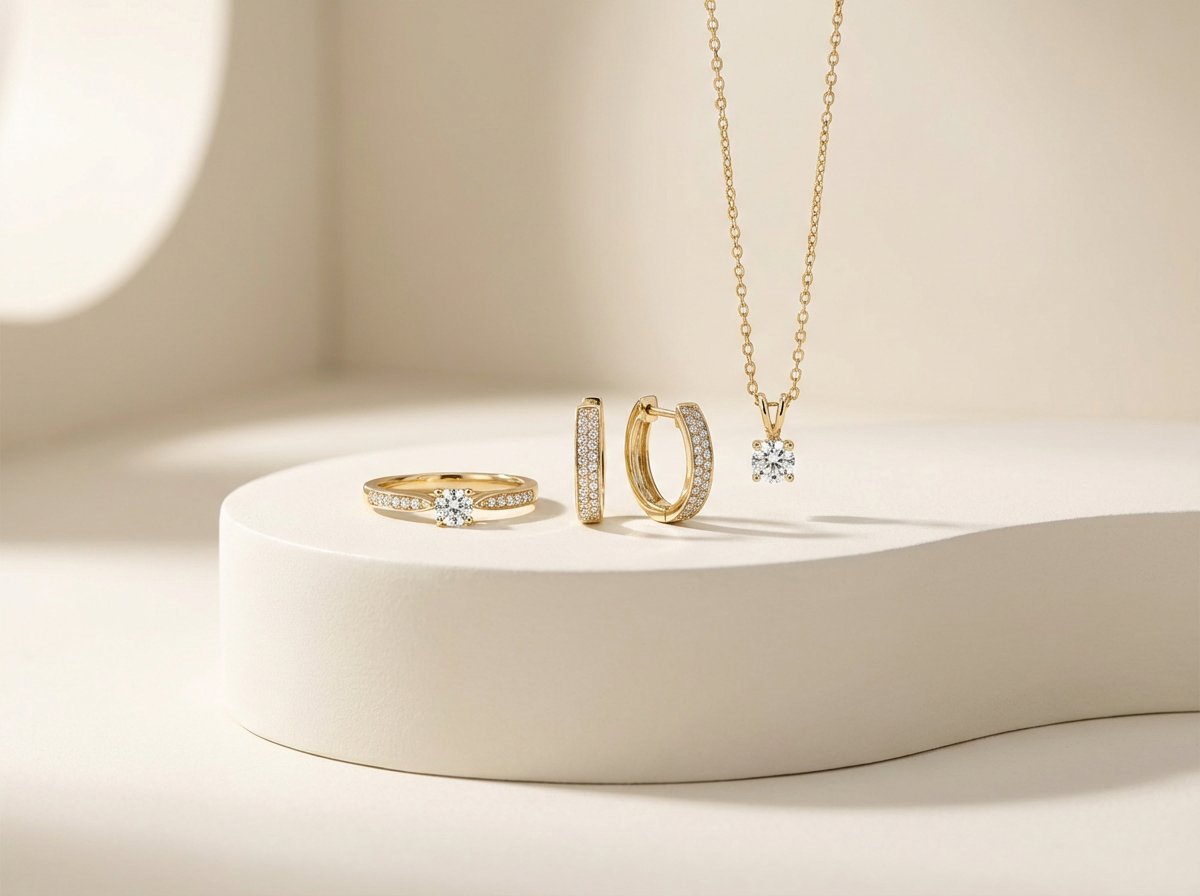
Tải ảnh rõ nét trên nền trơn hoặc nền trắng. Ánh sáng tự nhiên tốt hoặc thậm chí ảnh chụp bằng smartphone cũng hoạt động tuyệt vời.
Bắt đầu tạo ảnh trang sức chuyên nghiệp ngay
Cách Tạo Ảnh Studio Trang Sức Chuyên Nghiệp

Tải Trang Sức Lên
Tải 1-4 ảnh trang sức, nhẫn, dây chuyền, hoa tai hoặc vòng tay. Ảnh gốc càng rõ nét, kết quả AI càng tốt.

Chọn Nền
Tùy chọn tải ảnh nền tham khảo. Hoặc để AI tự động chọn nền studio chuyển màu mềm mại phù hợp với sản phẩm của bạn.

Tải Ảnh Chất Lượng Studio
AI tạo hai ảnh studio độ phân giải cao trong vòng chưa đầy 30 giây. Tải xuống và đăng trực tiếp lên cửa hàng hoặc mạng xã hội.
Chất lượng studio mà không tốn chi phí studio
Tại Sao Chọn Chụp Studio Trang Sức AI?
Khám phá tất cả công cụ thử đồ ảo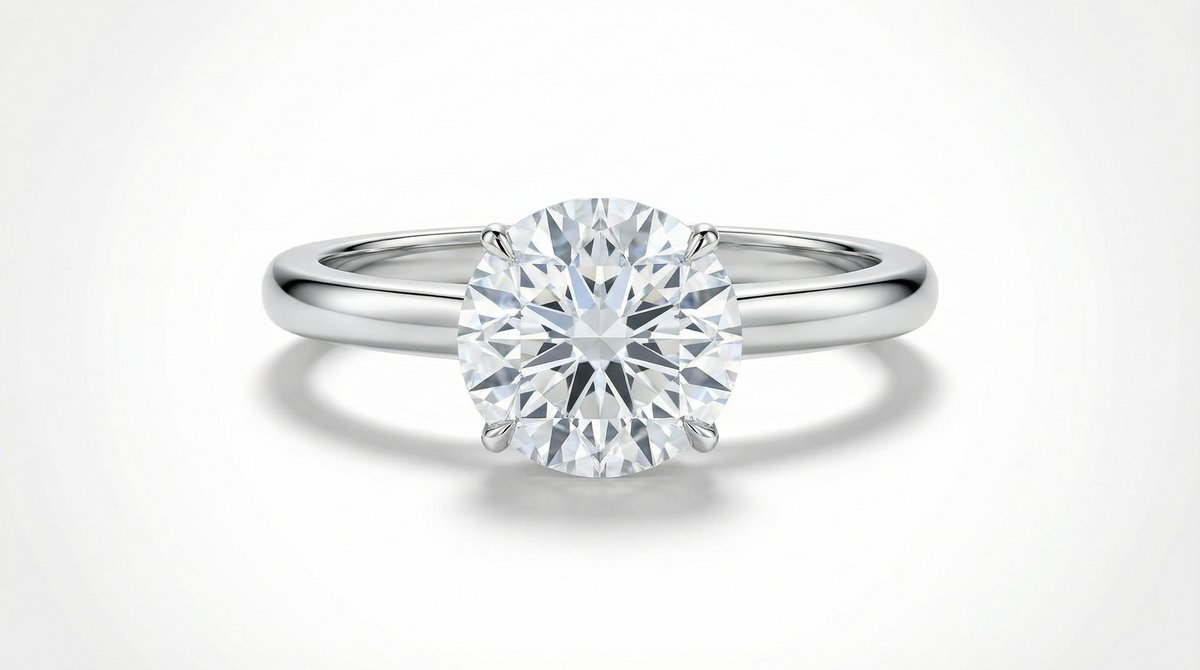
Không Cần Thiết Bị
Không cần lightbox, DSLR, bộ khuếch tán. AI mô phỏng ánh sáng studio mềm mại hoàn hảo trên mọi sản phẩm, từ dây chuyền tinh tế đến nhẫn đá quý.
Bắt đầu Miễn phíTối Đa 4 Món Mỗi Lần Chụp
Tải nhiều món trang sức và AI sắp xếp chúng thành bố cục chuyên nghiệp cân đối. Lý tưởng cho ảnh bộ sưu tập và bộ trang sức.
Thử Ngay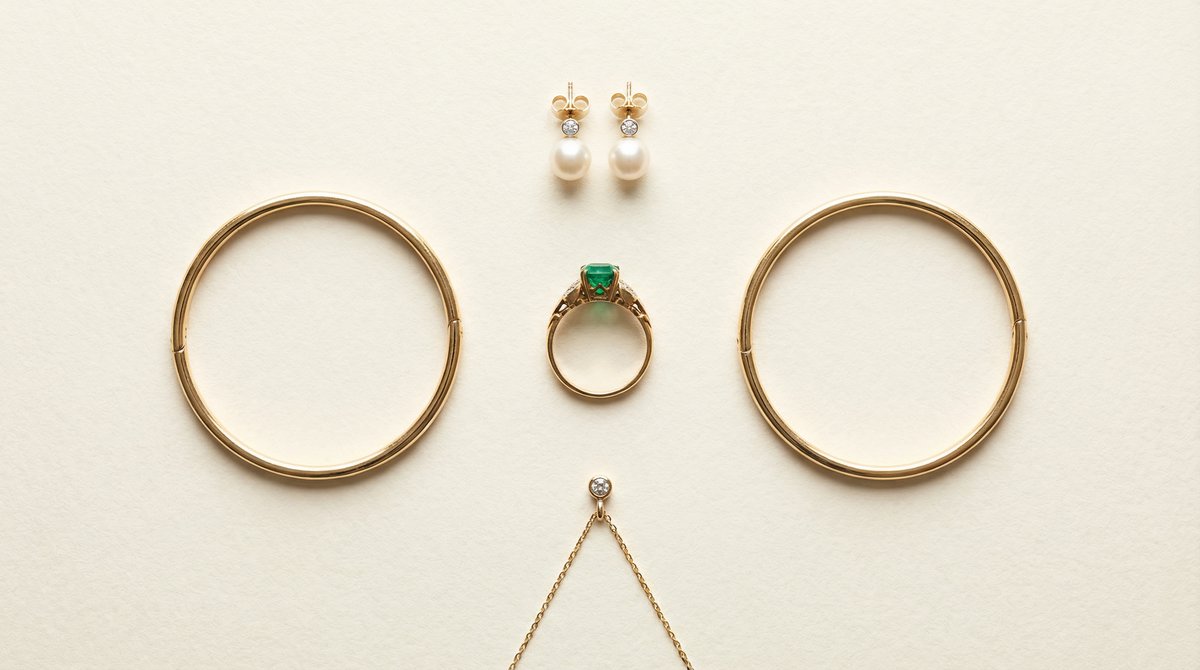
Nền Tùy Chỉnh Hoặc AI Chọn
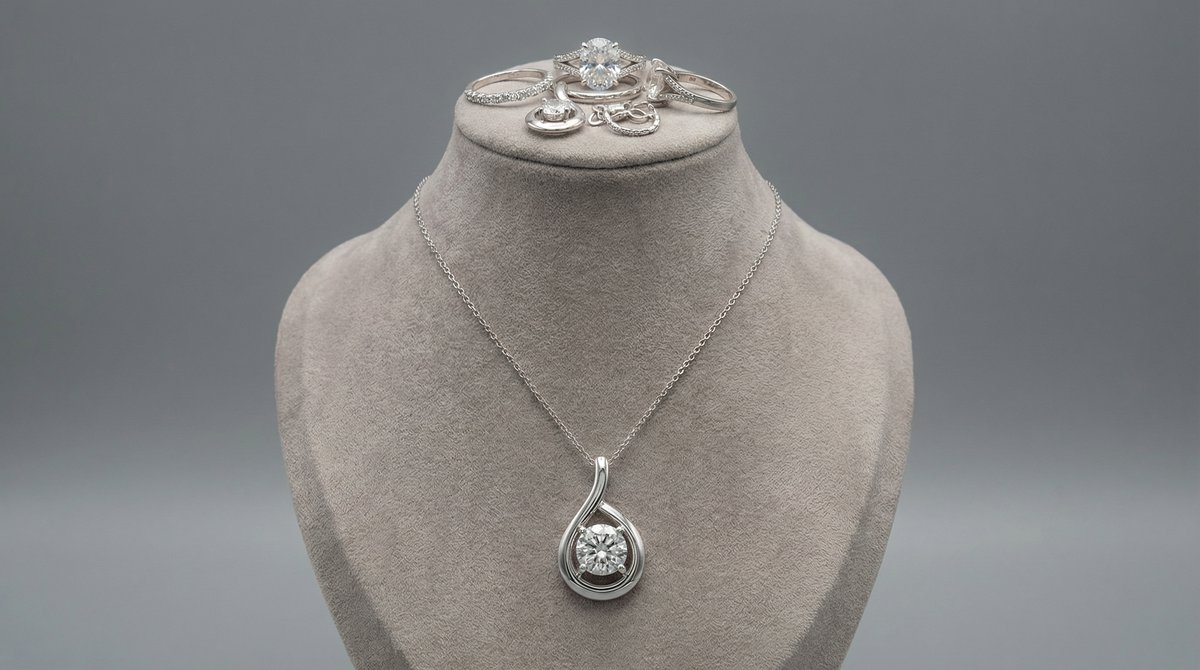
Cung cấp ảnh nền tham khảo hoặc để AI chọn gradient thanh lịch phù hợp với phong cách và tông màu kim loại trang sức của bạn.
Khám phá Tính năngThử các công cụ liên quan
Tạo, chỉnh sửa và nâng cao hình ảnh thử đồ ảo và ảnh sản phẩm của bạn với bộ công cụ AI mạnh mẽ của Photta.
Công cụ tạo AI
Giải pháp thử ảo
Công cụ cải thiện hình ảnh
Công cụ chỉnh sửa nền
Sẵn sàng chuyển đổi kinh doanh thời trang của bạn?
Tham gia cùng hàng ngàn thương hiệu sử dụng công cụ AI của Photta