
Are AI Product Photos
Allowed?
The line that matters is between enhancing the presentation of a real product and materially altering the product itself. Backgrounds, lighting and scenes sit on the permissive side; changing a colour, adding a feature, or inventing an item does not. This page explains where the line falls, how main images differ from lifestyle shots, and what to verify before you list. Reviewed August 2026 — policies change, so always check the marketplace's own current style guide.
Upload a clear, well-lit photograph of the actual product. Photta changes the background and scene around it — the closer your source photo is to the real item's colour and shape, the closer the output stays to what your buyer receives.
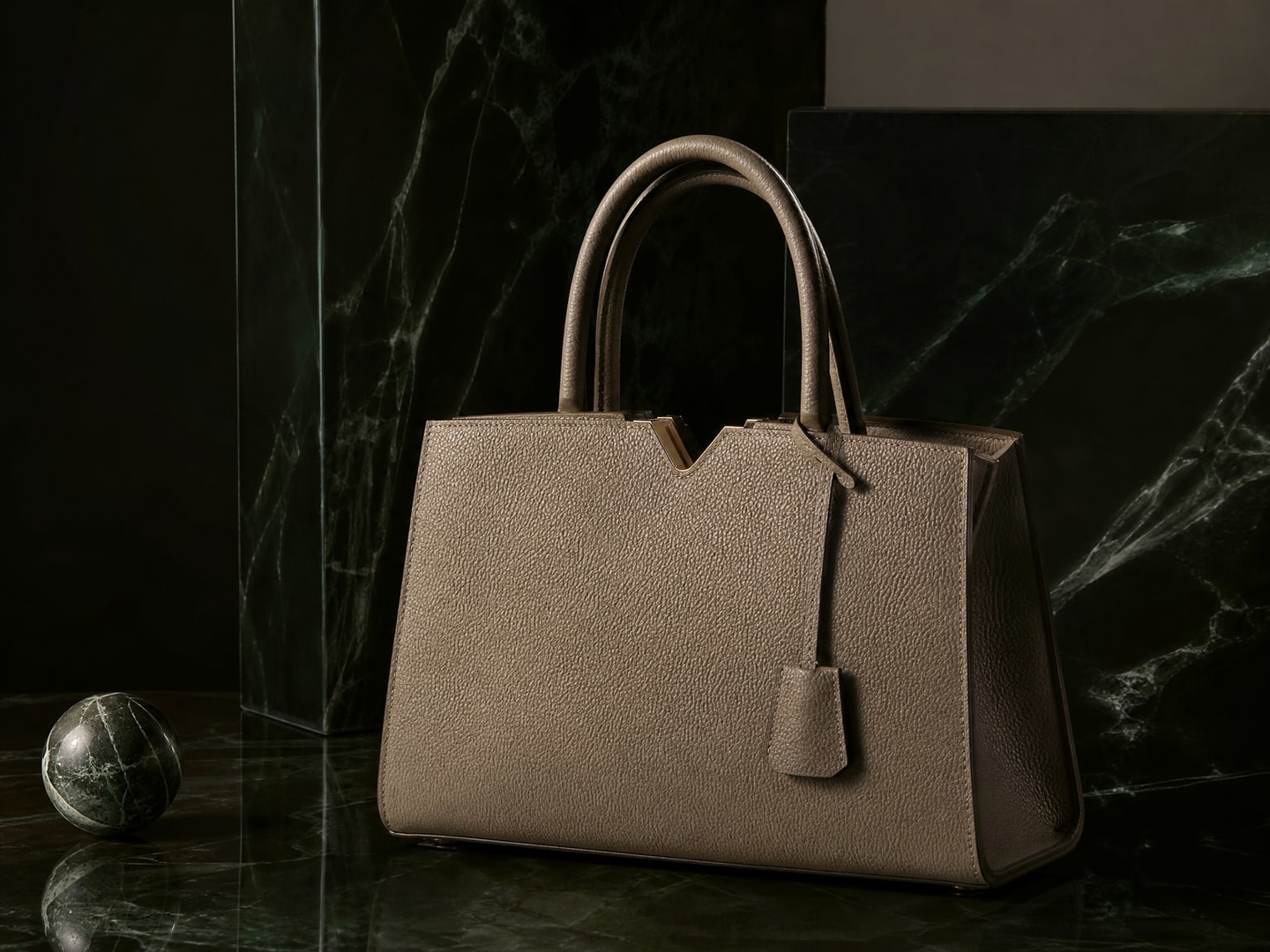
Upload a clear, well-lit photograph of the actual product. Photta changes the background and scene around it — the closer your source photo is to the real item's colour and shape, the closer the output stays to what your buyer receives.
Enhance a real product photo
How to Create AI Product Images That Meet Marketplace Rules
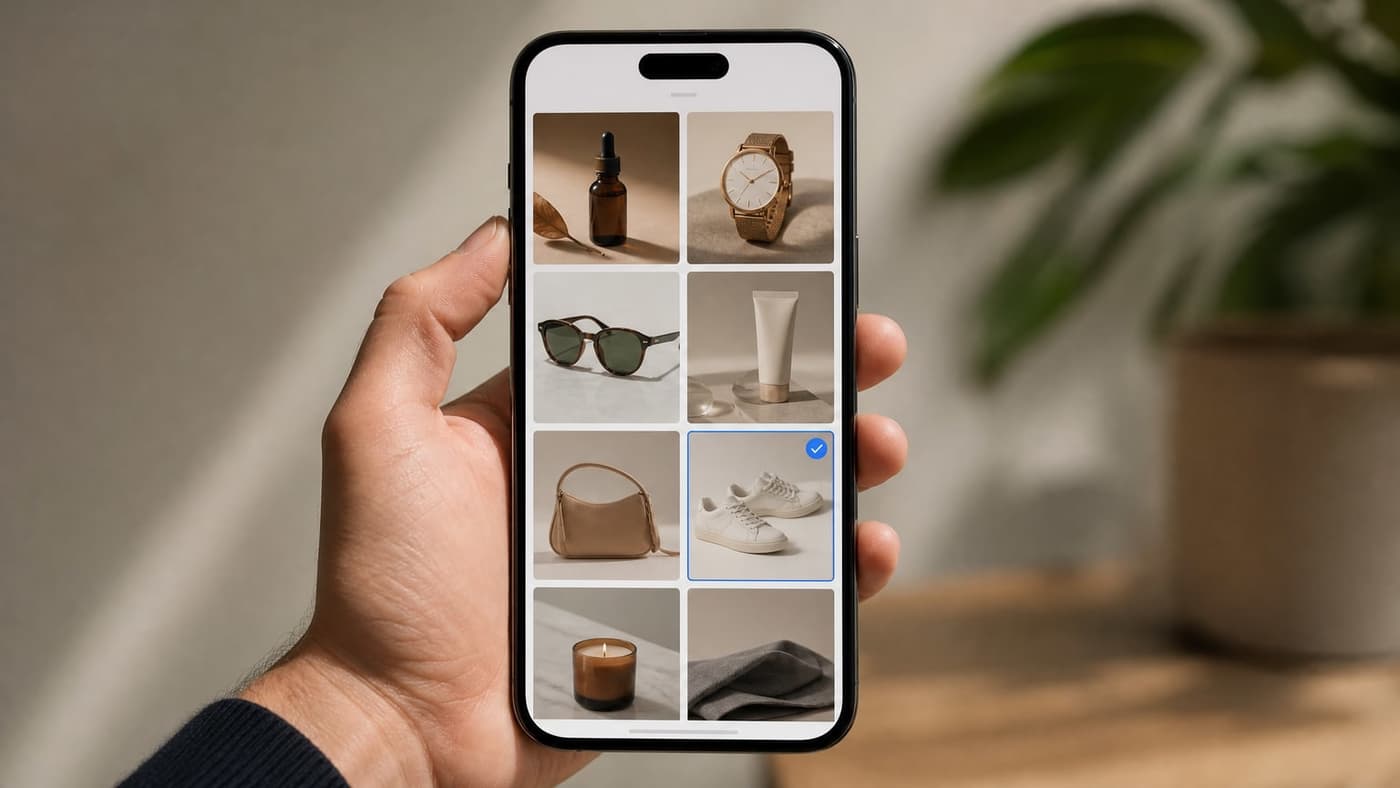
Start from a photograph of the real product
Not a render, not a reference image of a similar item. Every marketplace accuracy rule traces back to whether the listing shows the thing being sold. JPG, PNG or WebP up to 10MB.
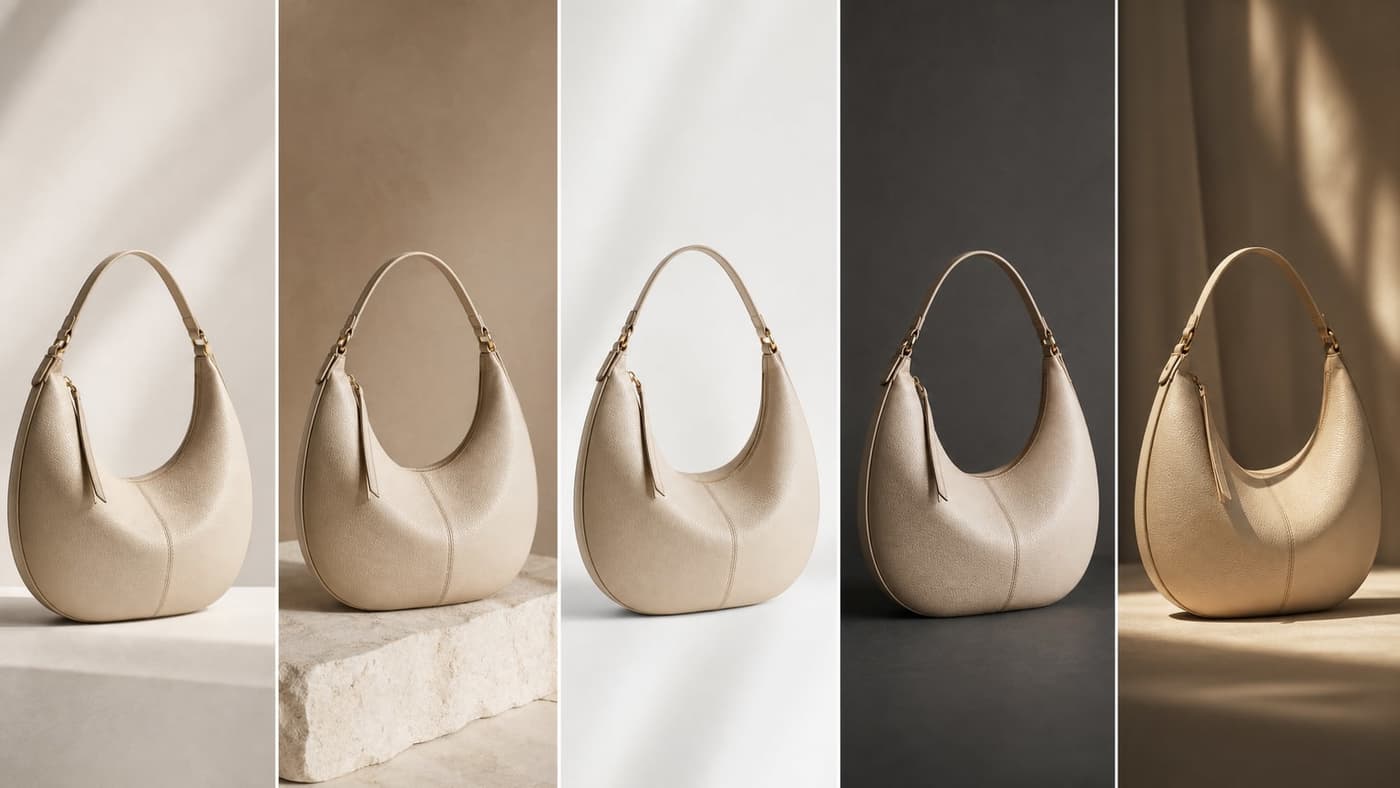
Change the setting, not the product
Backgrounds, lighting and lifestyle scenes are the permissive side of the line. Leave colour, shape, materials, logos and any feature a buyer could measure or return over exactly as they are.
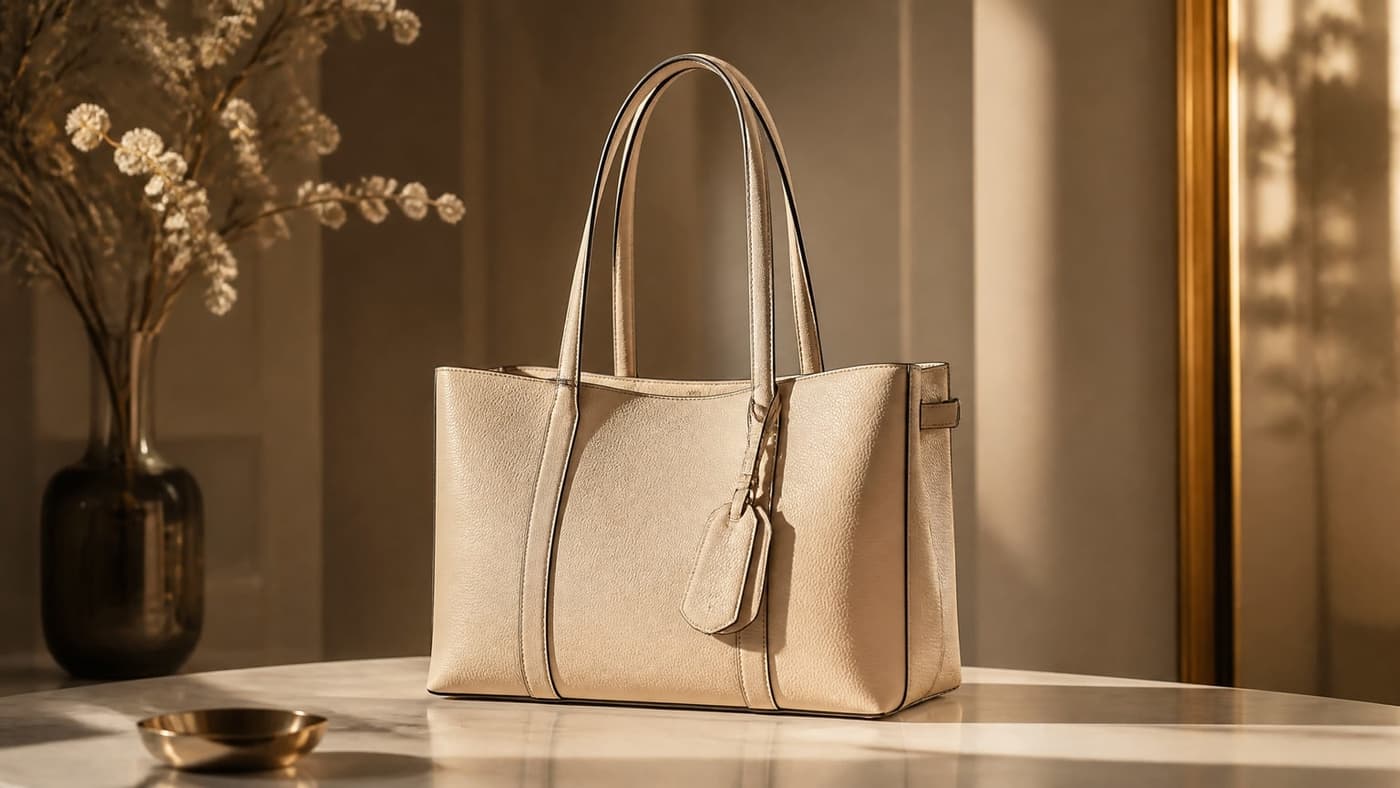
Check the output against the physical item
Compare the generated image to the product in front of you before it goes live, and confirm the destination marketplace's current image policy. Generation typically takes a couple of minutes; the review is the part that protects the listing.
Photta is photo-based: it works from your real product image. That helps you stay accurate, but compliance is a property of your listing and the marketplace's current policy, not of the tool that made the picture.
What Photta Does and What It Cannot Promise
Explore all virtual try-on tools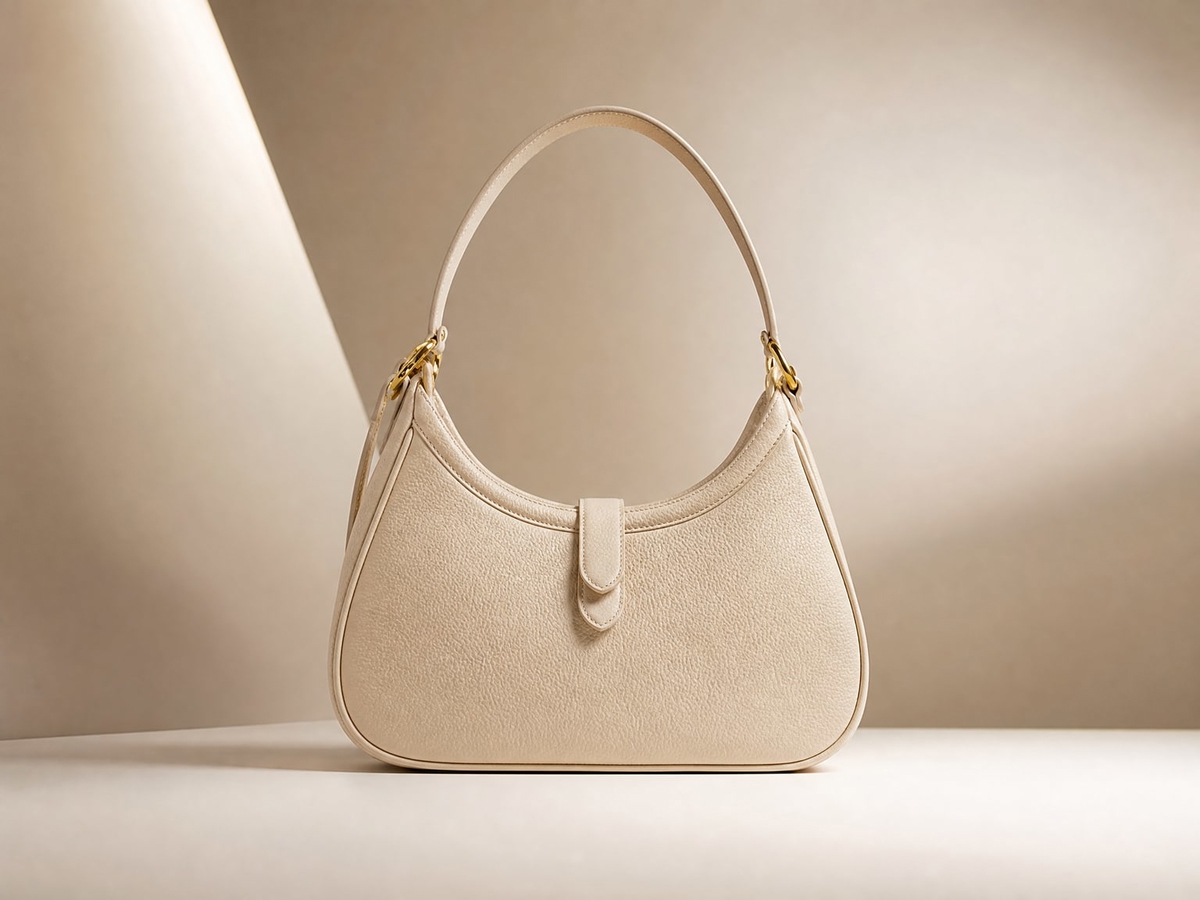
Works From Your Real Photo
Photta edits a photograph you supply rather than generating a product from a text description, so the item in the output originates from the item you actually sell.
Get Started FreePure-White Backgrounds for Main Images
Produce clean RGB 255,255,255 backgrounds, the format Amazon and Walmart specify for primary images. Meeting the background spec is one requirement among several — it does not by itself make a listing compliant.
Try It Now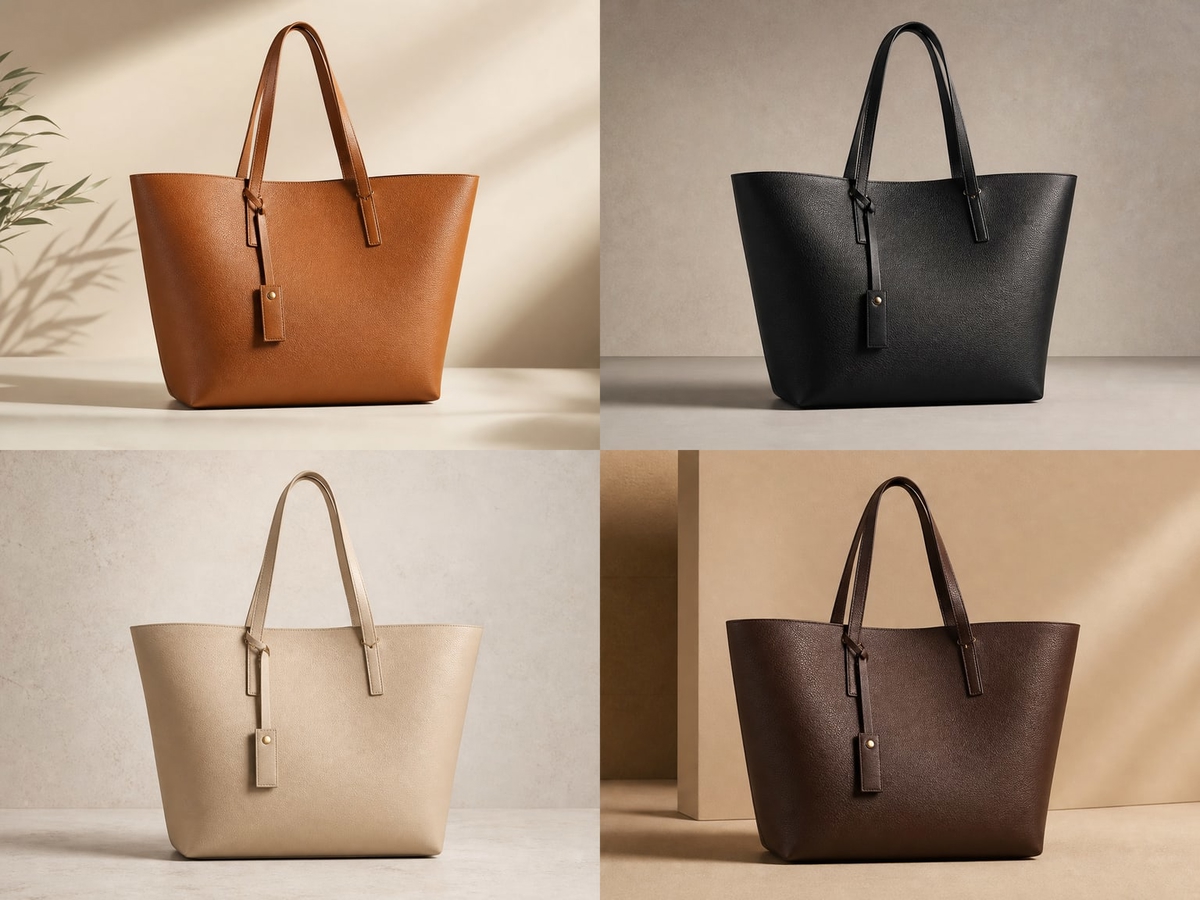
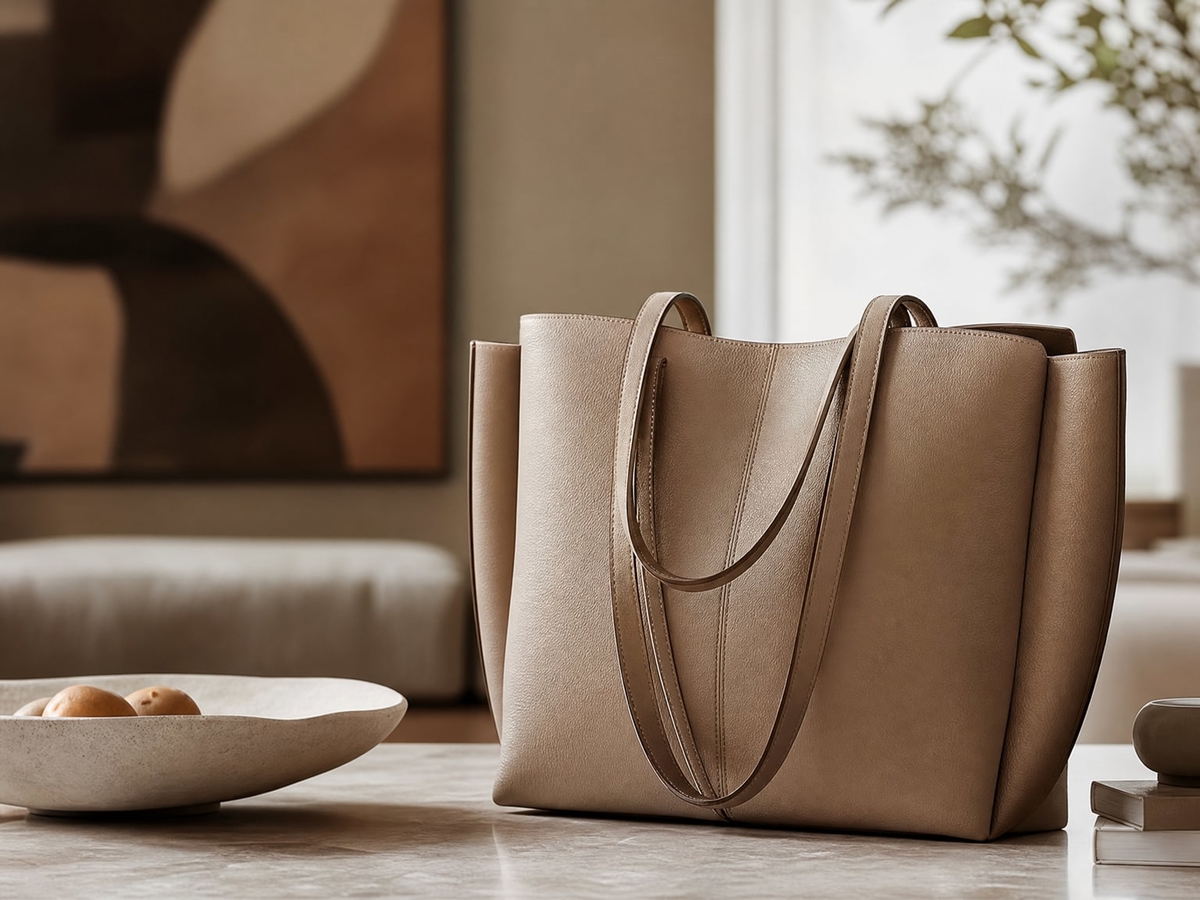
Lifestyle and Secondary Shots
Secondary and lifestyle images are where marketplaces allow the most creative latitude. Generate scenes you never photographed while the product itself stays as shot.
Explore FeaturesMarketplace Rules, Answered
Where the accuracy line falls, platform by platform. Last reviewed August 2026 — confirm against each marketplace's current published policy before listing.
Still have questions?
Contact SupportTry out related tools
Use Photta's wide range of powerful AI tools to generate, edit, and enhance your virtual try on clothes images and product photos.
AI Generation Tools
Virtual Try-On Solutions
Image Enhancement Tools
Background Editing Tools
Ready to Transform Your Fashion Business?
Join thousands of brands using Photta's AI tools