
Amazon A+ Content Images,
Made with AI
AI Amazon A+ Content images fill your Enhanced Brand Content modules. Upload your product, pick a module type, and generate lifestyle banners, comparison charts, and feature callouts sized to fit each A+ block on your listing.
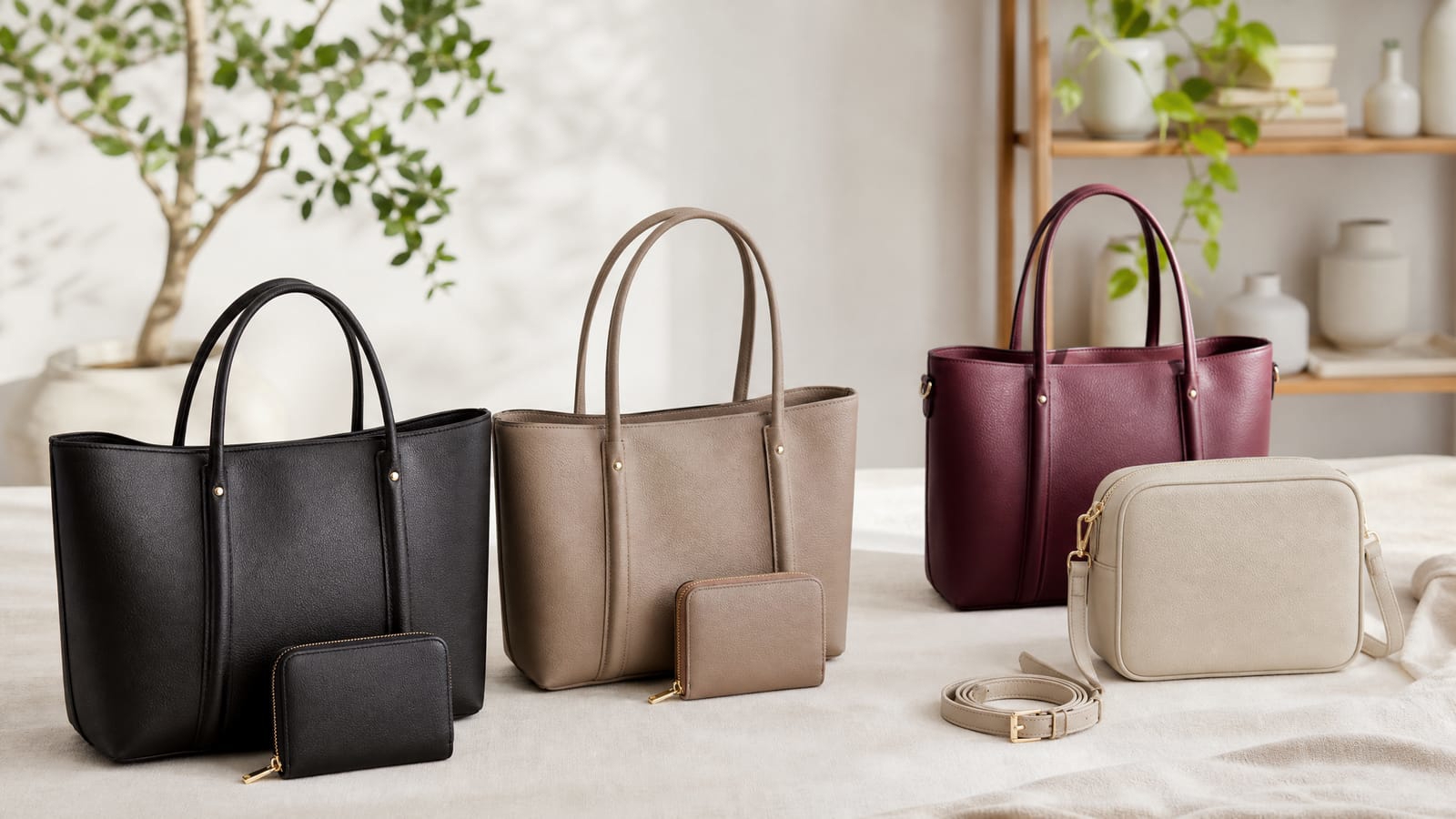
How to build A+ module images
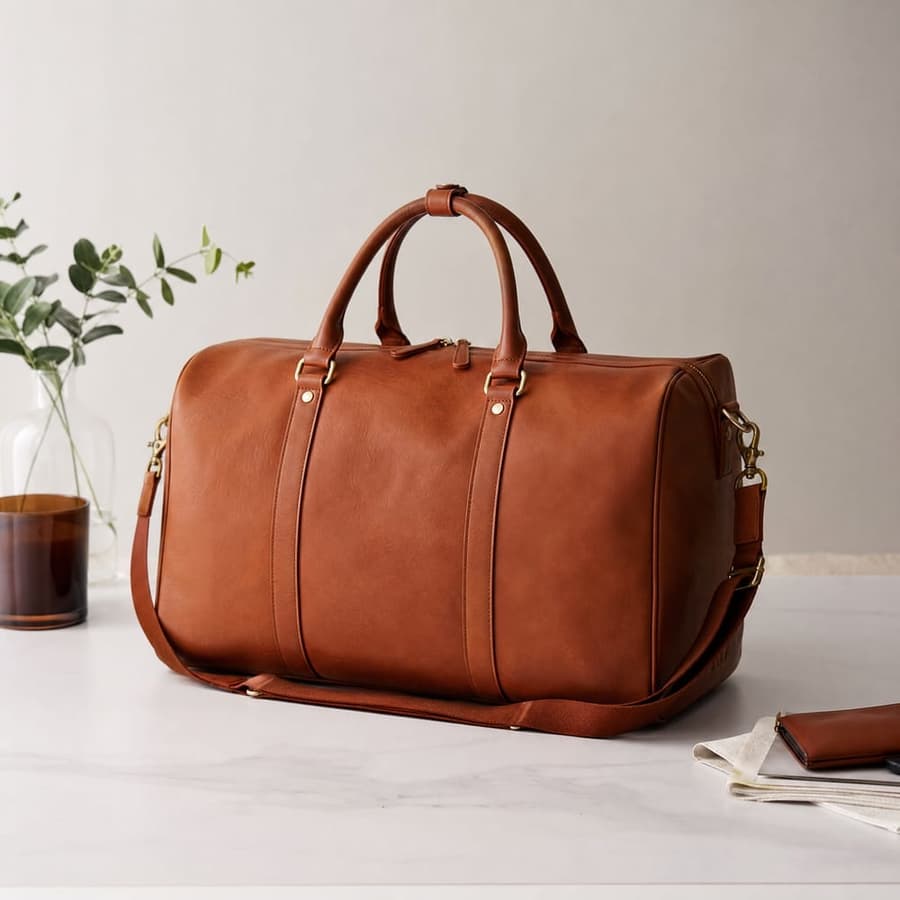
Upload your product
Add a product photo and any brand assets. Canvas uses these to keep your real product accurate across every module.
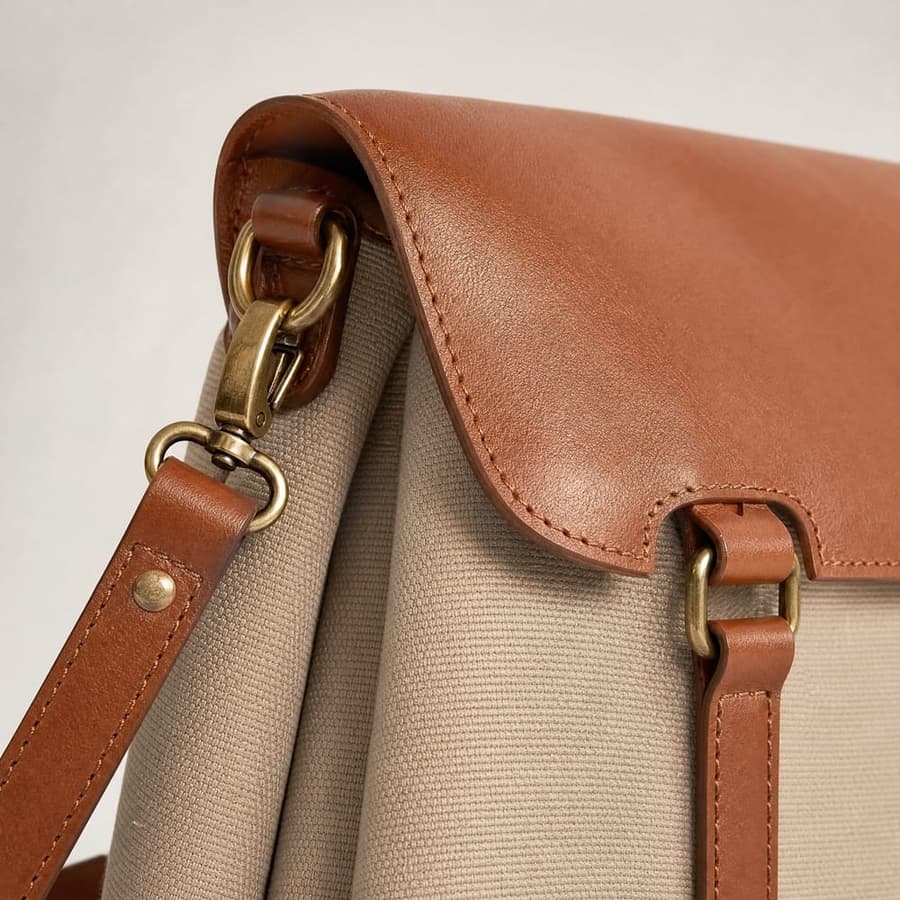
Pick a module type
Choose an AI model, then describe the module you need, like a brand story banner, a lifestyle scene, or a feature callout image.

Generate and place
Get up to four variants, choose the strongest layout, and drop it into the matching A+ block in Seller Central.
Every Enhanced Brand Content module, from one product upload.
Built for A+ Content
Explore all virtual try-on tools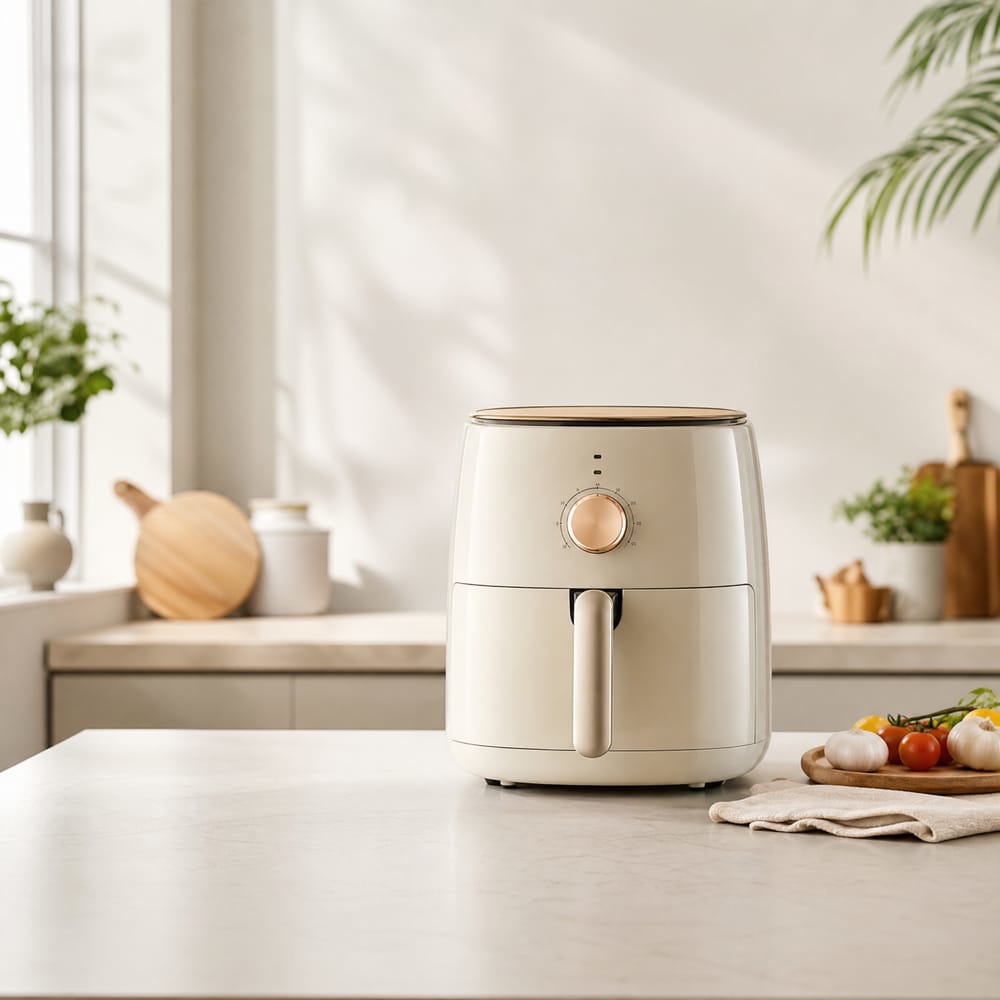
Module sized images
Generate visuals that fit common A+ blocks so your modules look intentional rather than stretched or cropped.
Get Started FreeReadable on screen text
Add short headlines and feature labels that stay legible inside the module, even on a phone.
Try It Now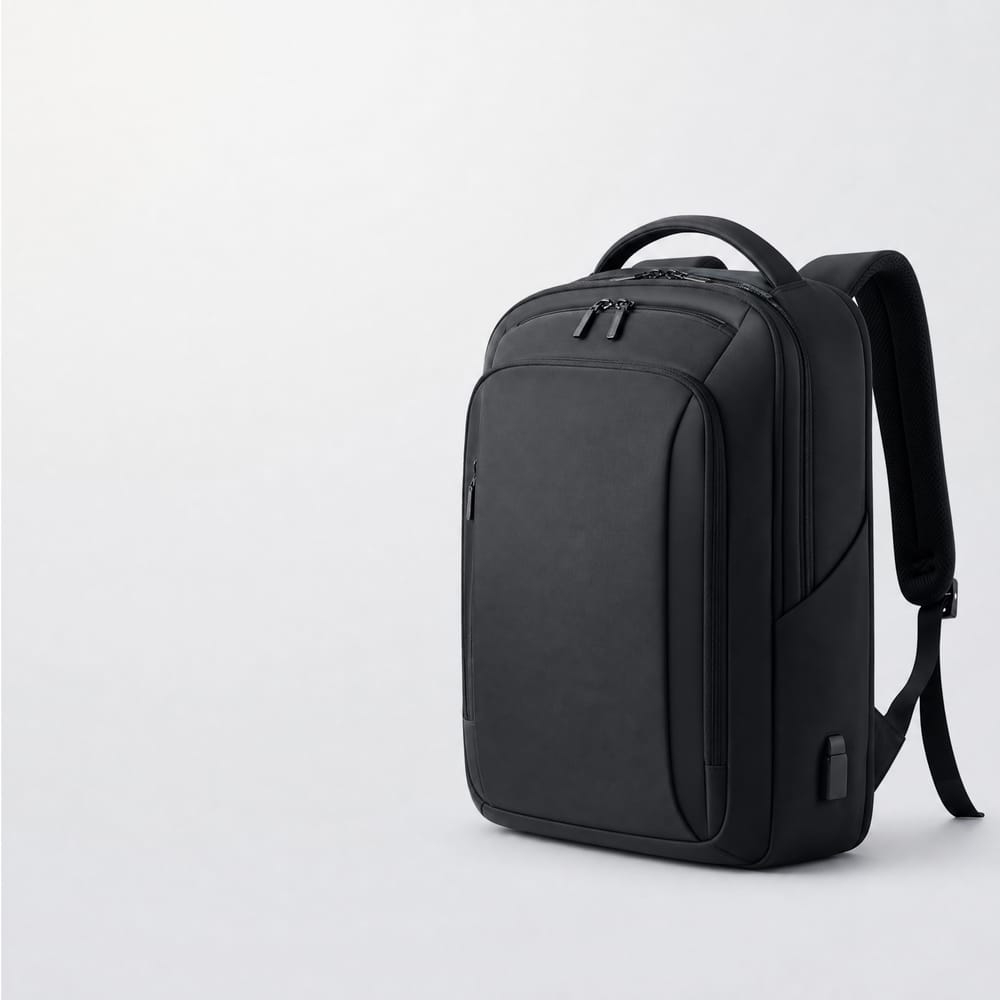
Lifestyle and comparison
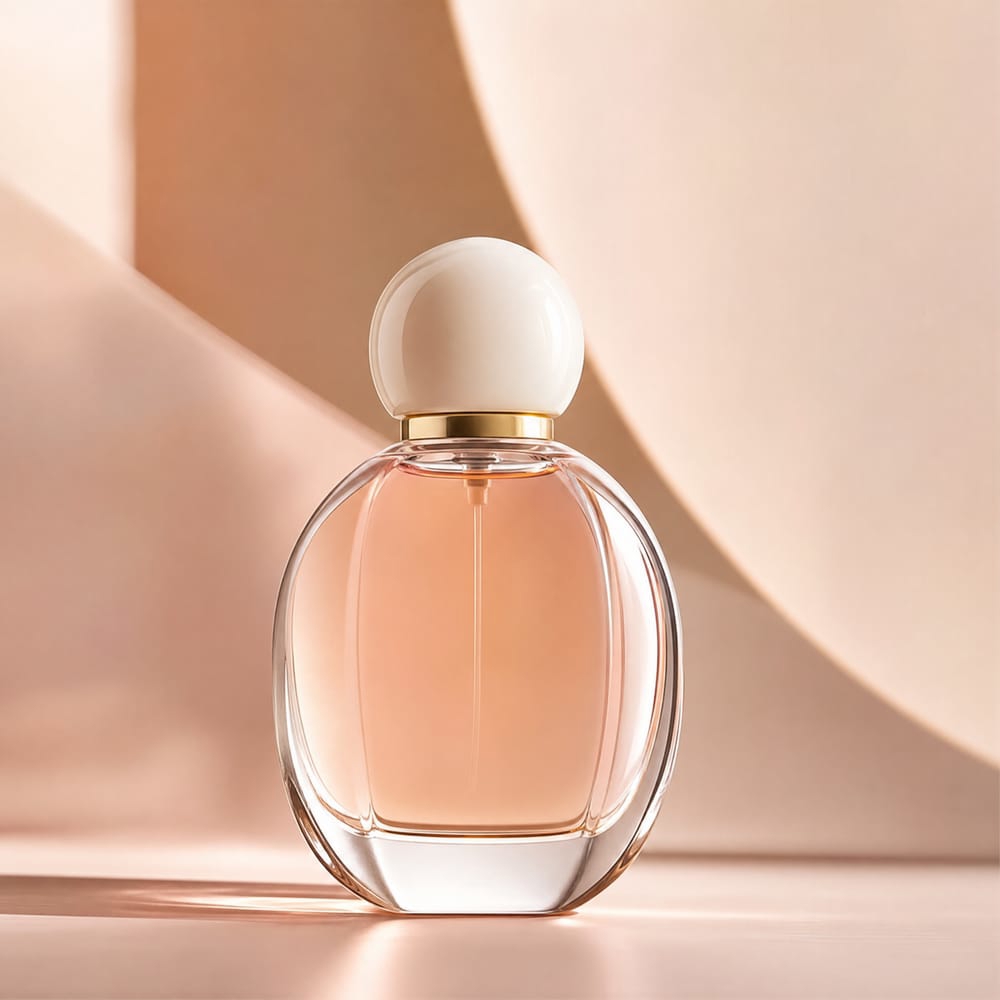
Create both lifestyle banners and clean comparison style layouts so a full A+ page tells one story.
Explore FeaturesTry out related tools
Use Photta's wide range of powerful AI tools to generate, edit, and enhance your virtual try on clothes images and product photos.
AI Generation Tools
Virtual Try-On Solutions
Image Enhancement Tools
Background Editing Tools
Ready to Transform Your Fashion Business?
Join thousands of brands using Photta's AI tools