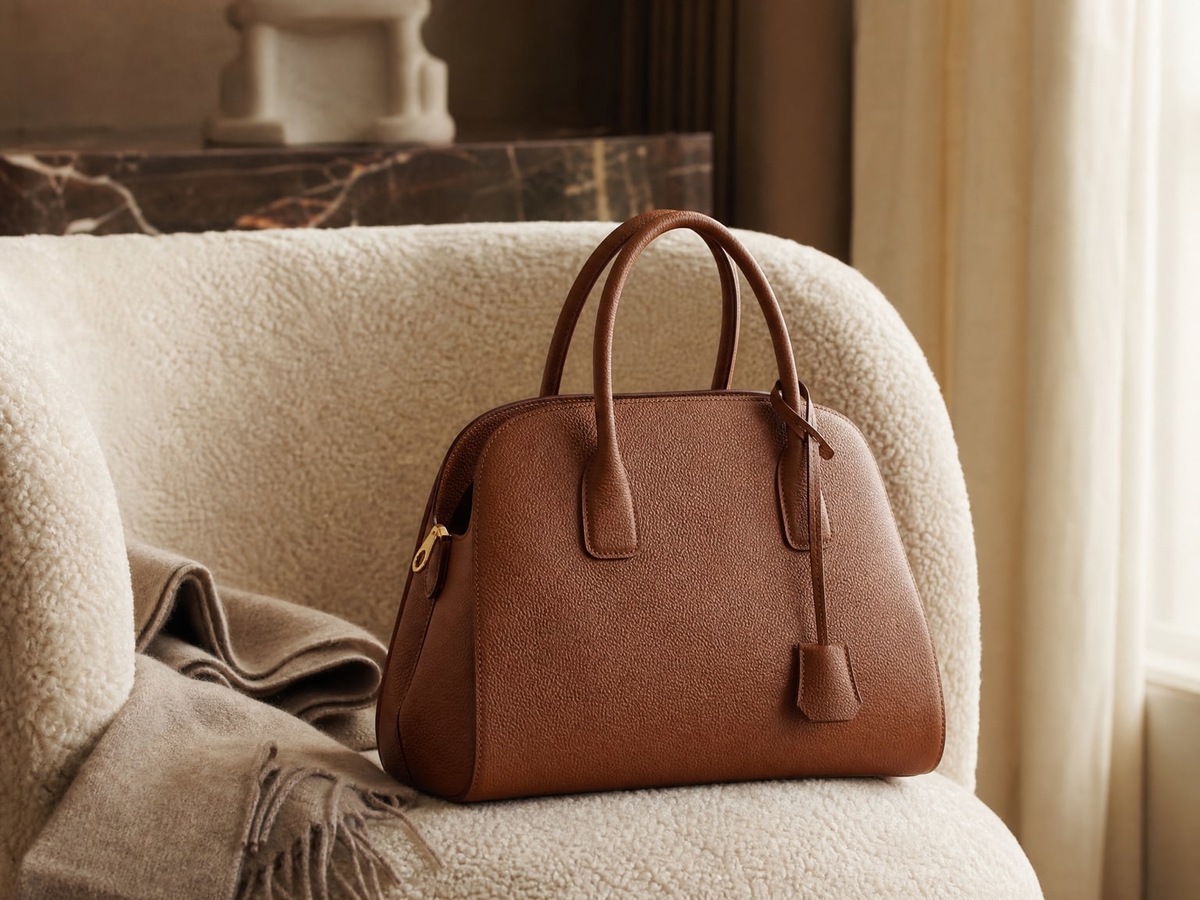
AI Product Photography
for Ecommerce Stores
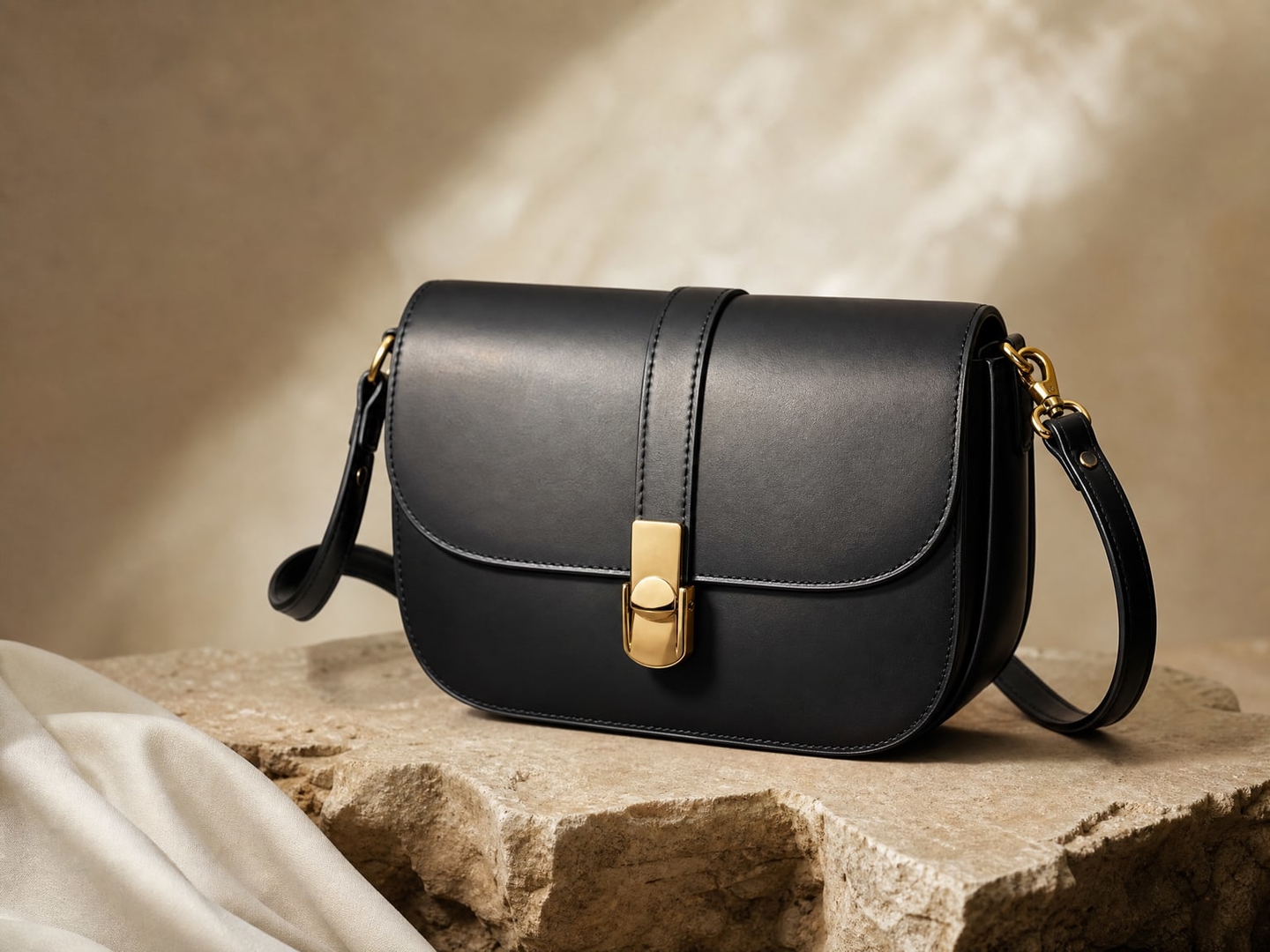
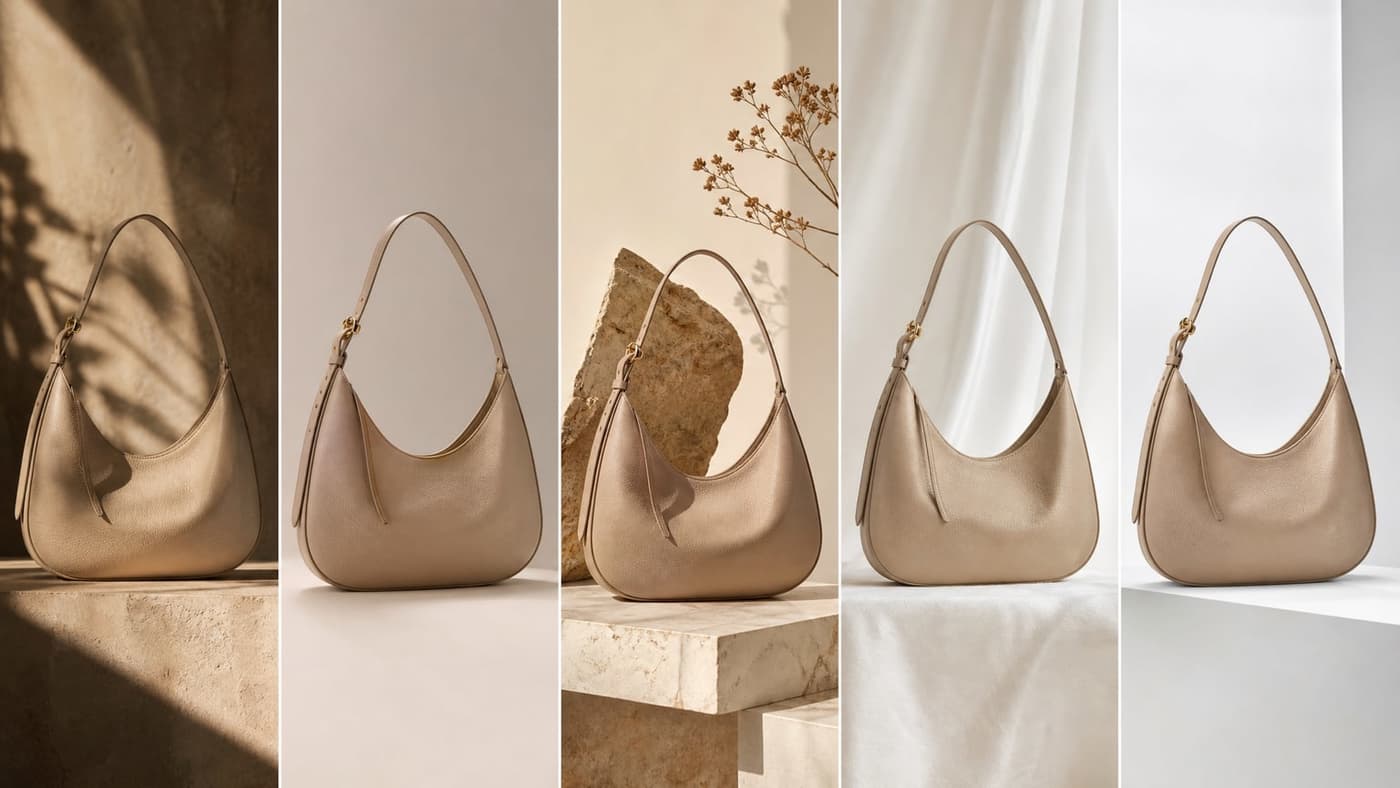
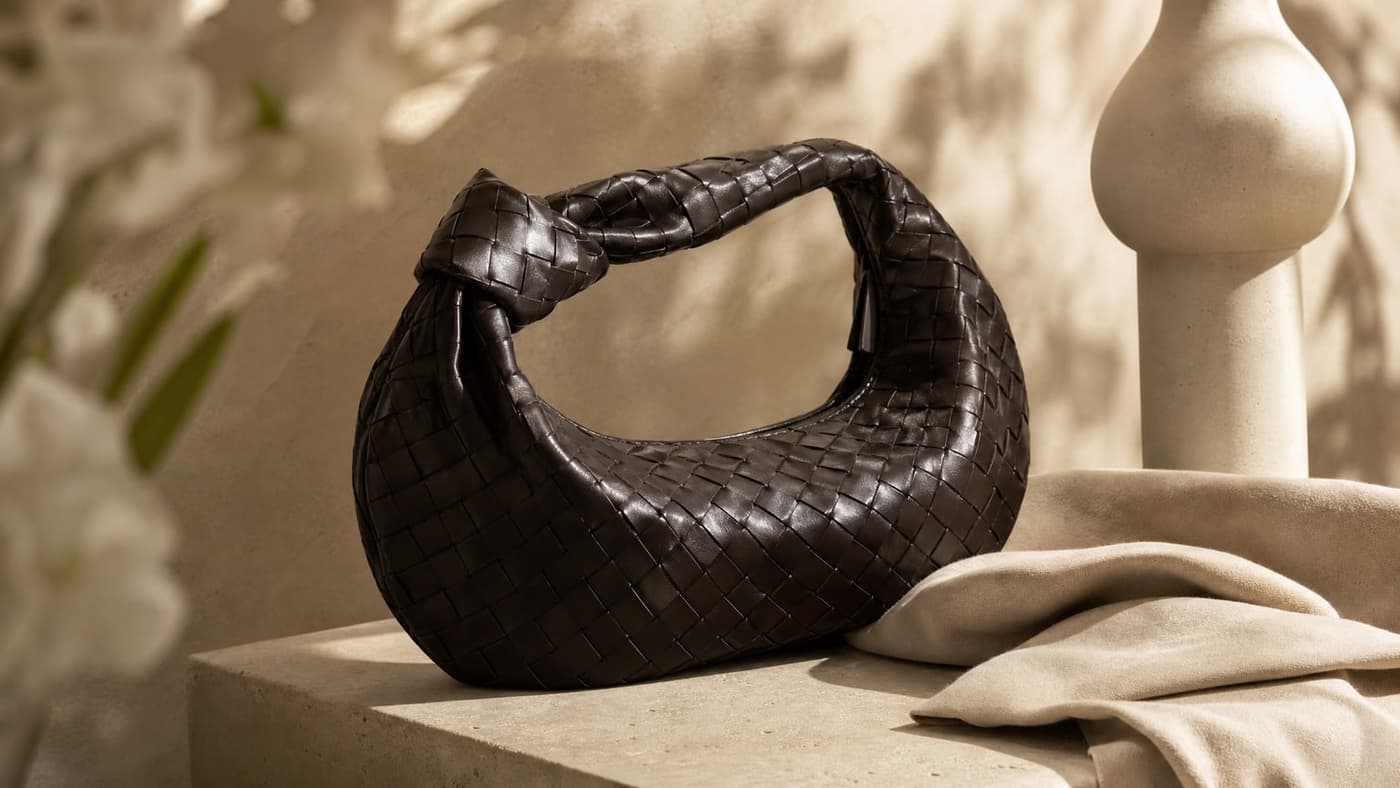
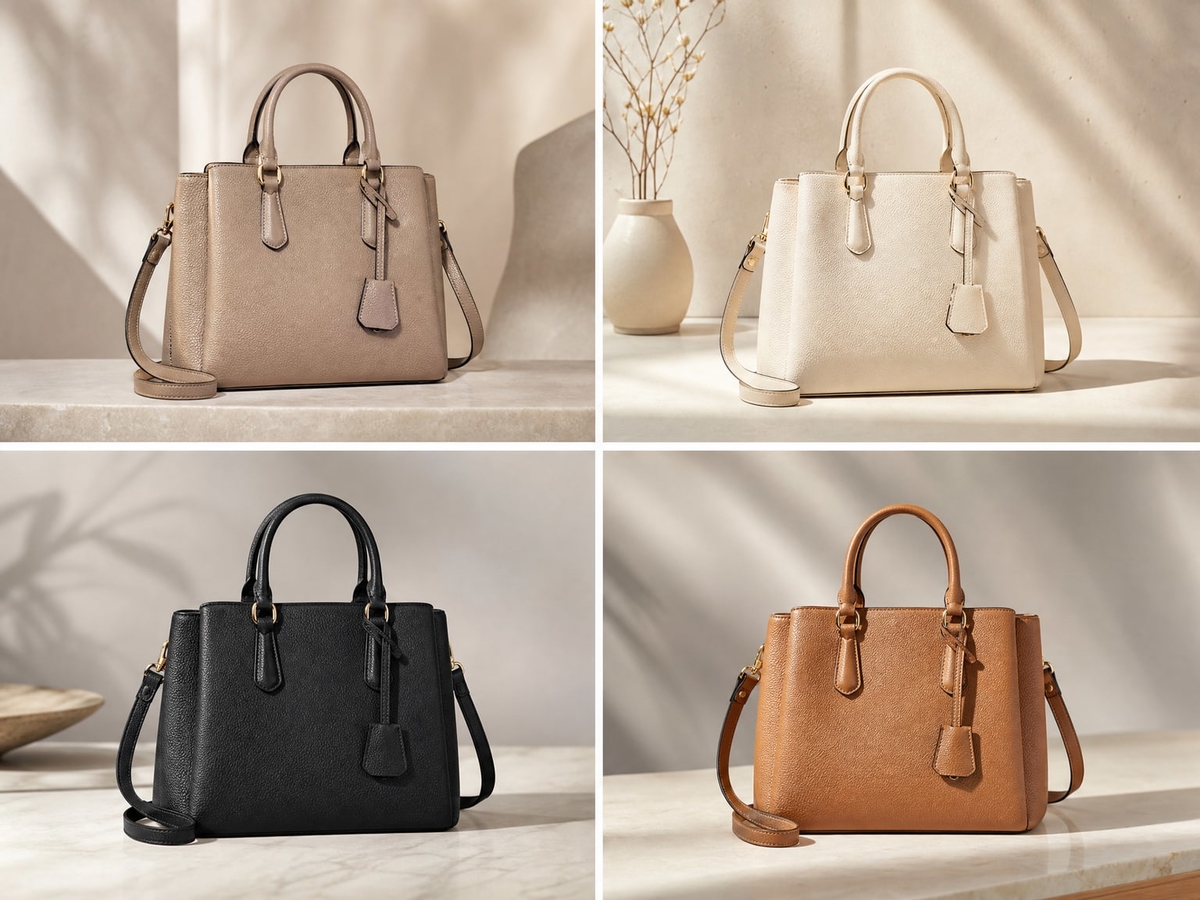
Photta is built for stores, not for social posts. Upload a photograph of the product you actually sell and generate the image types a listing needs — clean studio shots, hollow ghost mannequin, on-model apparel, jewelry close-ups and lifestyle scenes — while the product itself stays as photographed. Free to start, no card.

How AI Product Photography Works

Upload the real product
A single photograph of the item you sell — phone or camera. JPG, PNG and WebP go straight through; HEIC, AVIF and TIFF are converted on upload, up to 10 MB. Output quality tracks input quality more than any other factor, so an evenly lit shot against a contrasting background pays for itself.

Pick the workflow the listing needs
Apparel try-on puts the garment on an AI model. Ghost mannequin returns a hollow shot with no mannequin to retouch. Jewelry and eyewear studios handle close-up reflective work. Product studio and lifestyle cover backgrounds and scenes. Each is a separate workflow, not one generic button.

Review, then export at 1K, 2K or 4K
Check the output against the physical product before it goes live — colour, logo, stitching, anything a buyer could return over. Paid plans export without a watermark. Credits are taken when a job starts and refunded automatically if it fails.
Apparel and jewelry brands, marketplace sellers, agencies running client catalogs, and teams that would otherwise book a studio for every drop.
Built for Stores That Ship Products
Explore all virtual try-on tools
Your Product, Not a Lookalike
Every workflow starts from your photograph rather than a text prompt, so the colour, cut, texture and hardware in the output come from the item you actually sell. That is what marketplace accuracy rules are written around.
Get Started FreeThe Image Types a Listing Needs
Pure-white main images, hollow ghost mannequin, on-model apparel, jewelry close-ups, flat lays, lifestyle scenes, extra angles and detail crops — produced from the same upload instead of four separate shoots.
Try It Now

Priced Per Image, in Credits
A 2K image costs 5 credits for apparel, jewelry or eyewear and 4 for ghost mannequin; 4K adds one. Background removal and upscaling are 1. A retry is a flat 3. Plans run from a free tier through 5,000 credits a month, so the cost per usable image is something you can calculate before committing.
Explore FeaturesEvery workflow on one upload
Where each listing image type is produced, plus pricing and the API.
- Virtual try-on for apparelPut a garment on an AI model to show fit and drape.
- Ghost mannequinHollow garment shots, and the only batch workflow.
- Jewelry studioClose-up and on-model shots for reflective pieces.
- Amazon main imagePure-white backgrounds for primary listing images.
- AI model makerGenerate one model and reuse it across a product family.
- Marketplace rules for AI photosWhere the accuracy line falls, platform by platform.
- Catalog image automationSizing batch, review and throughput for thousands of SKUs.
- Product image APIAsync endpoints for try-on, jewelry and ghost mannequin.
- PricingCredit costs per image and what each plan includes.
Use Cases
Workflows Ecommerce Teams Actually Run
Each maps to a distinct listing problem rather than a style preset.
Apparel on models, without a shoot
Put a garment on an AI model to show fit and drape. Reuse the same generated model across a product family so proportions and skin tone stay consistent down a category page.

Ghost mannequin for fashion listings
Hollow, three-dimensional garment shots with no mannequin to edit out. The only workflow here that runs as a batch, and the one exposed through the API.

Jewelry and small reflective goods
Close-up studio and on-model shots for rings, necklaces, earrings and watches, where reflections and metal tone are the hard part.

Marketplace main images
Clean, pure-white backgrounds for the primary listing image Amazon and Walmart specify — starting from your own photograph, so the item stays accurate.

Lifestyle and campaign scenes
Secondary imagery in settings you never photographed. This is where marketplaces allow the most latitude, as long as the product is unchanged and nothing implies a bundle you do not ship.

Client catalogs, at agency volume
Separate brand assets per client, generated on one platform. Seat counts run from 1 to 15 by plan, so team access is a plan decision rather than a workaround.

Choosing an AI Product Photography Tool
The questions worth asking before you commit a catalog to one.
Still have questions?
Contact SupportTry out related tools
Use Photta's wide range of powerful AI tools to generate, edit, and enhance your virtual try on clothes images and product photos.
AI Generation Tools
Virtual Try-On Solutions
Image Enhancement Tools
Background Editing Tools
Ready to Transform Your Fashion Business?
Join thousands of brands using Photta's AI tools