
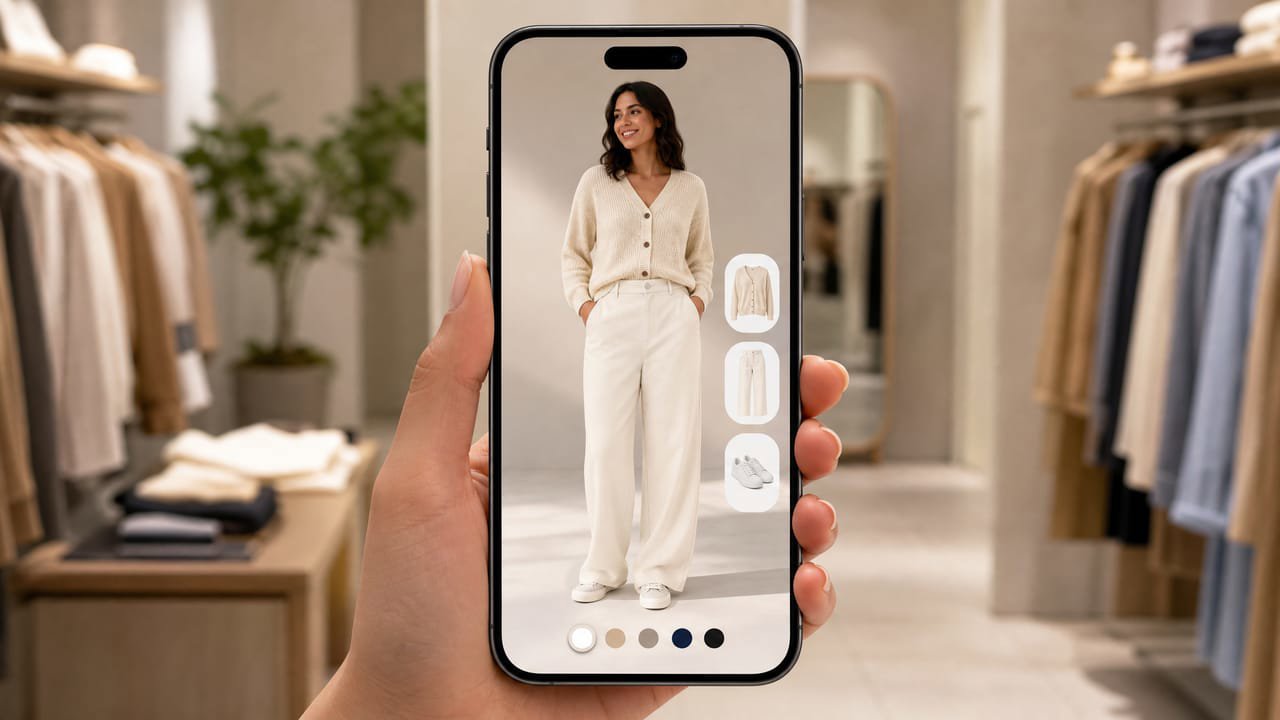
How Marks and Spencer's virtual try-on works
Marks and Spencer partnered with Zyler to trial AI-image virtual try-on for its Jaeger clothing line. The trial ran in-store, where shoppers could see garments rendered on their own image using Zyler's AI, giving them a personalised on-body preview without a changing room queue.
The experience addresses a real problem in fashion retail: shoppers hesitate to commit to a garment when they cannot picture it on their own body. By rendering the item on the shopper's photo, M&S and Zyler bring the dressing-room moment into the browsing experience.
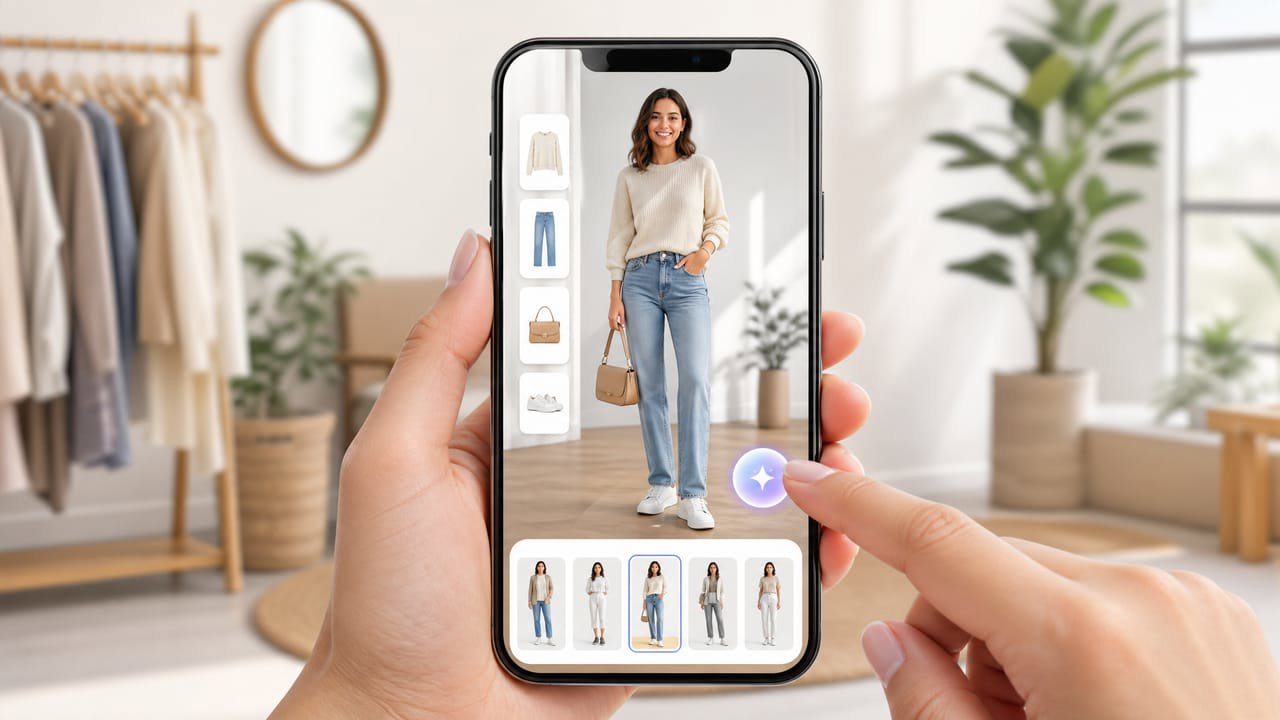
The catch: it was a limited in-store pilot
The Zyler partnership was a trial for one brand line in selected M&S stores, not a self-service online feature available to every M&S shopper at home. That means the broad M&S product catalogue does not currently offer on-body try-on at checkout.
For independent clothing stores, the lesson is that the technology exists and works. The question is how to deploy it online for your own shoppers without a large retail pilot budget.
How to add the same try-on to your store
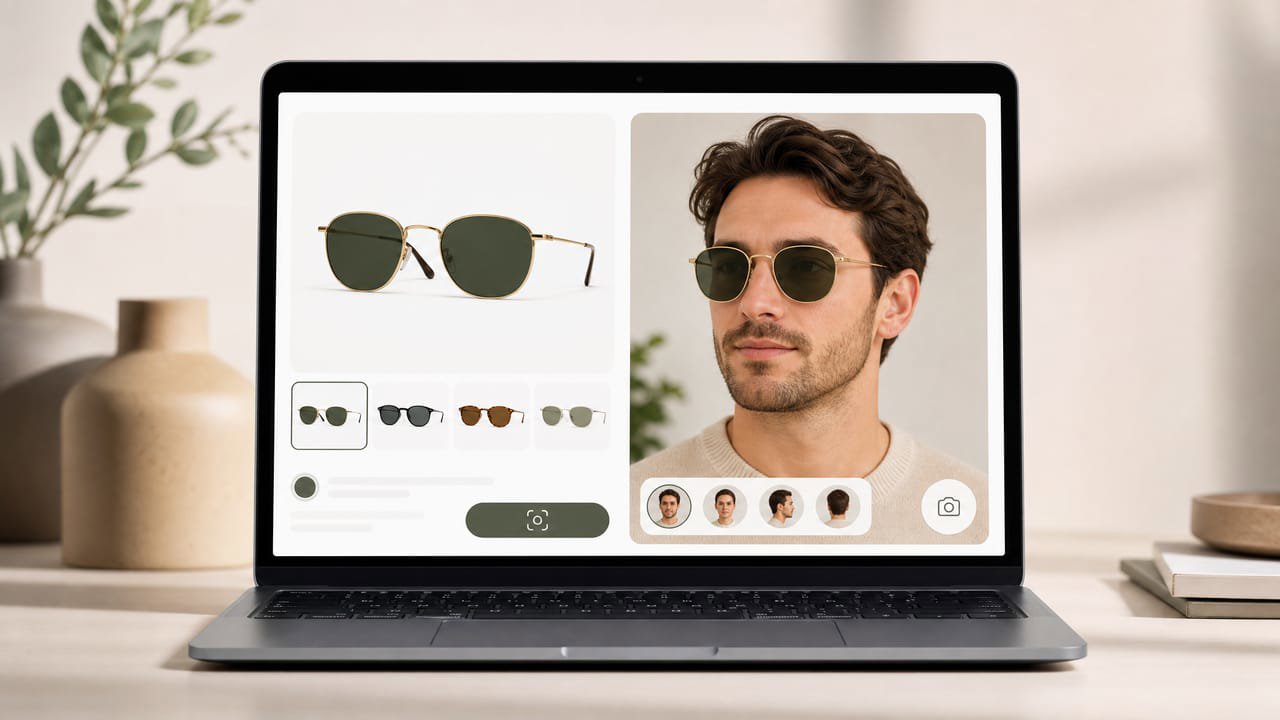
A hosted AI-image try-on widget brings the photo-in, worn-result-out experience to your own product pages, on the web, with no app and no in-store hardware. Photta installs as a single script tag:
The shopper taps 'Try it on', uploads a photo, and sees the dress, blouse, or coat on themselves right in the browser. It covers apparel and jewelry, runs in 29 languages, deletes the shopper's photo after processing, and you manage and brand it from a dashboard.
Why it pays off for a clothing store
Returns are the biggest cost in fashion e-commerce, and the main driver is fit and appearance uncertainty. Shoppers who see a garment on a body like theirs convert faster and return less, because they are choosing with confidence rather than guessing.
For mid-market clothing, where margins are already tight, a meaningful drop in return rates can cover the widget subscription many times over, and the lift in conversion compounds month after month.

Set it up in minutes
Sign up at business.photta.app and start the free trial (14 days, 30 try-ons). Create a key, choose apparel, and add your store domain.
Paste the one-line script into your Shopify, WooCommerce, Wix, Squarespace, or custom HTML theme. Your shoppers get the same on-body preview M&S trialled in-store, available online from day one. Paid plans start at $49 a month for 500 try-ons after the trial.