
Virtual Bracelet
Try On
Will that tennis bracelet be too loose? How will those bangles stack? Our free AI bracelet try-on shows you exactly how any wrist jewelry looks on different wrist sizes. Visualize tennis bracelets, bangles, cuffs, charm bracelets, and chain bracelets with realistic fit and drape.
Use clear product photos showing the full bracelet. Our AI calculates bracelet circumference, width, and how it drapes on different wrist sizes. Works with all styles: tennis, bangle, cuff, chain, charm, and beaded bracelets.
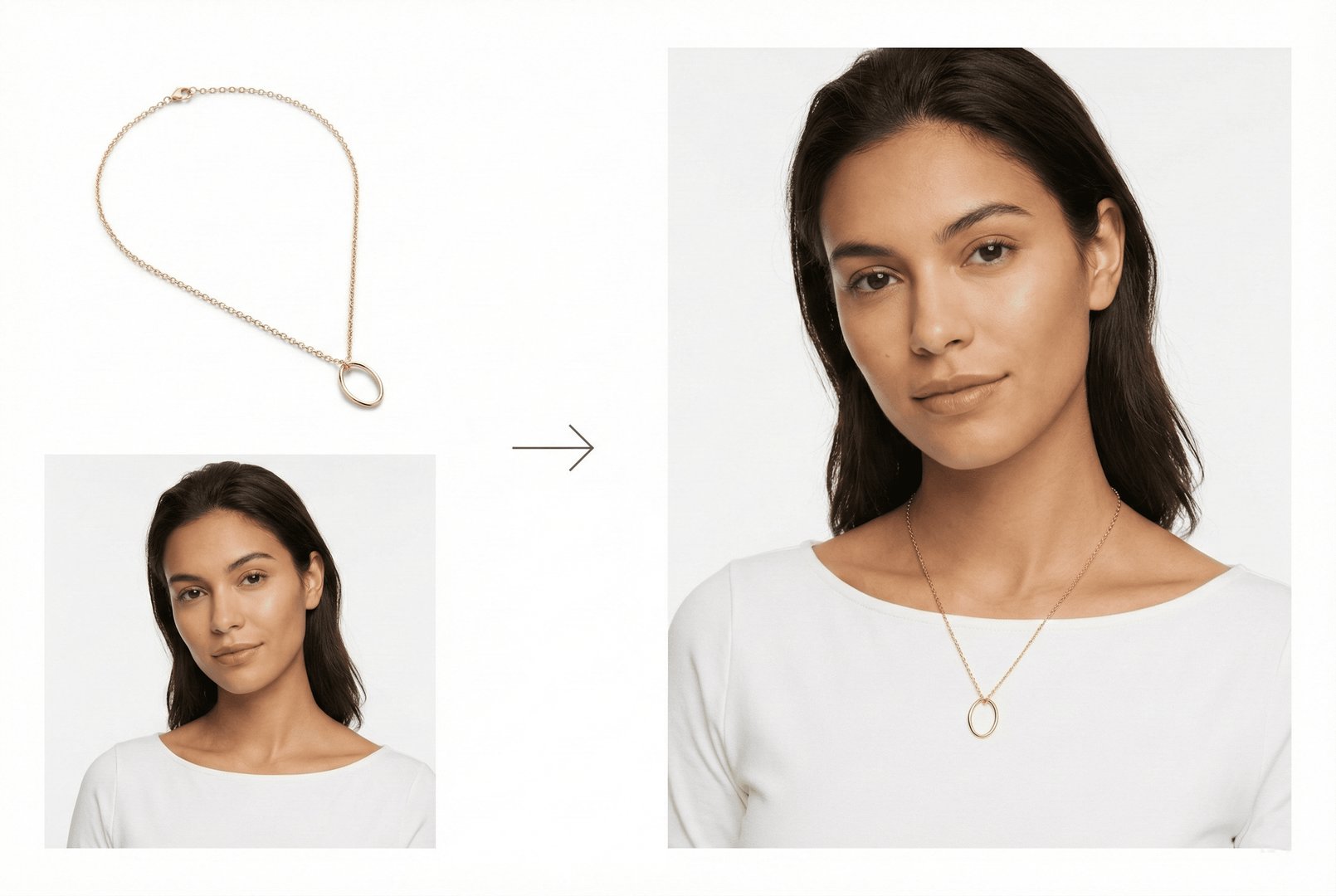
Use clear product photos showing the full bracelet. Our AI calculates bracelet circumference, width, and how it drapes on different wrist sizes. Works with all styles: tennis, bangle, cuff, chain, charm, and beaded bracelets.
Visualize Your Bracelet
How Bracelet Try On Works

Upload Bracelet Image
Upload your bracelet photo - tennis bracelets, bangles, cuffs, chains, or charm bracelets. Our AI analyzes size, width, and closure type for accurate wrist visualization.

Select Wrist Model
Choose from diverse wrist models with different sizes, skin tones, and styles. See how the same bracelet looks on petite vs larger wrists.

Get Realistic Wrist Preview
Our AI renders the bracelet with natural drape, accurate sizing, and realistic shadows. Perfect for seeing how bracelets fit your wrist type.
The smart way to shop for wrist jewelry and create the perfect bracelet stack.
Why Use Virtual Bracelet Try On?
Explore all virtual try-on tools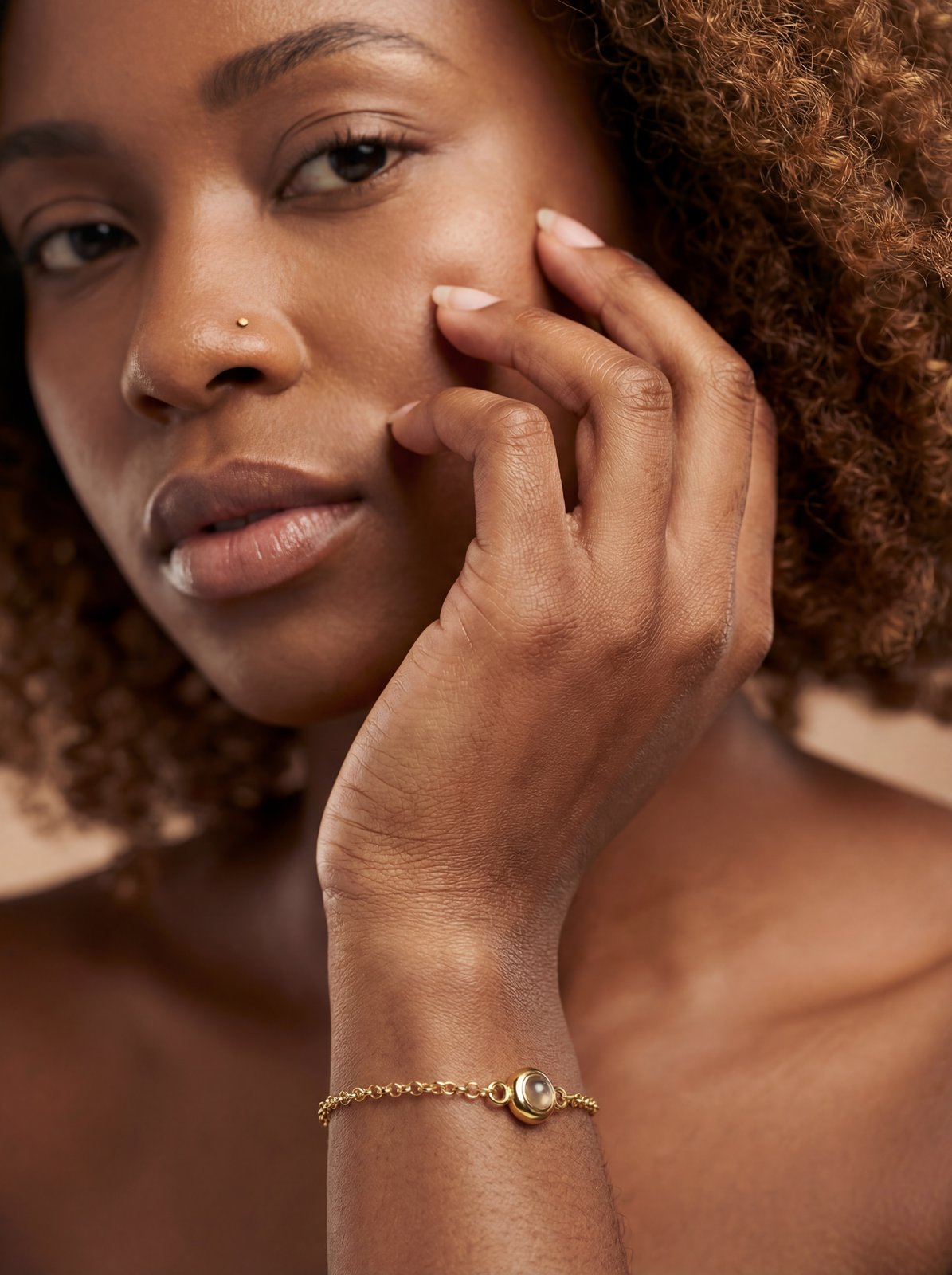
Accurate Wrist Sizing
Our AI adjusts bracelet visualization for different wrist circumferences. See if a 7" bracelet will fit snugly or loosely on your specific wrist size.
Get Started FreeBracelet Stacking Preview
Visualize multiple bracelets together - mix tennis bracelets with bangles, layer chain bracelets, or create the perfect watch + bracelet combination.
Try It Now
All Bracelet Styles
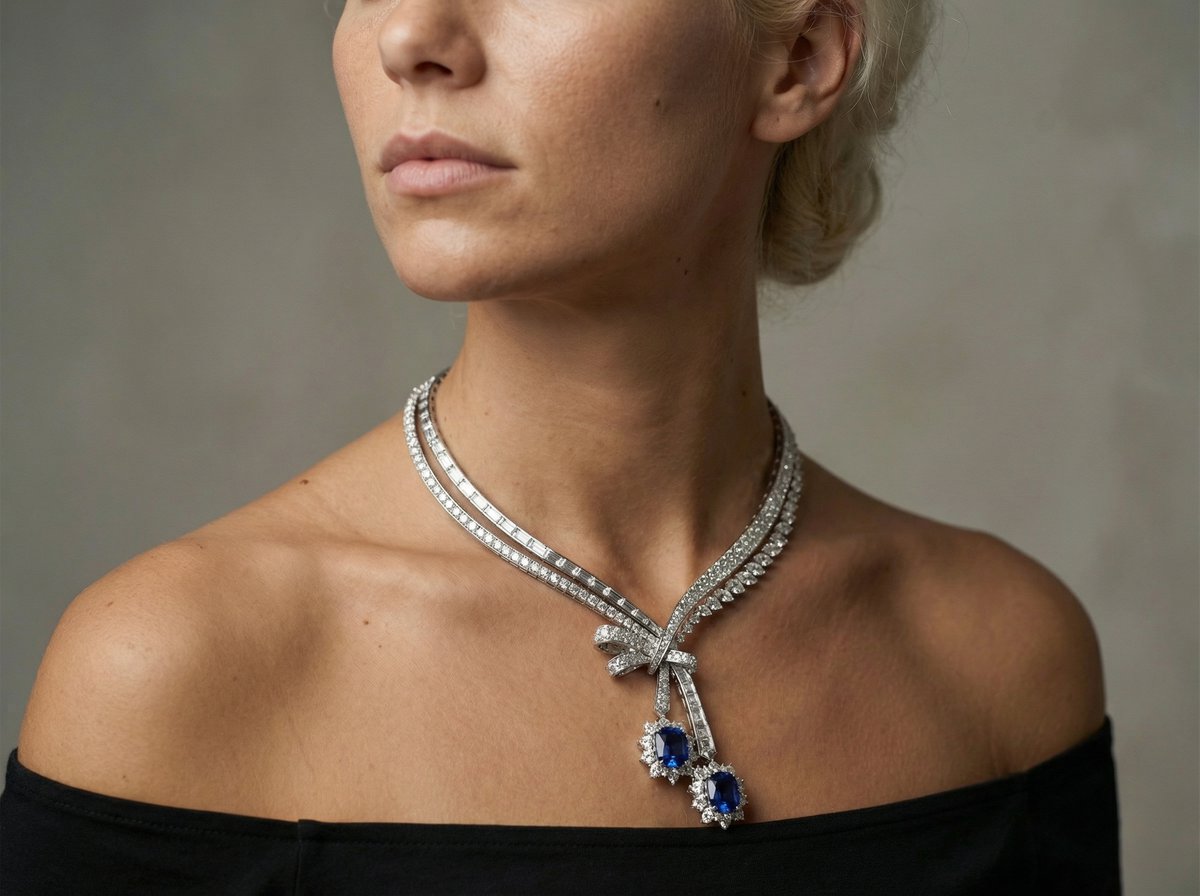
From delicate tennis bracelets to chunky cuffs - our AI handles all styles. Bangles, chains, charms, beaded, braided, and statement pieces all render beautifully.
Explore FeaturesUse Cases
Who Uses Bracelet Try On?
From daily bracelet shoppers to luxury jewelry buyers
Tennis Bracelet Shopping
Tennis bracelets are a significant investment. See exactly how different carat weights and bracelet widths look on your wrist before purchasing.

Bangle Stacking
Love the stacked bangle look? Visualize multiple bangles together to find the perfect combination of widths, metals, and styles.

Watch & Bracelet Pairing
See how bracelets look stacked with your watch. Find bracelets that complement your timepiece without overpowering it.

Gift Shopping
Buying a bracelet as a gift? Upload the recipient's wrist photo to see how the bracelet will look and fit on them specifically.

Jewelry E-Commerce
Help online customers visualize bracelet fit and style. Reduce returns caused by sizing issues with accurate virtual try-on.

Charm Bracelet Design
Building a charm bracelet? Visualize how charms look on the bracelet and on your wrist as you add pieces to your collection.

Bracelet Try On FAQ
Common questions about virtual bracelet visualization
Still have questions?
Contact SupportTry out related tools
Use Photta's wide range of powerful AI tools to generate, edit, and enhance your virtual try on clothes images and product photos.
AI Generation Tools
Virtual Try-On Solutions
Image Enhancement Tools
Background Editing Tools
Ready to Transform Your Fashion Business?
Join thousands of brands using Photta's AI tools