
Add a virtual try-on widget to your BigCommerce store
Photta is an AI virtual try-on widget that lets your shoppers see themselves in your products before they buy. One Page Builder block, every Stencil theme, no app store approval needed.
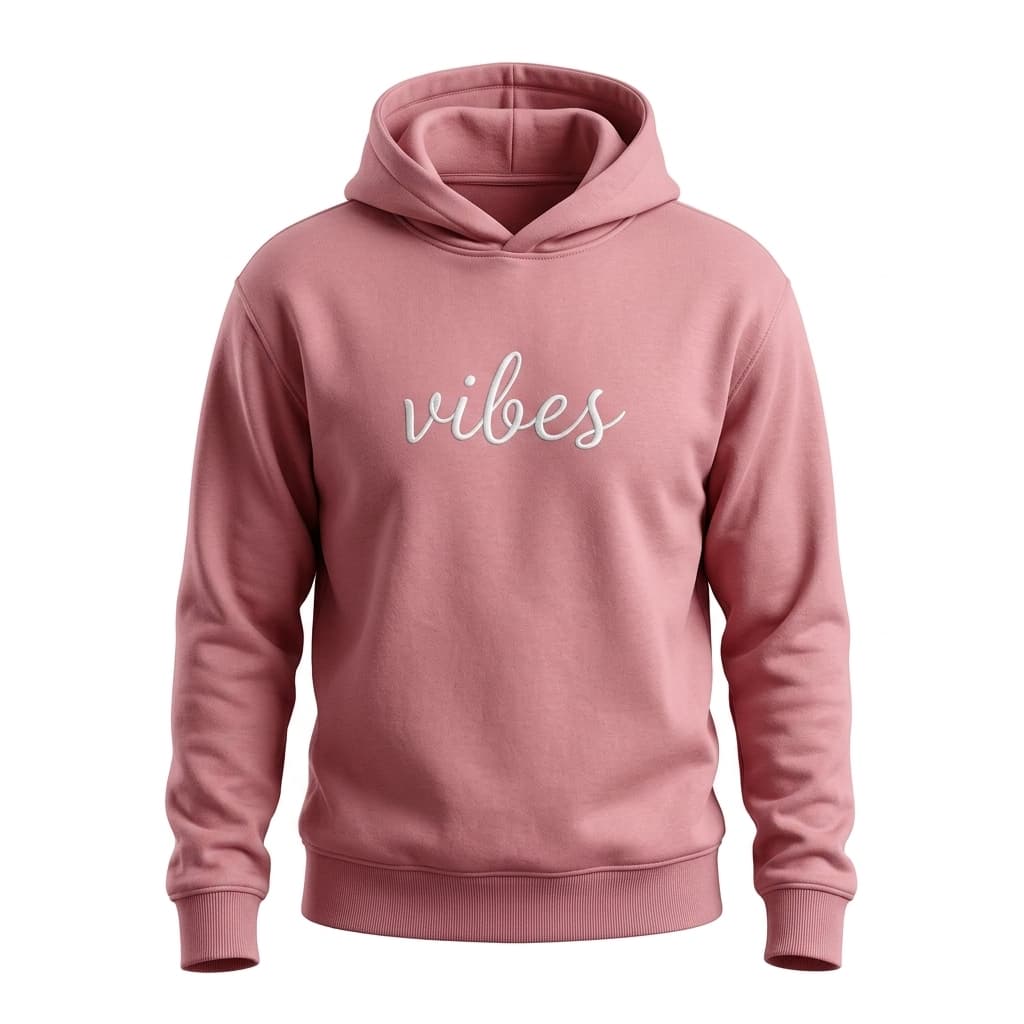
LUXE BASICS
Vibes Hoodie
$58
Why BigCommerce stores choose Photta
BigCommerce is built for mid-market and enterprise stores where each conversion is worth defending. A virtual try-on closes the confidence gap on apparel, jewelry, and eyewear — categories where shoppers abandon because they cannot tell how it will look.
- 🚀
No app store wait
Skip the BigCommerce App Marketplace approval cycle. Drop the widget into Page Builder today — no review queue, no app store revenue share.
- 🎨
Works with every Stencil theme
Cornerstone, Fortune, Vault, Roots — every modern Stencil theme renders Photta correctly without overrides.
- 🌍
BigCommerce Multi-Storefront ready
Run the same widget across all storefronts, or use separate keys per channel for isolated analytics.
- 📉
Designed for return-rate reduction
Mid-market apparel return rates often hit 35%. Photta's cohort data shows 25–30% return reduction on stores that ship a virtual try-on.
Built for BigCommerce stores at every scale
- 100%
- Stencil theme compatibility
- −27%
- Avg apparel return reduction
- 0%
- App marketplace fees
- 29
- Languages out of the box
How Photta installs on BigCommerce
- 1
Get your widget key
Sign up at business.photta.app and copy your pk_live_… key from the dashboard.
- 2
Add a Page Builder Custom HTML widget
On any product page template, drag a Custom HTML widget into the Page Builder layout and paste the Photta script tag.
- 3
Customize and publish
Pick brand colors, button position, and supported product types from the Photta dashboard. Publish the BigCommerce template — done.
The BigCommerce install snippet
Open your BigCommerce control panel → Storefront → Page Builder → edit your product page template. Drag a Custom HTML widget where you want the try-on button. Paste the snippet and replace pk_live_REPLACE_ME with your key.
<!-- Drop into a BigCommerce Page Builder Custom HTML widget -->
<script
  src="https://widget.photta.app/sdk.js"
  data-pk="pk_live_REPLACE_ME"
  defer></script>
Designed for BigCommerce merchants
BigCommerce Cart-aware
Try-on results show an add-to-cart button using your product's variant data, including SKU-level pricing.
Multi-Storefront support
Use one widget key across all storefronts, or assign per-channel keys to isolate analytics for B2B vs DTC channels.
Mobile checkout optimized
Tap-friendly try-on flow that takes the shopper from upload to add-to-cart in three taps.
Bot-proof
hCaptcha + BotD signals stop scrapers from burning your monthly try-on credits — enterprise stores can request dedicated concurrency.
Brand-customizable
Colors, button copy, position, and supported product types all controlled from the Photta dashboard. Hide Photta branding on Growth and Enterprise plans.
ROI dashboard
Per-SKU try-on counts, conversion deltas, and projected return-rate savings — exportable for your BigCommerce reporting.
BigCommerce integration FAQ
- No. Photta installs as a Custom HTML widget in Page Builder. There is no marketplace app to install, no app review wait, and no marketplace revenue share. You pay Photta directly.
Pricing for BigCommerce stores at every stage
Three tiers from $49/mo. 14-day free trial, no credit card required.
View plansAdd virtual try-on to your BigCommerce store today
Page Builder install in under 5 minutes. 14 days free, no credit card.
Start free trial