
Product Photos for BigCommerce,
Made by AI
AI BigCommerce product photos give your store clean, consistent listing images. Upload a quick photo of each item, pick a model, and get sharp white background and lifestyle shots sized to load fast on your BigCommerce storefront without booking a studio or a photographer.


How to shoot BigCommerce listings with AI

Upload your product
Add a photo of the item you want to sell. A clear phone shot on a plain surface is enough for Canvas to work from.

Pick a model and style
Choose an AI model, then set one background and lighting style so every product page on your store matches.
Generate and publish
Get up to four variants, pick the cleanest, and upload sharp images sized to load fast on your BigCommerce store.
Watch it in action
A consistent, fast loading store look without a studio.
Built for BigCommerce stores
Explore all virtual try-on tools
Sized for your storefront
Get square, sharp images that fit BigCommerce product pages and thumbnails cleanly on desktop and mobile.
Get Started Free
Consistent store look
Reuse the same background and lighting across every product so your storefront reads as cohesive and professional.
Try It Now
Fast loading images
Clean, right sized images keep product pages quick, which protects both the shopper experience and your conversion rate.
Explore Features
Use Cases
What you can shoot
White background
A clean, square white background main image that fits BigCommerce product pages and reads sharp at any size.
Lifestyle
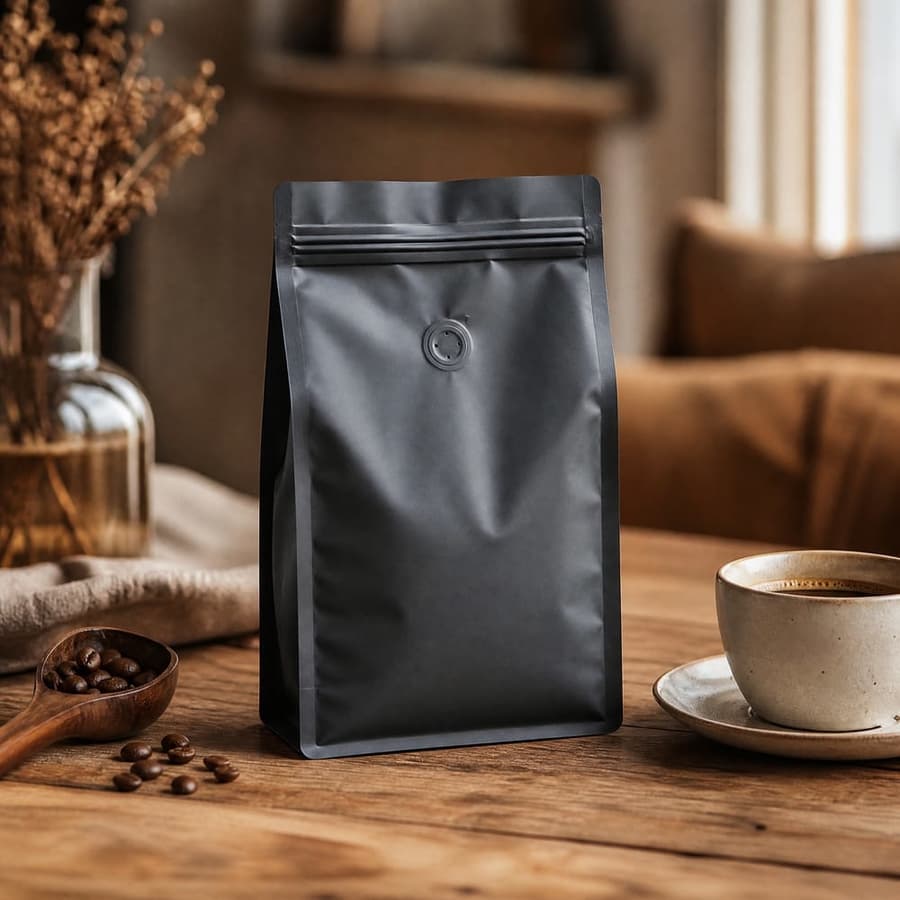
Your product in a real setting so shoppers picture it in use and understand its size and context.
Multiple angles
Front, side, and back shots that give shoppers the full view and cut down on returns from surprises.
Zoom detail
A sharp close up of texture or finish that holds up when a shopper zooms in on the product page.
Variant images
Matching shots across colors or styles so every product option looks consistent in your store.
Category banner
A clean styled image to head a category or collection page and tie your storefront together.
Your next shoot starts here.
Upload your product. Start creating photos, videos and ads that feel like your brand.
- 20 free credits
- No credit card required
- Cancel anytime


