
Create Stunning
Jewelry Flat Lay Photos
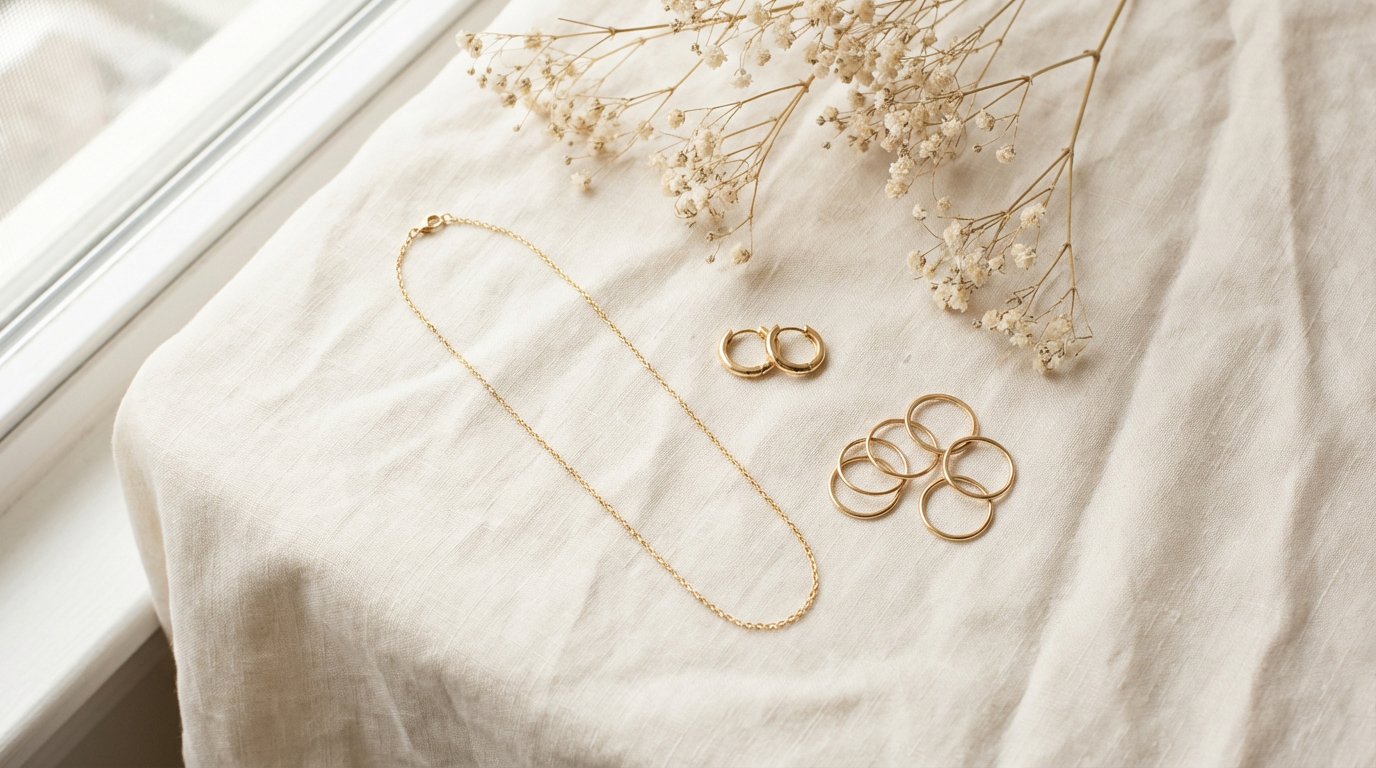
Upload your jewelry pieces and get beautifully composed flat lay overhead photos in seconds. Elegant surfaces, perfect arrangement, professional lighting, ready for Instagram and your store.
 Continue with a sample product
Upload 1-4 jewelry pieces on a plain background. You can also add a surface reference photo, marble, velvet, linen, or wood, to guide the flat lay composition.
 Continue with a sample product
Upload 1-4 jewelry pieces on a plain background. You can also add a surface reference photo, marble, velvet, linen, or wood, to guide the flat lay composition.
Start creating jewelry flat lay photos now
How to Create Professional Jewelry Flat Lay Photos

Upload Your Jewelry
Upload 1-4 jewelry pieces. Rings, necklaces, earrings, and bracelets all work well together. The AI arranges them into a balanced, natural overhead composition.

Add a Surface Reference
Upload an optional surface texture, marble, velvet, or linen, to define the flat lay base. Without one, the AI selects an elegant surface that complements your pieces.

Download Your Flat Lay
Get two high-resolution overhead jewelry flat lay photos. Perfect for Instagram feeds, product listings, and editorial lookbooks.
Watch it in action
Overhead beauty without the overhead cost
Why Use AI Jewelry Flat Lay Photography?
Explore all virtual try-on tools
Up to 4 Pieces Per Composition
Arrange rings, necklaces, earrings, and bracelets into one balanced flat lay. The AI positions each piece for a natural, editorial look that showcases the collection.
Get Started Free
Custom Surface Textures
Choose your flat lay surface with a reference upload, marble, velvet, linen, wood, or sand. Or let the AI match a surface to your jewelry's style and metal tones automatically.
Try It Now
Perfect for Instagram & Etsy
Flat lay photos are the most shared format on visual platforms. Generated in square format, they're optimized for Instagram posts, Etsy carousels, and Pinterest boards.
Explore Features
Frequently Asked Questions
Everything about AI jewelry flat lay photography
Still have questions?
Contact SupportYour next shoot starts here.
Upload your product. Start creating photos, videos and ads that feel like your brand.
- 20 free credits
- No credit card required
- Cancel anytime


