
Phone Photo to Product Photo,
Converted by AI
Phone photo to product photo turns a snapshot into a studio shot with AI. Upload one image from your phone, pick a model, and get a clean background and professional lighting without a camera, a studio, or any editing skills.
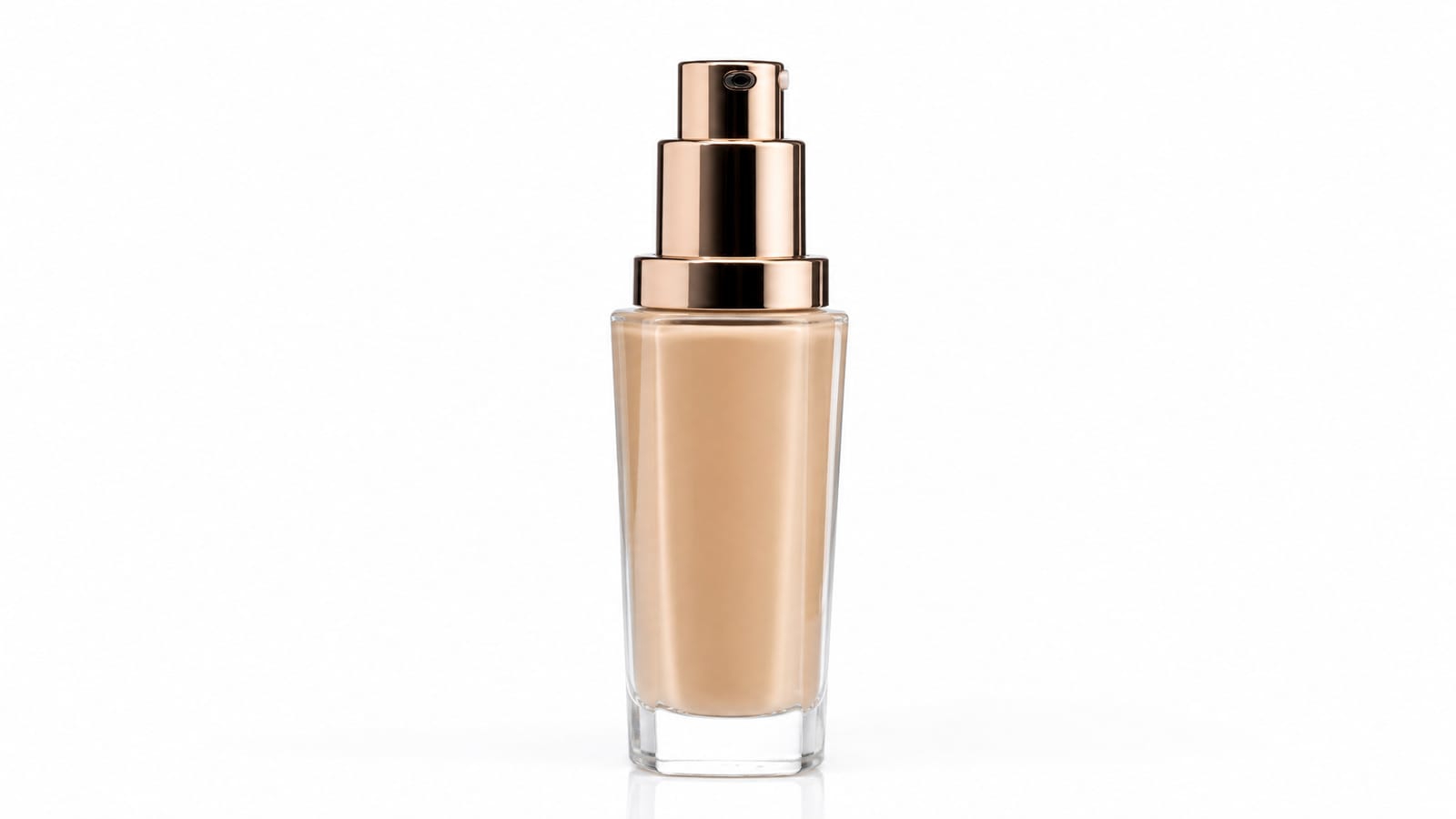
How to convert a phone photo
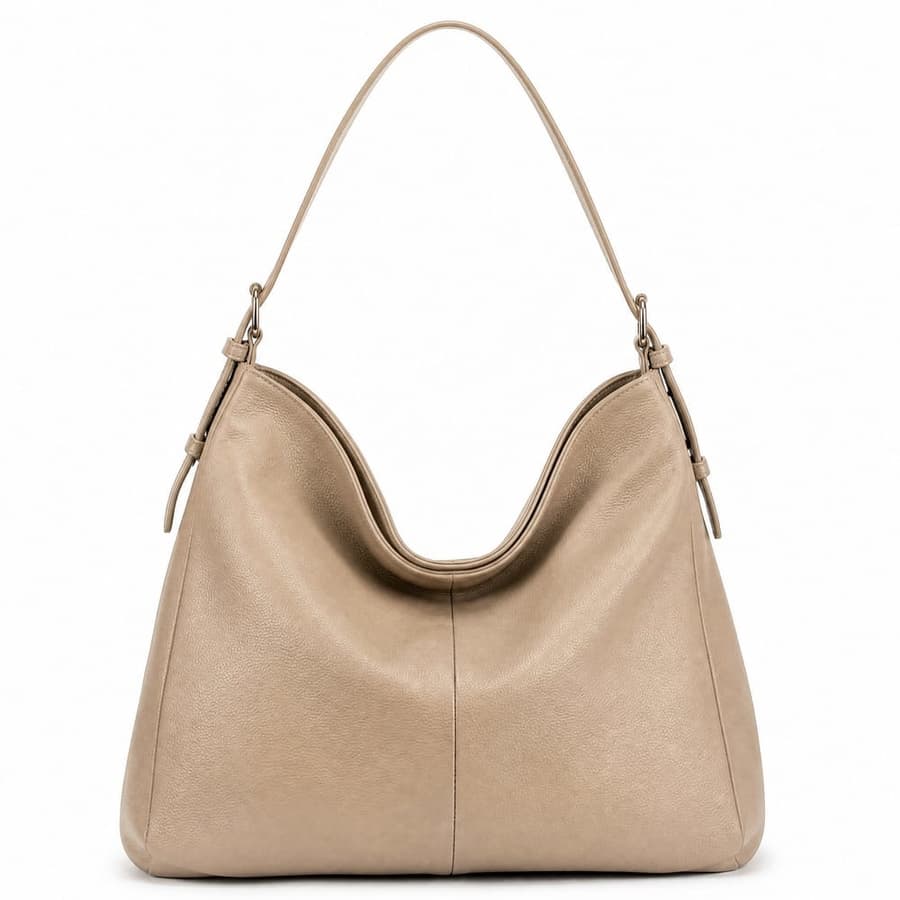
Upload your snapshot
Take a photo of your product on your phone and upload it. A simple, in focus shot is all Canvas needs to start.
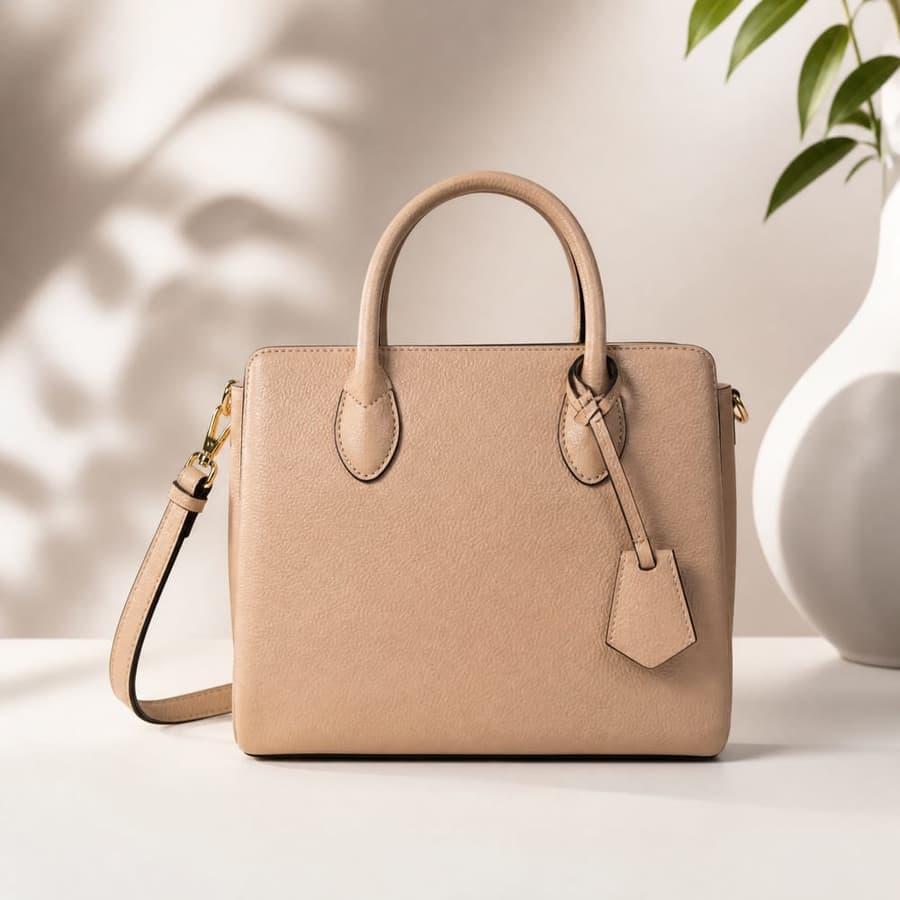
Pick a model and look
Choose an AI model, then describe the result, from a clean white background to a styled studio or lifestyle scene.
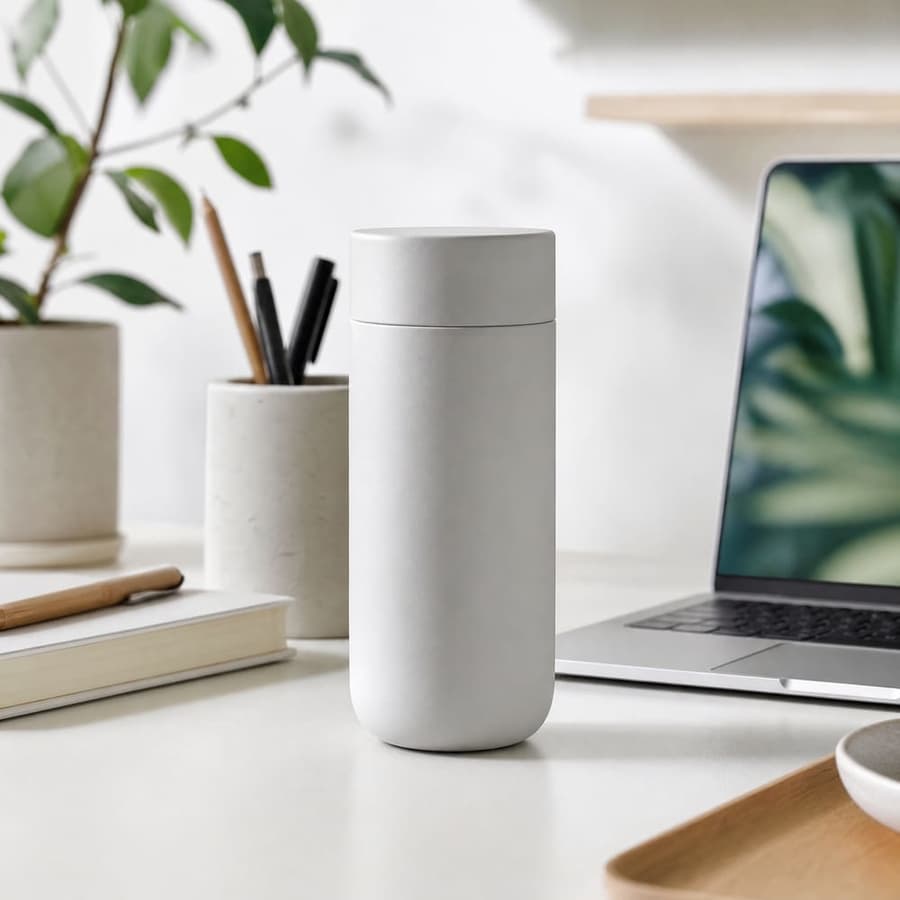
Generate and download
Get up to four variants, compare the before and after, and download the studio shot that fits your listing.
Professional product photos from the camera already in your pocket.
From phone to studio
Explore all virtual try-on tools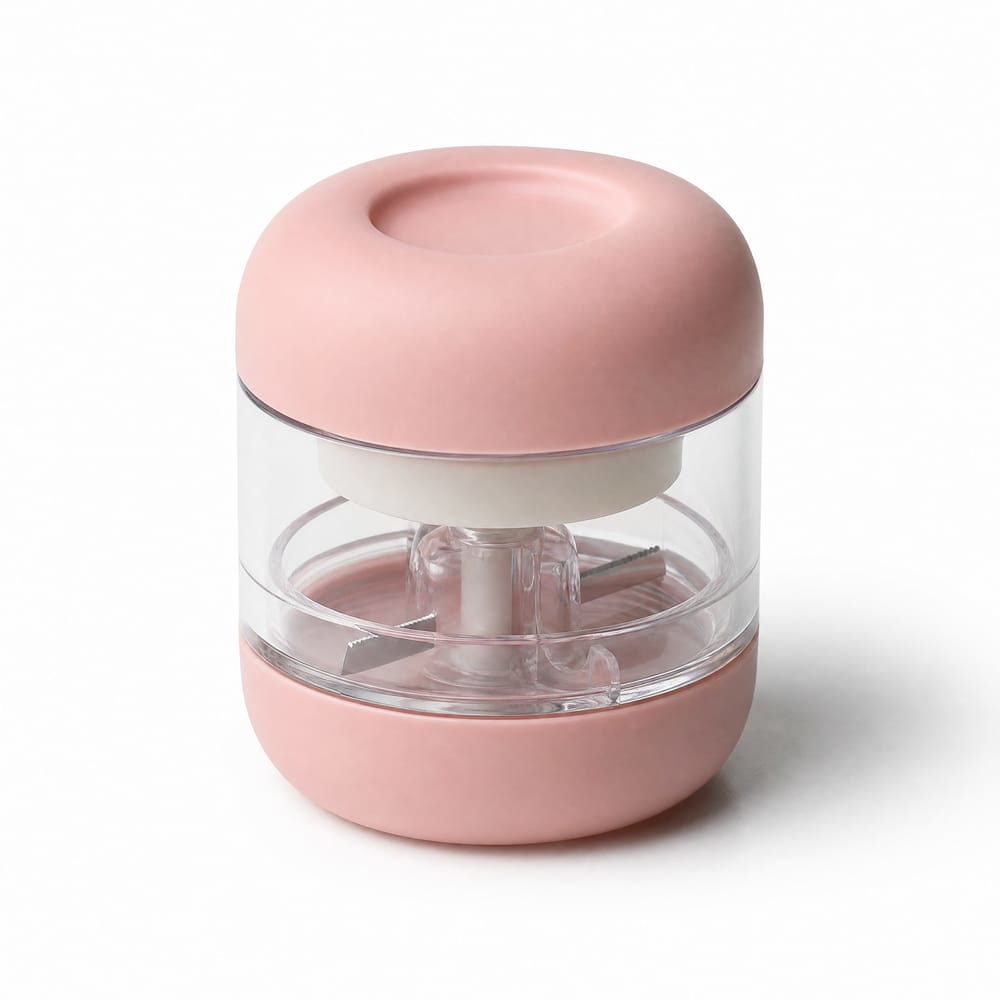
Clear before and after
Start with a plain phone snapshot and end with a clean studio shot, so the jump in quality is obvious in your listing.
Get Started FreeNo camera or studio
Skip the lights, backdrop, and tripod. Canvas adds the clean background and pro lighting for you.
Try It Now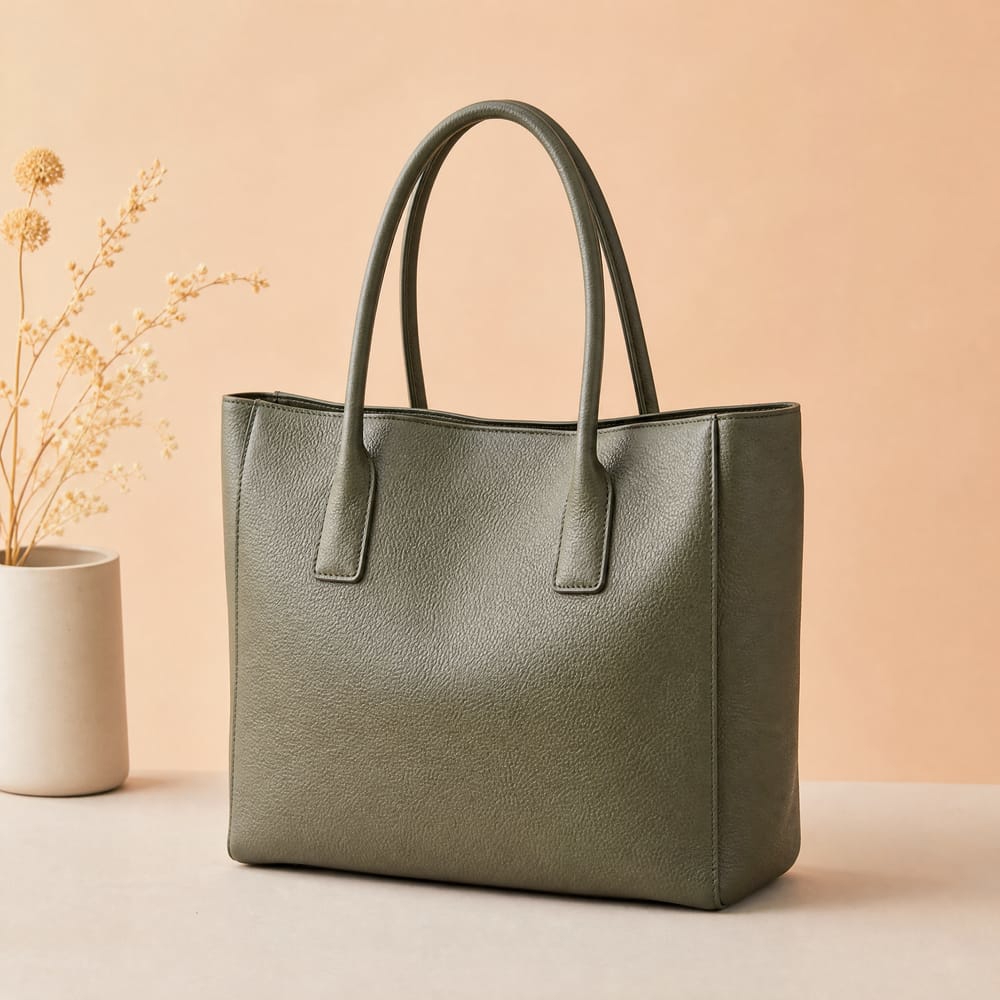
True to your product
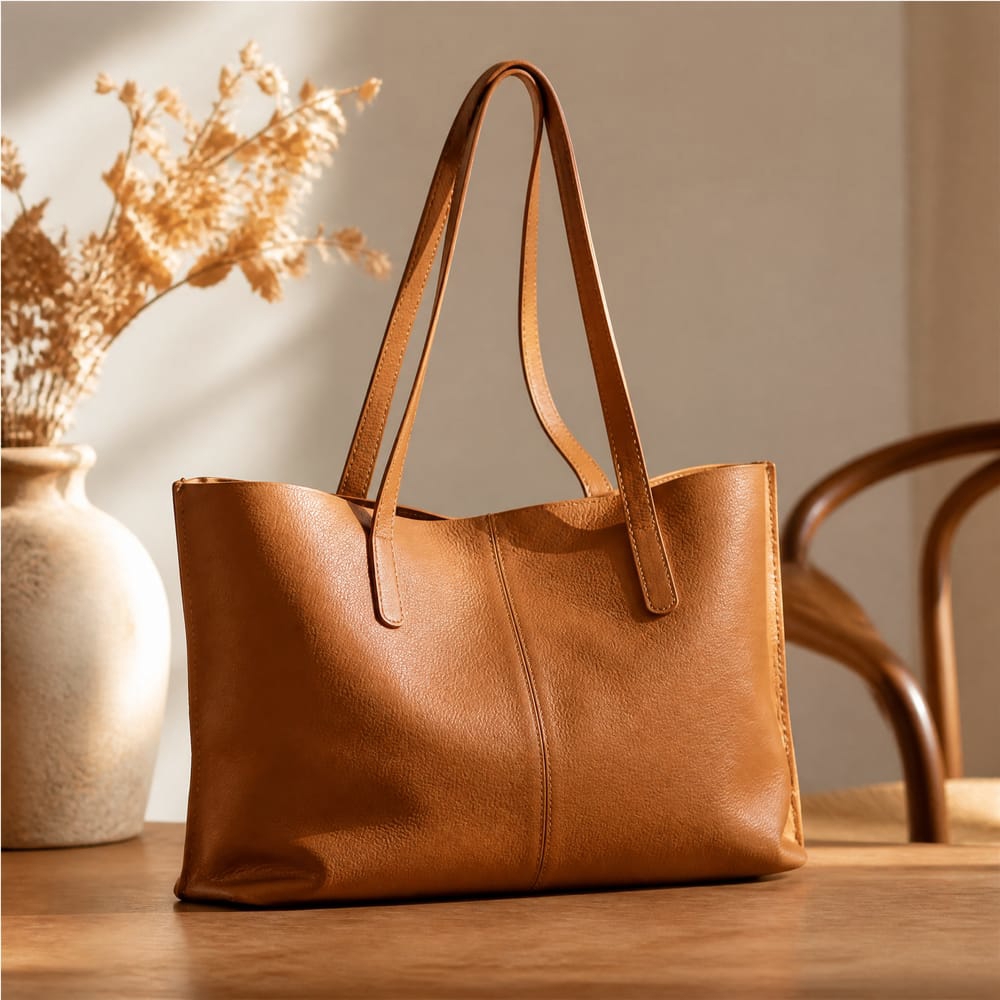
Canvas keeps the real shape, color, and detail of your item so the upgrade still looks like the actual product.
Explore FeaturesTry out related tools
Use Photta's wide range of powerful AI tools to generate, edit, and enhance your virtual try on clothes images and product photos.
AI Generation Tools
Virtual Try-On Solutions
Image Enhancement Tools
Background Editing Tools
Ready to Transform Your Fashion Business?
Join thousands of brands using Photta's AI tools