
Virtual Pendant Try On AI Pendant Size Visualizer & Chain Length Preview
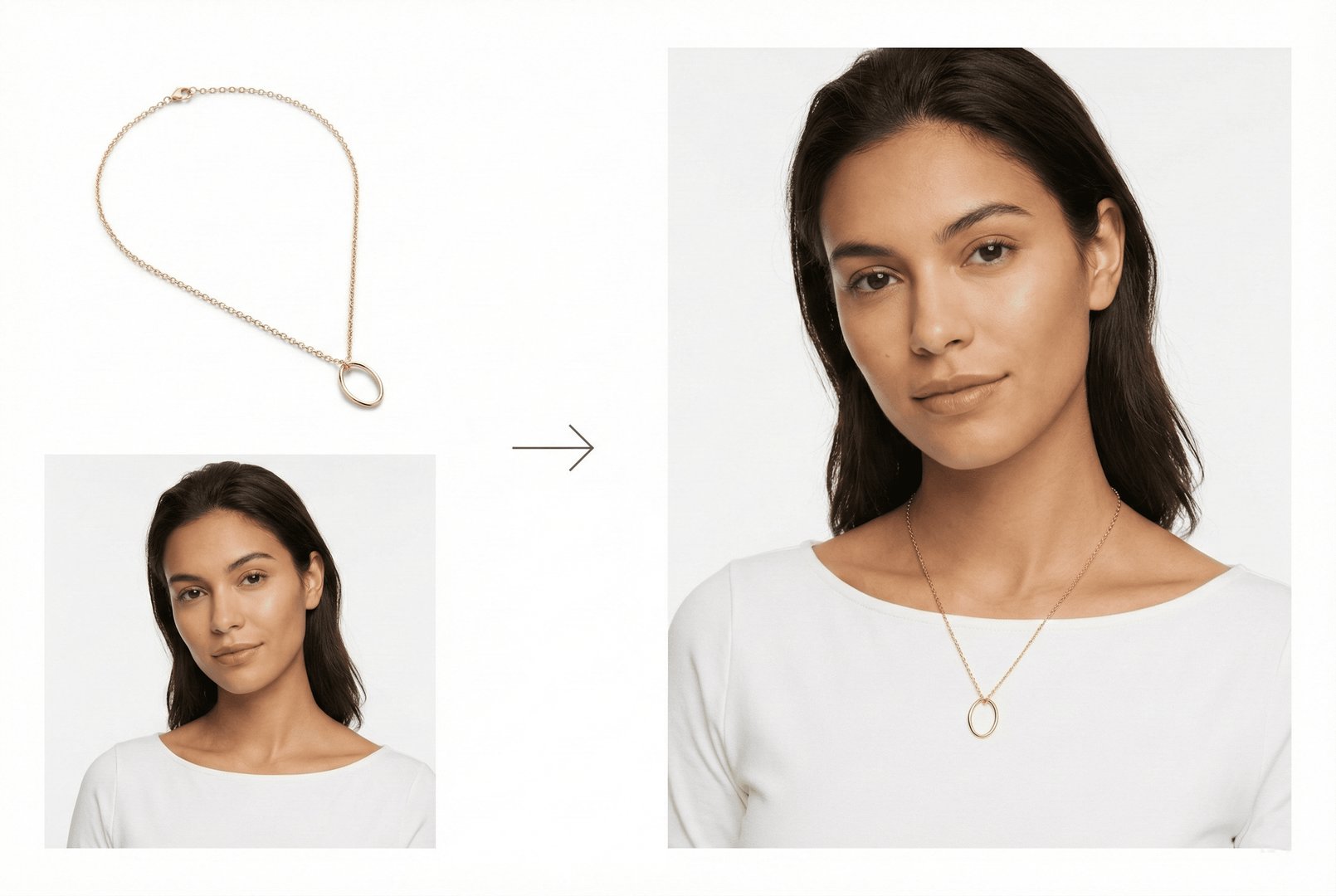
Will that pendant be too big? Will it hang at the right spot? Our free AI pendant try-on shows you exactly how pendants, lockets, and medallions look on different chain lengths and body types. Visualize pendant proportions on various necklines to find your perfect piece.
For Best Pendant Results
Use clear product photos showing the pendant from the front. Our AI calculates pendant size and shows how it hangs on different chain lengths. Works with all styles: gemstone pendants, initial letters, religious symbols, lockets, and medallions.
Visualize Your Pendant
How Pendant Try On Works

1Upload Pendant Image
Upload your pendant photo - gemstone pendants, initials, symbols, lockets, or medallions. Our AI analyzes pendant size and shape for accurate visualization.

2Select Chain Length & Model
Choose chain length (16", 18", 20", 24") and model with your preferred neckline. See how the pendant sits at different lengths.

3Get Realistic Preview
Our AI renders the pendant with accurate size proportions and natural hanging position. Compare different chain lengths to find the perfect look.
Why Use Virtual Pendant Try On?
Find the perfect pendant size and chain length combination.
Explore all virtual try-on tools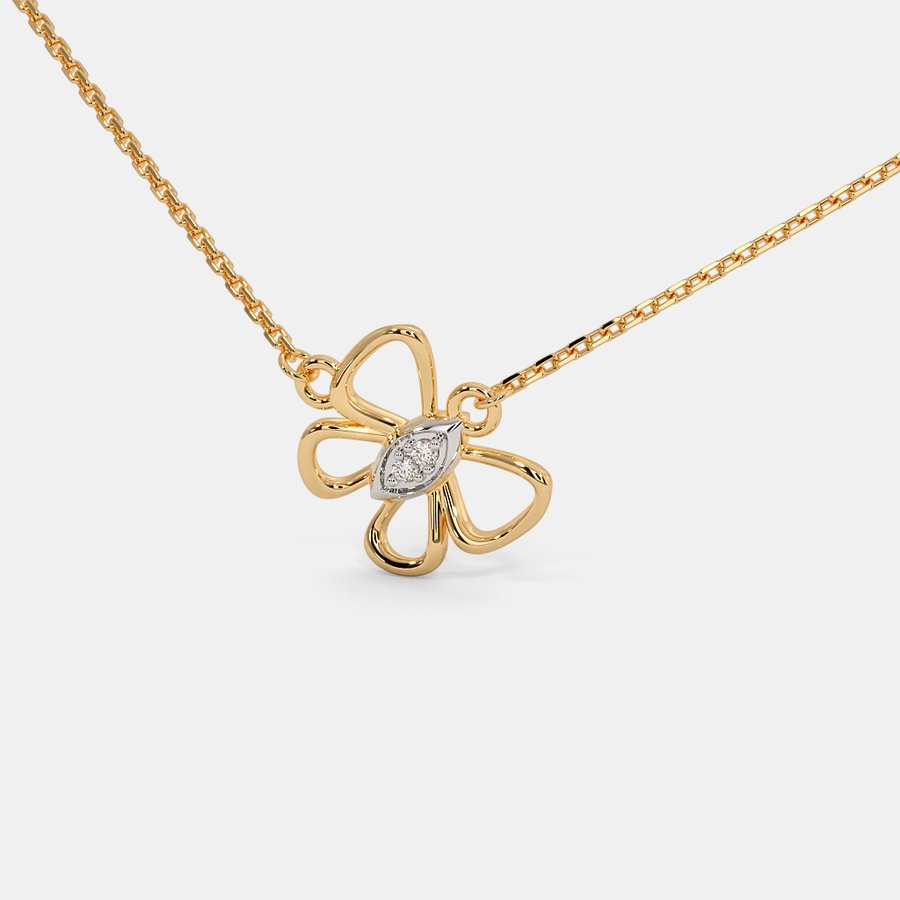
Pendant Size Visualization
A 15mm pendant looks very different from a 30mm statement piece. Our AI shows accurate pendant sizes on your body type so you choose the right proportion.
Get Started FreeChain Length Pairing
The same pendant looks different on a 16" choker length vs a 24" long chain. See how your pendant works with different chain lengths.
Try It Now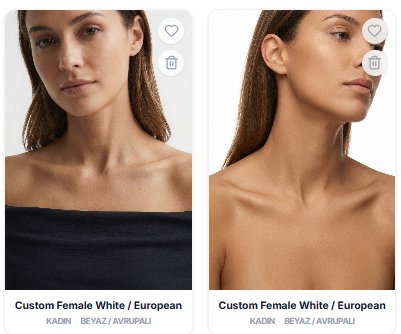
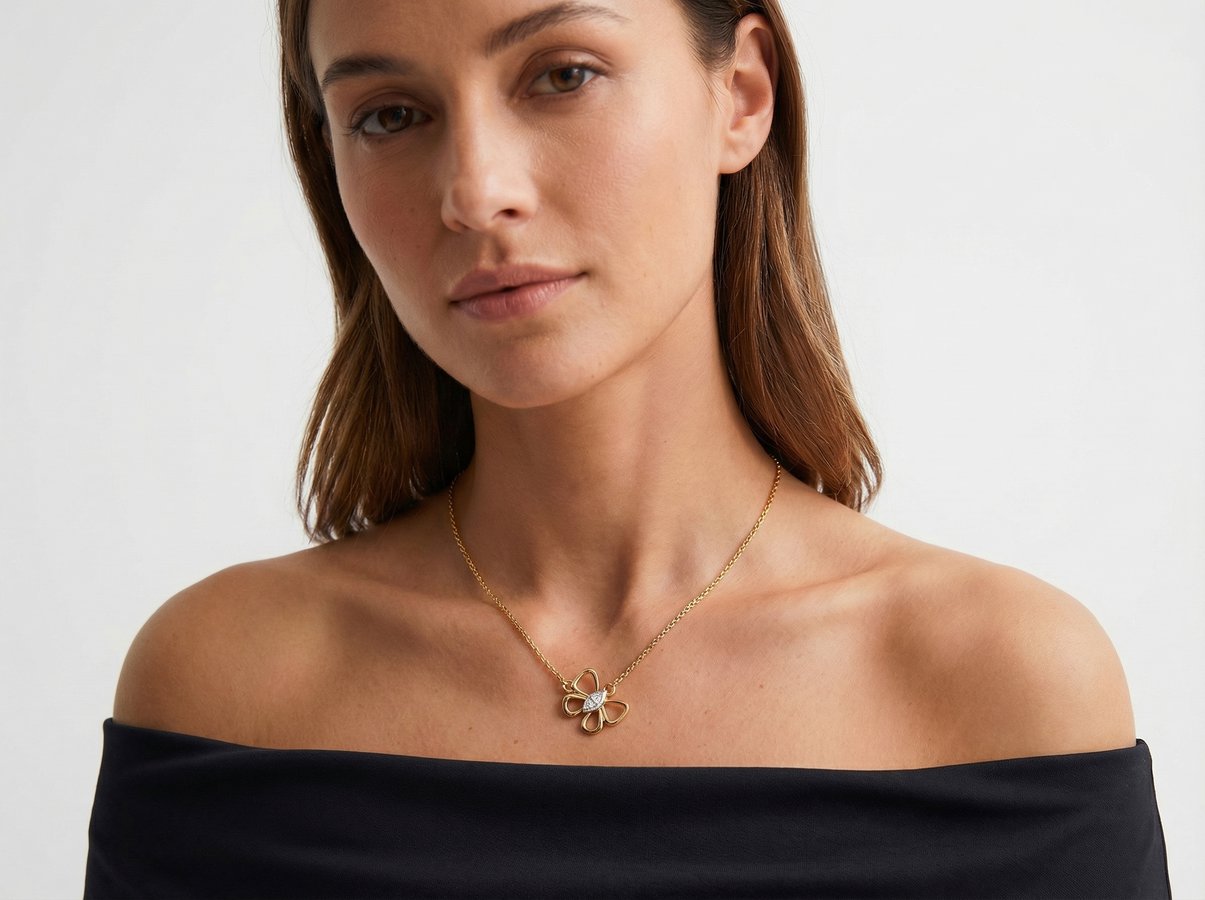
Neckline Compatibility
See how pendants look with V-necks, crew necks, and open collars. Find pendant lengths that complement your wardrobe.
Explore FeaturesWho Uses Pendant Try On?
From meaningful symbols to statement pieces - virtual pendant fitting for perfect necklace styling
Meaningful Jewelry Shoppers
Find pendants with personal meaning - initials, birthstones, or symbolic designs. See how they look on you before making this personal purchase.
Layering Enthusiasts
Build perfect pendant layers. Try different pendant sizes and chain lengths together to create your ideal layered necklace look.
Jewelry E-Commerce Brands
Showcase pendant collections with virtual try-on. Help customers visualize how pendants fall and look against their neckline.
Religious Jewelry Buyers
Find cross, hamsa, om, or other faith-based pendants. Try different sizes and styles for daily wear or special occasions.
Gift Shoppers
Find the perfect pendant gift. Visualize how birthstone, initial, or meaningful pendants would look on your recipient.
Statement Jewelry Lovers
Try bold, large pendants for statement looks. See how oversized or unique pendant designs transform your outfit.
Pendant Try On FAQ
Common questions about virtual pendant visualization
Very accurate. We render pendants at their actual dimensions proportional to body size. See exactly how a 10mm vs 25mm pendant looks on you.
Yes! Try the same pendant on 16", 18", 20", 22", and 24" chains to see which length positions the pendant where you want it.
All styles work great - gemstone pendants, diamond solitaires, initials, religious symbols, hearts, lockets, and medallions. Upload any pendant image.
Our AI simulates natural pendant positioning based on size and weight. Heavy medallions hang differently than delicate gemstone drops - we capture that.
Yes! Visualize pendant necklaces combined with plain chains at different lengths. Create your perfect layered necklace look.
Absolutely! See how initial pendants, name necklaces, or custom designs will look at different sizes before ordering your personalized piece.
Still have questions?
Contact SupportTry out related tools
Use Photta's wide range of powerful AI tools to generate, edit, and enhance your virtual try on clothes images and product photos.
AI Generation Tools
Virtual Try-On Solutions
Image Enhancement Tools
Ready to Transform Your Fashion Business?
Join thousands of brands using Photta's AI tools