
Virtual Bangle Try On AI Bangle Stacking Visualizer & Size Preview Tool
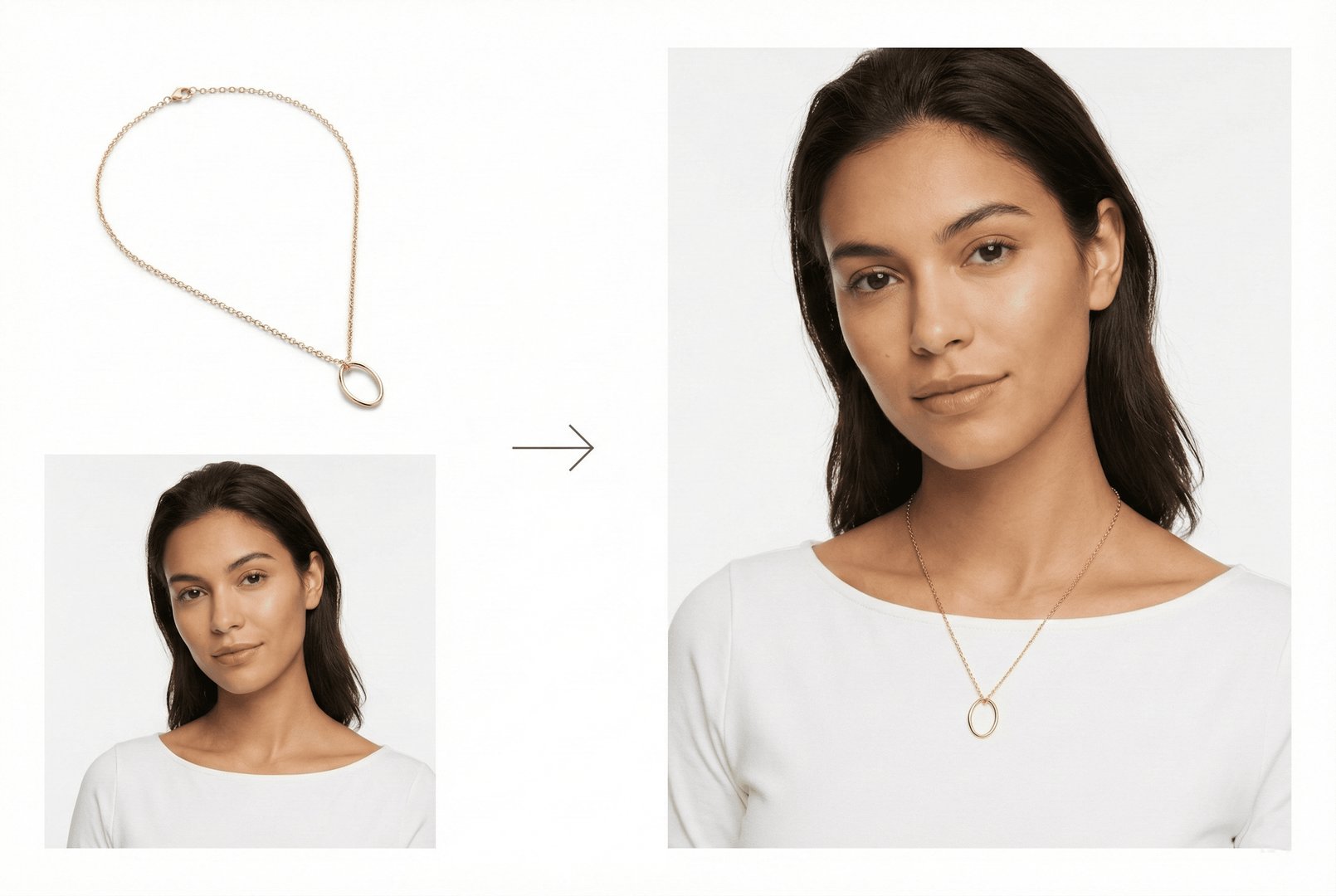
Dreaming of the perfect bangle stack? Our free AI bangle try-on shows you exactly how gold, silver, and mixed-metal bangles look stacked on different wrist sizes. Visualize thin stacking bangles, statement cuffs, and traditional bangle sets with accurate width proportions.
For Best Bangle Results
Use clear product photos of bangles showing width and design details. Our AI visualizes bangles on different wrist sizes with accurate proportions. Works with all styles: thin stacking bangles, wide cuffs, hinged bangles, and traditional slip-on designs.
Create Your Bangle Stack
How Bangle Try On Works

1Upload Bangle Image
Upload your bangle photo - thin stacking styles, wide cuffs, hinged designs, or traditional slip-on bangles. Our AI analyzes width and inner diameter.

2Select Wrist Model
Choose from wrist models with different sizes and skin tones. See how bangles look on petite, medium, and larger wrists.

3Visualize & Stack
See individual bangles or create stacked looks with multiple pieces. Our AI shows realistic proportions and how bangles sit on your wrist.
Why Use Virtual Bangle Try On?
Build the perfect bangle stack without the guesswork.
Explore all virtual try-on tools
Stack Visualization
See how multiple bangles look together before buying a set. Mix thin and wide styles, gold and silver, for your perfect curated stack.
Get Started FreeWidth Proportion Preview
A 4mm thin bangle looks different from a 20mm wide cuff. Our AI shows accurate widths so you know exactly how much wrist real estate each bangle takes.
Try It Now
Inner Diameter Check
Slip-on bangles must fit over your hand. Our visualization helps you see if bangle proportions match your wrist and hand size combination.
Explore FeaturesWho Uses Bangle Try On?
From everyday stacking to special occasions - virtual bangle fitting for wrist perfection
Bangle Stack Enthusiasts
Build the perfect bangle stack. Try different combinations of thin, thick, plain, and decorated bangles to create your signature look.
Bridal Jewelry Shoppers
Find wedding bangles for your special day. Try traditional bridal sets, chura, or modern wedding bangles virtually.
Jewelry E-Commerce Brands
Showcase bangle collections with virtual try-on. Help customers see how bangles fit and stack on their wrists.
Cultural Celebration Shoppers
Find bangles for Diwali, Eid, weddings, and cultural celebrations. Try traditional glass, gold, and kundan bangles.
Everyday Accessory Lovers
Find bangles for daily wear. Try sleek, modern designs that transition from office to evening effortlessly.
Gift Shoppers
Find the perfect bangle gift set. Visualize how different styles would look and choose a meaningful present.
Bangle Try On FAQ
Common questions about virtual bangle visualization
Yes! Our tool excels at bangle stacking visualization. See how 2, 3, 5, or more bangles look stacked together to plan your perfect arm candy.
Very accurate. We render bangles at their actual widths proportional to wrist size. See exactly how a 3mm thin bangle vs a 15mm wide cuff looks on your wrist.
Absolutely! Combine thin stacking bangles with wider cuffs, mix metals, or layer textured with smooth designs. See how your combination looks before buying.
Both styles work great. Hinged bangles with clasps show as closed on the wrist. Slip-on bangles show how they sit once on your arm.
Yes! Our visualization shows how bangle inner diameter relates to wrist fit. See if a bangle will be snug, comfortable, or oversized on your wrist.
Yes! Upload images of traditional bangle sets (like Indian kadas or charm bangles) and see how the full set looks stacked on your wrist.
Still have questions?
Contact SupportTry out related tools
Use Photta's wide range of powerful AI tools to generate, edit, and enhance your virtual try on clothes images and product photos.
AI Generation Tools
Virtual Try-On Solutions
Image Enhancement Tools
Ready to Transform Your Fashion Business?
Join thousands of brands using Photta's AI tools